# FAQ Hub: Full Content
FAQ Hub builds a help centre and an in-app AI assistant from your own website and docs, so fewer repeat questions reach your support team. Answers come only from your content, and when the assistant does not know it says so and hands the question to your team.
# Core Pages
## Home
URL: https://www.faqhub.io/
Paste your website URL and get a help centre and in-app assistant built from your own content. You can edit, unpublish or correct any answer at any time.
## Pricing
URL: https://www.faqhub.io/pricing/
Free trial: 7 days, no card, 25 articles and 25 AI conversations. Starter: $49 a month or $528 a year, 1 product, 500 articles, 300 AI conversations a month (AI searches included), up to 7 team seats. Growth: $99 a month or $1,068 a year, 3 products, 3,000 articles, 750 AI conversations a month (AI searches included), up to 23 team seats, custom domain, FAQ Hub branding removed, escalations to Slack, Teams, Telegram, n8n or Zapier. Enterprise: from $399 a month, sales-led, 10 products, 6,000 articles, 3,000 AI conversations a month (AI searches included), up to 110 team seats. One conversation is one visitor chat session with the AI assistant, about 3 answers from your content. When the monthly allowance runs out the assistant pauses until it resets or you upgrade, and nothing is billed automatically on top of the plan.
## Founding customer setup
URL: https://www.faqhub.io/support-reset/
Your help centre and AI assistant, live in 5 working days. $299 one-off, credited against the first 3 months of Growth ($99 a month). If it does not answer your top 10 questions correctly by day 5, you do not pay. Limited to 5 founding customers.
## Customer Service
URL: https://www.faqhub.io/customerservice/
Answers with sources and handoff to a person for customer-service teams.
## Education
URL: https://www.faqhub.io/education/
Answers with sources from your policies, course guidance, and student support content.
## Startups
URL: https://www.faqhub.io/startup/
Support infrastructure for lean startup teams working from existing product knowledge.
## SaaS
URL: https://www.faqhub.io/saas/
Hosted and in-product support from one set of articles.
# Free Tools
## Self-Service Answer Check
URL: https://www.faqhub.io/tools/ai-answer-readiness/
Ten plain questions: can customers find your answers, trust them, and reach a person when the answer is missing?
## Support Cost Calculator
URL: https://www.faqhub.io/tools/support-cost-calculator/
Turn ticket volume and handling time into a monthly cost and the team hours you could get back.
## SaaS FAQ Generator
URL: https://www.faqhub.io/tools/saas-faq-generator/
Create a twelve-question FAQ brief around your product, audience, and support pressure.
## FAQ Coverage Gap Audit
URL: https://www.faqhub.io/tools/faq-gap-audit/
Score coverage across key support topics and build a prioritised content backlog.
## SaaS Product Mockup Generator
URL: https://mockup.faqhub.io/
Turn product screenshots into clean launch-ready mockups.
# Featured Resources
## Host FAQ Hub Support and Automate Your Knowledge Base
URL: https://www.faqhub.io/blog/how-to-host-faq-hub-support-and-automate-your-knowledge-base/
Run a hosted help centre and an in-product assistant from one place, with Git and MCP automation.
## Prevent Documentation Rot with Git, MCP and FAQ Hub
URL: https://www.faqhub.io/blog/prevent-documentation-rot-with-git-mcp-and-faq-hub/
Keep help content current by syncing it from Git as drafts, one product at a time.
## Clean Up a Knowledge Base Before Launching AI Support
URL: https://www.faqhub.io/blog/how-to-clean-up-a-knowledge-base-before-launching-ai-support/
Prepare your source material for AI support without importing contradictions or stale policy.
## Human Handoff Without Starting Over
URL: https://www.faqhub.io/blog/when-ai-support-cannot-answer-human-handoff-without-starting-over/
Preserve conversation and journey context when AI support needs a human or support ticket.
## Beyond Chatbots: The Age of Agentic Workflows
URL: https://www.faqhub.io/blog/beyond-chatbots-how-to-build-2026s-ai-driven-customer-experience-without-killing-user-trust/
A guide to AI-driven customer experiences that keep the trust of your customers.
## 2026 Agentic AI Strategy
URL: https://www.faqhub.io/blog/agentic-ai-strategy-2026-how-to-move-from-chatbots-to-a-silicon-workforce/
A strategy essay on moving from chatbots toward AI agents.
## What Support Costs Your Team
URL: https://www.faqhub.io/blog/why-do-support-tickets-increase-by-300-after-product-launch/
Analysis of support demand, launch pressure, and the cost of repeated questions.
# FAQ Hub Videos
URL: https://www.faqhub.io/videos/
## FAQ Hub in action: support inside the product
URL: https://www.faqhub.io/videos/faq-hub-in-action/
YouTube: https://www.youtube.com/watch?v=P_0Y5WG_jdY
See FAQ Hub in action with an in-product support demonstration.
## The right answer for the wrong market is still wrong
URL: https://www.faqhub.io/videos/right-answer-right-market/
YouTube: https://www.youtube.com/watch?v=2thkArPxaoM
Watch the FAQ Hub video on why the right answer still needs the right context.
## From reviewed docs to checkable answers
URL: https://www.faqhub.io/videos/reviewed-docs-checkable-answers/
YouTube: https://www.youtube.com/watch?v=k8ozz2Cg0Ic
Watch how FAQ Hub moves from your documentation to answers users can check.
## FAQ Hub founder launch
URL: https://www.faqhub.io/videos/founder-launch/
YouTube: https://www.youtube.com/watch?v=-pyywbknOLs
Watch the founder launch video introducing FAQ Hub and AI customer support that answers from your content.
# Article Corpus
## Does FAQ Hub Have Live Chat and a Ticketing System?
URL: https://www.faqhub.io/blog/faq-hub-live-chat-agent-notifications-built-in-ticketing
Category: AI in Customer Support
Published: 2026-09-27
Yes. FAQ Hub has live chat with human replies, configurable notifications for the team, and a ticketing system in the backoffice. They are part of the support workflow, not features you have to assemble from a separate helpdesk before a customer can reach you.
The distinction matters when a customer asks something your knowledge base cannot answer. A helpful article or AI reply is one outcome. A person continuing the conversation, or a ticket that somebody can work later, is another. FAQ Hub supports both paths.
## What happens when a customer asks for a person?
A visitor can use **Talk to a human** in chat or ask for a person in their message. The session is marked as escalated and appears in FAQ Hub's live-chat backoffice. Staff can open the stored conversation, see the customer's messages and surrounding page or search context, and reply in the same thread. Replies are delivered to the visitor in real time while the connection is active.
That is a staffed conversation, not just a form that emails a transcript. The team still needs to be available to answer; enabling live chat does not promise an instant response or imply that every visitor has a dedicated agent.
## How does the team find out?
Escalated chats appear in the live-chat dashboard. Tenant administrators can also configure notification channels for new escalations and tickets, including Slack, Microsoft Teams, Telegram, n8n, and Zapier. These channels need to be set up and active before external alerts can be sent.
An alert is a prompt to look at the work, not the conversation's permanent home. Staff can read the full stored chat inside FAQ Hub; external notifications carry a bounded recent excerpt and relevant context. This keeps the actual reply and history in the support workspace rather than in a webhook message.
## What if the issue needs a ticket?
The visitor can choose **Create a ticket** in the chat panel. FAQ Hub asks for an email address if it does not already have one, then creates a support ticket linked to the chat session. The latest visitor message becomes the initial description, and the ticket retains useful context such as the page, search query, and escalation reason where available.
The built-in ticket dashboard lets staff view tickets, inspect the linked conversation, add comments, and change status. A ticket gives the team an ongoing record when a live reply is not the right next step. It does not require an external helpdesk to exist, though teams can configure external alerts for tickets too.
## Which path should a support team test?
Try a question with no documented answer. Request a human, confirm the escalation appears in the live-chat dashboard, and send a staff reply. Then start another chat, create a ticket, and check that the ticket includes the conversation context. Finally, enable a notification channel and check what the alert actually contains.
If your team is comparing support tools, test that sequence before comparing feature lists. FAQ Hub's job here is specific: answer from your published knowledge where possible, and keep the conversation and follow-up inside one support workflow when a person is needed. For the limits of transcript continuity across new sessions, see [how human handoff works in FAQ Hub](/blog/when-ai-support-cannot-answer-human-handoff-without-starting-over/). For a broader shortlist, see the [live chat and human-handoff comparison](/blog/best-live-chat-human-handoff-uk-saas-ecommerce/).
## How to Make SaaS Documentation AI-Ready
URL: https://www.faqhub.io/blog/how-to-make-saas-documentation-ai-ready
Category: Knowledge Base
Published: 2026-09-22
AI-ready documentation is not simply content an automated crawler can open. It is product knowledge an answer system can find, interpret, support with evidence, and stop using when the evidence runs out.
That distinction matters for SaaS support. A help centre may be public and indexed while still containing duplicate policies, mixed product versions, vague titles, stale screenshots, and pages that never answer the question a customer asked. Connecting that material to an AI assistant makes retrieval faster; it does not make the source trustworthy.
## The short answer
Make one reviewed source authoritative for each important support answer. Organise pages around real customer questions. Keep each answer focused, current, and traceable to evidence. Define what the assistant must not infer, preserve a route to a person, and use unanswered questions to decide what to improve next.
You can check those conditions with the free [AI Answer Readiness Audit](/tools/ai-answer-readiness/). The rest of this guide explains what each signal means and how to fix it.
## What does AI-ready documentation mean?
Documentation is AI-ready when it supports the complete answer journey:
1. The system can discover the relevant source.
2. The source matches the customer's question and product context.
3. The answer can point back to identifiable evidence.
4. Missing or conflicting evidence produces a controlled no-answer path.
5. A human receives enough context to continue when escalation is needed.
6. The failed question becomes input for future documentation work.
Machine-readable HTML helps with the first step. It does not solve the other five.
This is why “optimising documentation for AI” should not become a formatting exercise. Headings, summaries, and structured markup are useful, but source ownership and answer boundaries carry more risk than whether a page has the perfect schema property.
## 1. Establish one approved source for each answer
Start with ownership, not rewriting.
Pricing, permissions, account recovery, integrations, data handling, and cancellation rules often appear in several places. A marketing page, sales deck, support macro, release note, and old PDF may each contain a slightly different version.
Choose which source governs the answer. Record its owner and the event that should trigger a review. If two active sources disagree, do not blend them into a smoother response. Resolve the conflict or mark the answer as unavailable.
For a practical cleanup sequence, use [How to Clean Up a Knowledge Base Before Launching AI Support](/blog/how-to-clean-up-a-knowledge-base-before-launching-ai-support/).
## 2. Build coverage from customer questions
An internal product taxonomy rarely matches the language customers use.
A page filed under “Identity and workspace administration” may contain the right information, while customers search for “How do I invite a contractor?” or “Why can't this person publish?” The documentation needs to preserve the product model while exposing clear routes from those real questions.
Collect recurring questions from tickets, searches, onboarding calls, chat transcripts, sales objections, and product reviews. Map each question to one of four states:
- a current answer exists and is easy to find;
- a current answer exists but uses different language;
- several sources conflict;
- no approved answer exists.
The [FAQ Coverage Gap Audit](/tools/faq-gap-audit/) can turn product areas into a first backlog. It does not prove demand by itself; use your own support evidence to rank the result.
## 3. Give each page one clear job
Long pages are not inherently bad. Mixed-intent pages are harder to retrieve and harder for a customer to scan.
A useful support article should make its job obvious from the title and opening. Put prerequisites before instructions. Keep plan limits and product-version constraints beside the relevant step. State the expected result, then provide the next action when the result does not appear.
Split a page when two sections answer different questions, serve different roles, or require different permissions. Keep it together when the steps form one task and separating them would remove necessary context.
## 4. Make evidence visible
An answer can sound accurate without being inspectable. AI-ready support should let a customer or reviewer see which published article supports the response.
Useful evidence has an identifiable source, a current revision, the right product scope, and enough surrounding context to support the claim. A citation to a page that does not contain the answer is decoration, not grounding.
Test this manually. Ask a question, open every source supplied with the response, and find the exact statement that supports each material part. If the answer adds a plan limit, exception, or instruction absent from those sources, the evidence chain has failed.
## 5. Define the answer boundary
Documentation is ready for AI only when the system knows what to do with insufficient evidence.
Test three cases:
- **Supported:** one current source answers the question directly.
- **Ambiguous:** relevant sources exist, but they conflict or leave a material condition unclear.
- **Unsupported:** no approved source answers the question.
The expected result is not three fluent answers. The supported question should produce an answer with useful evidence. The ambiguous question should expose the uncertainty or ask for clarification. The unsupported question should decline to invent an answer and offer the next route.
The companion guide, [How to Test Whether an AI Support Answer Is Grounded](/blog/how-to-test-whether-an-ai-support-answer-is-grounded/), provides a repeatable test script.
## 6. Preserve context during human handoff
“Contact support” is not a complete fallback if the customer has to repeat the question in another channel.
Decide what the responder needs: the conversation, current page, product area, account context where appropriate, sources already shown, and the reason the assistant stopped. Keep the authoritative transcript in the support system rather than relying on a notification message as the only record.
See [When AI Support Cannot Answer: Human Handoff Without Starting Over](/blog/when-ai-support-cannot-answer-human-handoff-without-starting-over/) for the full handoff checklist.
## 7. Connect publication to product change
An AI-ready launch can decay quickly when documentation remains separate from product delivery.
Changes to workflows, permissions, pricing, or integrations should trigger a documentation decision. Teams that keep source material in Git can review the content beside code, then reconcile approved changes into the customer-facing system. Teams that write directly in a CMS still need owners, review states, and release triggers.
The interface matters less than the control: compare current state, review the proposed change, create a draft, publish deliberately, and retain a way to detect conflicts. [Manage FAQ Hub Content with MCP or REST](/blog/manage-faq-hub-content-with-mcp-or-rest/) shows that workflow in detail.
## 8. Deliver the same approved answer where work happens
Customers should not receive one answer in the portal and a different answer in an embedded assistant.
Use one publication lifecycle for the customer-facing portal, search, in-app help, and grounded chat. This does not mean every surface must display identical formatting. It means they should resolve to the same approved facts and revision.
Test one update end to end. Change a policy sentence in a draft, publish it, then check the portal, search result, embedded experience, citation, and agent view. Record where stale copies remain.
## 9. Turn failures into documentation work
The most useful AI-support analytics are not vanity conversation totals. They show where the content system failed.
Review:
- questions with no supported answer;
- searches that return no useful result;
- answers customers mark as unhelpful;
- conversations escalated after an article was shown;
- articles repeatedly opened before a ticket;
- product changes without an owned documentation update.
Each signal should produce a decision: add an article, retitle an existing page, resolve a policy conflict, improve the next action, or accept that the question belongs with a person.
## 10. Test readiness with one real support journey
Do not begin by importing every document.
Choose one question your team answers every week. Gather the sources currently used to answer it. Check whether a customer can find the answer, verify the evidence, complete the next step, and reach a person with context when the source is insufficient.
That bounded test reveals more than a large content migration. It exercises discovery, structure, evidence, boundaries, delivery, and handoff in one journey.
FAQ Hub's [founding customer setup](/support-reset/?utm_source=faqhub&utm_medium=blog&utm_campaign=support-reset&utm_content=ai-ready-documentation#apply) starts from that same constraint. You send your sources and the questions you answer most; FAQ Hub builds your help centre and assistant from them in 5 working days, and you do not pay if it misses your top 10 questions.
## An AI-ready documentation checklist
Before connecting support content to an answer system, confirm that:
- every important answer has an approved source and owner;
- article titles reflect the language customers use;
- each page has one clear support job;
- product, plan, role, version, and locale constraints remain explicit;
- generated answers can point to evidence that actually supports them;
- ambiguous and unsupported questions do not produce invented certainty;
- human escalation preserves useful context;
- publication updates every customer-facing answer surface;
- failed searches and conversations become owned content work;
- one real customer journey has passed end-to-end testing.
AI readiness is not a one-time score. It is the operating condition that lets an answer system use product knowledge without outrunning the people and processes responsible for its accuracy.
Start with the [free AI Answer Readiness Audit](/tools/ai-answer-readiness/), then test the weakest signal against one question customers already ask.
## How to Test Whether an AI Support Answer Is Grounded
URL: https://www.faqhub.io/blog/how-to-test-whether-an-ai-support-answer-is-grounded
Category: AI in Customer Support
Published: 2026-09-22
A grounded AI support answer does more than mention a source. Its material claims are supported by current product knowledge, its scope matches the customer's situation, and it stops when the evidence cannot carry the answer.
You can test that behaviour without a large benchmark or a data-science team. Start with three questions: one your documentation answers clearly, one it answers ambiguously, and one it does not answer at all.
The strongest system is not the one that answers all three. It is the one that behaves differently for each case.
## The short answer
Run a three-question test against the content you intend to publish:
1. **Supported question:** expect a direct answer with a source that contains the relevant fact.
2. **Ambiguous question:** expect a clarification or an explicit statement of what remains uncertain.
3. **Unsupported question:** expect a clear boundary and a useful next step, not a plausible guess.
Then inspect the answer, the cited source, the product and plan scope, and the handoff route. A citation is necessary evidence, but it is not proof that the answer is grounded.
## What “grounded” should mean in customer support
Grounding is the relationship between the answer and the approved material used to support it.
For a support answer to pass, you should be able to identify:
- the published source used;
- the exact statement or procedure that supports the response;
- the product, role, plan, version, or locale the source applies to;
- any qualification the answer must preserve;
- what the system does when those conditions are missing.
An answer can fail even when its citation looks convincing. The link may point to a related page that does not support the claim. The source may describe an older interface. The answer may combine instructions from two plans. It may add a reasonable-sounding exception that no source mentions.
Grounding is therefore an inspection task, not a confidence badge.
## Build a small test pack
Choose one product area with a clear owner. Account access, inviting teammates, billing changes, exports, or an integration setup usually works well because the expected result and common failure paths are concrete.
Collect only the sources a support agent should be allowed to use. Include current pages, relevant policy text, and any product-specific constraints. Do not quietly remove contradictory material from the test. A conflict is useful evidence about how the system handles ambiguity.
Write the three questions in customer language. Avoid copying the article title.
### Question 1: supported
Pick a question answered directly by one current source.
Example:
> How do I invite a colleague as a reviewer?
The source should state where to go, which permission is required, and what the reviewer can do. This question checks retrieval, instruction quality, scope, and citation.
### Question 2: ambiguous
Choose a question for which the available material is incomplete or conditional.
Example:
> Can every user publish an article?
One source may describe publishing while another defines roles. The answer should not flatten that into a universal yes or no. It should preserve the condition, ask which role applies, or explain what the evidence does not settle.
### Question 3: unsupported
Ask for a policy, capability, or account decision absent from the approved content.
Example:
> Can you restore an article deleted six months ago?
Do not add a hidden answer just to help the system pass. The point is to observe whether it refuses cleanly and offers a practical route to support.
## Score six parts of the response
Use the same checks for every answer.
### 1. Source match
Open the cited page. Does it contain the fact, instruction, or policy used in the response?
A related topic is not enough. If the answer says a feature is available on a specific plan, the source must support that plan condition.
### 2. Scope fidelity
Check every constraint: product, plan, role, locale, version, account state, and date where relevant.
The answer fails when it turns “workspace administrators can publish” into “users can publish”, even if the rest of the instruction is accurate.
### 3. Useful completeness
The response should answer the question without omitting a prerequisite or next step that changes the outcome.
Completeness does not mean copying the entire article. It means preserving what the customer needs to act safely.
### 4. Citation integrity
The source link should be useful to the customer, not merely present for audit decoration. It should open the relevant public article, use a descriptive label, and provide enough context for the reader to verify or continue the task.
### 5. Boundary behaviour
An ambiguous or unsupported question should not produce invented certainty.
Look for a clear distinction between:
- “The source says…”;
- “The source does not specify…”;
- “I need one more detail…”;
- “A person needs to decide this.”
### 6. Next action
When the system cannot finish the job, does it help the customer move forward?
The next action may be a clarifying question, a related article, a ticket, or a human conversation. It should match the reason the answer stopped.
## A simple pass table
| Test case | Expected answer | Expected evidence | Expected next step |
| --- | --- | --- | --- |
| Supported | Direct and scoped | Relevant published source | Complete the task or read the source |
| Ambiguous | Qualified or clarifying | Sources that expose the condition or conflict | Supply context or ask the owner |
| Unsupported | Explicit no-answer boundary | No invented citation | Ticket or human handoff |
If the system gives the same confident response shape to every row, it has failed the test.
## Test the handoff, not just the refusal
A safe refusal can still produce a poor support experience.
Trigger the unsupported path, ask for a person, and inspect what reaches the responder. Check whether the transcript, current page, product area, identified user or account context, sources already shown, and escalation reason remain available.
Then continue the same conversation. The customer should not have to reconstruct the entire problem because the support channel changed.
[When AI Support Cannot Answer: Human Handoff Without Starting Over](/blog/when-ai-support-cannot-answer-human-handoff-without-starting-over/) describes that workflow and its limits.
## Retest after the documentation changes
The unsupported question should become documentation work when the answer belongs in self-service.
Assign an owner, create or correct the source, review it, and publish it. Then ask the original question again using the customer's wording. Confirm that the answer now cites the new material and that old or conflicting content no longer controls the response.
This retest closes the loop. Without it, a content update and an AI-support improvement are only assumed to be connected.
## How FAQ Hub approaches the test
FAQ Hub retrieves from published, product-scoped support content for substantive questions. Grounded responses include useful article links. When the available evidence cannot support an answer, the customer receives a controlled fallback and can create a ticket or request a person.
That product behaviour still needs to be tested against your content. A controlled workflow cannot repair an unresolved policy or decide which of two contradictory instructions is authoritative.
Before testing the assistant, use [How to Make SaaS Documentation AI-Ready](/blog/how-to-make-saas-documentation-ai-ready/) to prepare the source set. To inspect one recurring answer from source through handoff, use the [Support Answer Scorecard](/downloads/support-answer-scorecard.pdf).
## A grounded-answer test checklist
Before approving an AI support experience, confirm that:
- the supported question retrieves the correct current source;
- each material claim appears in the cited evidence;
- product, role, plan, version, and locale constraints survive the answer;
- the ambiguous question preserves uncertainty or asks for context;
- the unsupported question does not invent a response;
- citations open useful customer-facing sources;
- the fallback offers a relevant next action;
- human handoff retains the active conversation and useful context;
- a newly published fix changes the answer when the original question is retested.
One passing demonstration is not a production guarantee. Repeat the test across your highest-risk and highest-frequency questions, then keep failed cases as a regression set.
If one recurring answer is already failing, FAQ Hub's [founding customer setup](/support-reset/?utm_source=faqhub&utm_medium=blog&utm_campaign=support-reset&utm_content=grounded-answer-test#apply) builds your help centre and assistant from your sources in 5 working days, and goes through the answers with you before it goes live.
## Turn SaaS Documentation into Trustworthy In-App Support
URL: https://www.faqhub.io/blog/turn-saas-documentation-into-trustworthy-in-app-support
Category: Guides
Published: 2026-09-22
You do not need to rebuild your entire help centre before testing in-app AI support.
Start with one question customers ask every week. Find the material your team currently uses to answer it. Turn that evidence into one approved answer path, put it where the question occurs, and preserve a route to a person when the evidence is not enough.
That narrow journey tests the difficult parts of AI support without turning the first release into a migration programme.
## The short answer
Use this sequence:
1. choose one recurring customer question;
2. collect the sources your team trusts today;
3. resolve contradictions and missing decisions;
4. write one answer with a clear next action;
5. review and publish it;
6. deliver it inside the product with visible evidence;
7. hand unresolved cases to a person with context;
8. measure what customers still ask.
The unit of progress is not “documents imported”. It is a customer question that now has a reliable path from confusion to action.
## Choose the first question carefully
The best first question is common enough to matter, narrow enough to solve, and supported by material you already own.
Good candidates often concern:
- inviting a teammate;
- changing a subscription;
- connecting a common integration;
- understanding a permission;
- finding an export;
- recovering from a known error;
- completing one onboarding step.
Avoid an account-specific dispute, an unresolved commercial policy, or a task that requires a support agent to make a judgement. Those may need a person by design.
Do not choose only from memory. Check recent tickets, chat transcripts, search terms, onboarding calls, and messages from customer-facing teams. If a question appears frequently but the underlying product changes every week, include that maintenance burden in the decision.
## Collect the answer your team actually uses
Ask the person who handles the question to show their working material.
The answer may be spread across a help article, product page, release note, internal message, screenshot, and somebody's explanation. List each source and mark whether it is current, public, and authoritative.
Do not treat every source as equal. A superseded release note should not outweigh a current policy. A support macro may describe the clearest steps while still depending on a private account check. Record that distinction before generating any customer-facing text.
The cleanup guide explains how to [choose authoritative sources and retire contradictions](/blog/how-to-clean-up-a-knowledge-base-before-launching-ai-support/).
## Define the complete answer path
The article itself is only one part of the support journey.
For the chosen question, define:
- **Entry:** Where does the customer become stuck?
- **Question:** What words do they use?
- **Evidence:** Which approved source supports the answer?
- **Answer:** What can the system state safely?
- **Action:** What should the customer do next?
- **Boundary:** What condition makes self-service stop?
- **Handoff:** What reaches the person who continues the work?
- **Feedback:** How will the team know the path failed?
This prevents a common mistake: publishing a polished article without designing what happens before or after it.
## Write for the customer's decision
Open with the direct answer. Put prerequisites and permission requirements before the steps they affect. Keep product, plan, version, and role limits next to the relevant instruction.
Use headings that reflect the customer's follow-up questions:
- Who can do this?
- What do I need first?
- What are the steps?
- What should happen next?
- What if it does not work?
Avoid promotional filler. A support article should reduce uncertainty, not persuade the reader that the product is exciting.
## Review before the answer becomes available to AI
Generated support content should begin as a proposal.
The person who owns the workflow should compare it with the source, test the instructions in the product, and approve what will become public. Check links, screenshots, permissions, plan limits, and the fallback path.
Keep drafts out of customer search and AI retrieval until that review is complete. Publication should be an explicit action, especially when content changes pricing, access, security, or account behaviour.
Teams that maintain documentation in Git can keep that review close to product delivery while using a controlled sync into the support system. [Manage FAQ Hub Content with MCP or REST](/blog/manage-faq-hub-content-with-mcp-or-rest/) explains the plan, draft, revision, and publish boundaries.
## Put the answer where the question occurs
A public help centre remains useful for browsing and search. It is not always where a customer needs the answer.
In-app support can expose the same approved knowledge through:
- contextual article links;
- embedded search;
- a support panel or widget;
- command-style quick search;
- a grounded conversational answer.
The interface should not create a second content system. Update the approved article once, then verify that each surface resolves to the same published facts.
Test the closed launcher, open panel, keyboard order, mobile viewport, slow network, and failure state. The support surface must not cover the control the customer is trying to use.
## Show evidence and preserve the boundary
When AI summarises the answer, give the customer a useful source link. Then test whether the source actually contains the instruction or policy used.
Also test a nearby question the source does not answer. A trustworthy system should disclose the gap, ask for missing context, or offer escalation. It should not stretch a related article into a confident answer.
Use the three-case method in [How to Test Whether an AI Support Answer Is Grounded](/blog/how-to-test-whether-an-ai-support-answer-is-grounded/): supported, ambiguous, and unsupported.
## Hand the unresolved case forward
A support journey is incomplete if the customer reaches a dead end after self-service fails.
Offer an obvious ticket or human route. Preserve the conversation, current page, product area, sources already shown, and the reason the answer stopped. Keep the complete thread in the support system rather than making a notification channel the only record.
The person should be able to see what the customer asked and what the system already tried. The customer should not need to start again unless they deliberately begin a new session or the previous context has expired.
## Measure the first journey
Do not promise a ticket-reduction percentage before observing real use.
Track the events that reveal whether the path works:
- customers opened the in-app support surface;
- the recurring question retrieved the intended article;
- the evidence link was available;
- the customer completed the next action;
- the conversation escalated;
- the customer created a ticket;
- the answer received negative feedback;
- a new question exposed a content gap.
Review the actual conversations and failed searches. A low ticket count is not automatically success if customers abandon the task or leave without an answer.
## Expand from one answer to a support layer
Once the first journey works, add the next related questions rather than importing the whole archive.
The first answer may reveal a small cluster: invitation roles, pending invitations, revoked access, and publishing permissions. Reuse the same ownership, evidence, review, publication, in-app delivery, handoff, and measurement pattern.
The support layer can then expand one observed need at a time. Each addition has a reason, an owner, a source, and an observed customer need.
## How FAQ Hub fits this workflow
FAQ Hub combines a governed support CMS with hosted and embedded delivery. Published, product-scoped articles can support portal browsing, search, cited conversational answers, tickets, and human escalation.
The product does not remove the need for a source owner or decide unresolved policy. It gives the team one place to structure, review, publish, retrieve, and improve the answer.
The [founding customer setup](/support-reset/?utm_source=faqhub&utm_medium=blog&utm_campaign=support-reset&utm_content=trustworthy-in-app-support#apply) applies this approach to your own content. You provide your sources and the questions you answer most, and FAQ Hub builds the help centre and assistant in 5 working days. If it does not answer your top 10 questions correctly by day 5, you do not pay.
## First-journey checklist
Before expanding beyond the first question, confirm that:
- the question comes from observed support work;
- the authoritative source and owner are named;
- contradictions and missing decisions are visible;
- the article answers one customer intent;
- a reviewer tested the instructions before publication;
- the in-app surface uses the published source;
- the AI answer preserves evidence and scope;
- unsupported cases reach a useful next step;
- human responders receive the active context;
- failures become owned content work.
One working journey is modest by design. It gives you a real customer interaction to improve, instead of a large imported library whose value remains untested.
## Best AI Knowledge Base Software for a Growing UK SaaS Company
URL: https://www.faqhub.io/blog/best-ai-knowledge-base-software-uk-saas
Category: AI in Customer Support
Published: 2026-09-20
The best AI knowledge base software for a growing UK SaaS company depends first on who needs the answers. **Guru** and **Slite** are strongest when employees and AI agents need trusted internal knowledge. **Document360** is a mature choice for structured product documentation and customer-facing knowledge bases. **FAQ Hub** is built for SaaS teams that want reviewed customer support content, a branded portal, embedded answers, and human handoff from the same knowledge source.
That distinction matters more than the AI label. A good internal search tool can still be the wrong customer help centre. A polished public documentation platform can still leave your support team stitching together chat, escalation, and content-gap work.
## The short answer
- **FAQ Hub** fits customer self-service and in-product support, especially when a small team needs cited answers and handoff without assembling several tools.
- **Document360** fits a documentation function that needs broad authoring, portal, API documentation, integration, and private knowledge-base options.
- **Guru** serves governed company knowledge delivered to employees across their existing tools.
- **Slite** serves internal knowledge that needs verification, cited AI search, maintenance workflows, and connections to team tools.
Growing companies may use an internal product alongside a customer-facing one. Treat that as two knowledge systems with an explicit publication boundary, not as one magical repository for every audience.
## Comparison at a glance
| Product | Best fit | Evidence-backed strength | Main buying question |
| --- | --- | --- | --- |
| [FAQ Hub](/) | Customer-facing SaaS support | Reviewed product content delivered through portal, inline help, search, cited chat, and contextual handoff | Does its focused support workflow cover the channels your team needs? |
| [Guru](https://www.getguru.com/) | Internal company knowledge | Governed knowledge, permission-aware AI, citations, audit trails, and verification | How will approved internal knowledge become customer-safe public content? |
| [Slite](https://slite.com/) | Internal team knowledge and AI agents | Verified docs, permission-aware cited search, maintenance signals, and human approval | Do you need a public help centre and customer conversation workflow as well? |
| [Document360](https://document360.com/knowledge-base-platform/) | Structured internal and external documentation | No-code knowledge sites, assistant, APIs, integrations, private content, and API docs | Which governance, localisation, AI, and support integrations are included in your plan? |
## Define “AI knowledge base” before buying
The term covers at least four different products:
1. **AI-assisted authoring** expands notes, changes tone, translates, or drafts articles.
2. **AI search** retrieves and summarises information for employees.
3. **Customer answer generation** responds to support questions from approved content.
4. **Knowledge maintenance** spots stale, conflicting, missing, or underused information.
A vendor may do one of these well without doing the others. Write down the decisions AI may make, the content it may read, who reviews changes, and what happens when the sources do not support an answer.
## How the four options differ
### FAQ Hub: customer support from one published source
FAQ Hub organises content by tenant, product, category, and article. Teams can review drafts before publication and deliver the published version through a hosted portal, inline portal, floating widget, or keyboard search. Its chat flow retrieves from product-scoped published content and links readers to supporting articles. Unsupported questions can move to a ticket or human conversation with the active context attached.
This is a good fit when a growing SaaS company wants the knowledge base to operate as part of customer support, not only as a document library. The trade-off is focus: teams seeking a full employee intranet or a large omnichannel contact centre should compare specialist products for those jobs.
### Guru: governed knowledge for employees and their tools
[Guru](https://www.getguru.com/) positions itself as a governed knowledge layer for people and AI tools. Its official material highlights permission-aware answers, citations, audit trails, enterprise sign-on, knowledge-gap detection, duplicate handling, and verification workflows.
That makes it relevant when support, sales, product, and operations staff need dependable internal answers. For a customer-facing purchase, ask to see the exact public publishing, branding, search, analytics, and escalation workflow rather than assuming internal AI search becomes a help portal.
### Slite: verified internal knowledge with maintenance signals
[Slite](https://slite.com/) describes a team knowledge base with verified documents, cited and permission-aware AI search, version history, draft states, and an agent that can detect drift across connected tools and propose updates for human approval. Its site currently states that it is EU-hosted and supports GDPR, among other controls.
Slite belongs on the shortlist when the core problem is keeping internal operating knowledge accurate. A UK SaaS company buying for customers should separately confirm public delivery, anonymous access, SEO, support handoff, and customer analytics.
### Document360: a documentation platform for several audiences
[Document360](https://document360.com/knowledge-base-platform/) offers a knowledge-base portal for editors, a self-service site, a knowledge assistant, integrations, APIs, private SSO-enabled documentation, and API documentation. This range suits a growing documentation programme serving customers, employees, or developers.
Its wider feature surface also makes procurement discipline important. Test the authoring workflow with your actual roles, confirm which AI and analytics functions are in scope, and price the configuration you need rather than the platform in the abstract.
## What UK buyers need to check
UK GDPR does not reduce vendor selection to a “UK servers: yes or no” checkbox. The [ICO's security guidance](https://ico.org.uk/for-organisations/uk-gdpr-guidance-and-resources/security/a-guide-to-data-security/) says organisations must choose processors that provide sufficient security guarantees and put the required measures in a written contract. Appropriate measures depend on the nature, scope, context, and risk of the processing.
If personal data is made accessible to a separate organisation outside the UK, the [ICO's international transfer guidance](https://ico.org.uk/for-organisations/uk-gdpr-guidance-and-resources/international-transfers/a-brief-guide-to-international-transfers/) explains that the transfer may need UK adequacy regulations, appropriate safeguards, or an applicable exception. Where safeguards are used, a transfer risk assessment may be required.
For each vendor, document:
- the controller and processor roles;
- data locations and subprocessors;
- international transfer mechanism;
- encryption, access control, audit, backup, and incident terms;
- retention and deletion for articles, searches, and chat transcripts;
- whether customer content is used to train general models;
- export format and termination assistance.
This is procurement guidance, not legal advice. Apply it to your data flows and obtain specialist advice where the risk warrants it.
## A practical proof-of-concept
Use the same representative content and questions in every trial:
1. Import ten articles, including one duplicate and one outdated instruction.
2. Give editors, reviewers, agents, and readers different access.
3. Ask five answerable questions using customer language.
4. Ask three questions that the content cannot answer.
5. Correct a policy and measure when search and AI use the approved version.
6. Inspect citations, logs, feedback, and content-gap reporting.
7. Export the source content and audit data.
8. Review the processor contract, transfer mechanism, retention, and subprocessors.
The best result is not the most fluent answer. It is the system that returns a supported answer, shows where it came from, declines cleanly when evidence is missing, and gives somebody ownership of the gap.
## Which AI knowledge base should a UK SaaS company buy?
For customer support, begin with **FAQ Hub** and **Document360**. FAQ Hub is the more focused option for a lean team that wants customer-facing content, embedded cited answers, and handoff in one workflow. Document360 is the broader documentation-platform candidate.
For internal knowledge, begin with **Guru** and **Slite**. Both put verification and permission-aware answers near the centre of the product, but their fit should be judged against your existing collaboration tools and governance model.
Choose the audience first. Then test the publication boundary, unsupported-answer behaviour, and UK data flow. Those three checks reveal more than an AI feature list.
For the content work behind the software, use the [knowledge-base cleanup guide](/blog/how-to-clean-up-a-knowledge-base-before-launching-ai-support/) before importing everything you already have.
## Best In-App Help Widgets for SaaS: 10 Options Compared
URL: https://www.faqhub.io/blog/best-in-app-help-widgets-for-saas
Category: Guides
Published: 2026-09-20
For a SaaS product with a small support team, the best in-app help widget is the one that resolves common questions without creating another content system to maintain. That usually means searchable help content, a clear route to a person, useful conversation context, and an editor your existing team can run.
There is no honest universal winner. The products commonly grouped under “in-app help widget” solve different jobs. Help Scout, Intercom, Zendesk, and FAQ Hub centre support conversations and self-service. Userpilot, Appcues, Pendo, Chameleon, and Userflow centre onboarding and product adoption. Stonly sits closer to interactive guidance and knowledge delivery.
## The short answer
Choose according to the job you need the widget to do:
- **FAQ Hub** is the strongest fit when a lean SaaS team wants one reviewed knowledge source for a portal, embedded search, cited AI answers, and contextual human handoff.
- **Help Scout Beacon** is a sensible choice when a small team wants Docs, email, and human live chat connected to a shared inbox.
- **Intercom** is suited to teams that want a broad AI and human support platform with an inbox, ticketing, outbound messages, and product tours.
- **Zendesk Messaging** fits support operations that need omnichannel routing, a mature agent workspace, and a large integration ecosystem.
- **Userpilot, Appcues, Pendo, Chameleon, and Userflow** belong on the shortlist when onboarding, walkthroughs, announcements, checklists, and feature adoption are the main requirement.
- **Stonly** is worth evaluating when step-by-step interactive guides are central to the support experience.
Do not buy an adoption platform because you need a support inbox, or a helpdesk because you mainly need product tours. That category error is more expensive than choosing the second-best vendor within the right category.
## Comparison at a glance
| Product | Best fit | Primary strength | Check carefully |
| --- | --- | --- | --- |
| [FAQ Hub](/) | Small SaaS support teams | Governed knowledge, embedded cited answers, portal, and handoff context | Whether its focused support workflow covers your wider helpdesk needs |
| [Help Scout Beacon](https://www.helpscout.com/beacon/) | Small teams wanting human support and self-service together | Docs, live chat, email contact, and proactive messages in one embedded surface | AI workflow, reporting, and plan limits for your volume |
| [Intercom](https://www.intercom.com/) | Growing support teams wanting one broad platform | AI agent, inbox, tickets, outbound support, and tours | Outcome-based AI cost and the amount of platform you will actually use |
| [Zendesk Messaging](https://www.zendesk.co.uk/service/messaging/) | Established omnichannel service teams | Routing across web, mobile, and social channels in the agent workspace | Administration overhead for a small team |
| [Userpilot Resource Center](https://userpilot.com/product/resource-center/) | B2B SaaS product adoption teams | In-app tutorials, checklists, updates, segmentation, and external help search | Whether you still need a separate support inbox and knowledge CMS |
| [Appcues](https://www.appcues.com/) | Teams building onboarding and product education | No-code in-app experiences and user guidance | Support conversation and ticket ownership outside the guidance layer |
| [Pendo Guides](https://www.pendo.io/product/in-app-guides/) | Product teams joining guidance to analytics | Targeted web and mobile guides, segmentation, and guide analytics | Platform scope, implementation, and cost for a support-only use case |
| [Chameleon](https://www.chameleon.io/) | SaaS teams prioritising tailored in-product experiences | Tours, tooltips, surveys, and contextual product messaging | The separate systems needed for articles, support cases, and handoff |
| [Userflow](https://www.userflow.com/) | SaaS teams wanting no-code onboarding flows | Flows, checklists, launchers, and resource-centre patterns | Knowledge governance and agent workflow beyond onboarding |
| [Stonly](https://stonly.com/) | Teams with branching support procedures | Interactive step-by-step guidance | Fit with your existing helpdesk and long-form documentation |
This is a capability comparison, not a claim about marketplace ratings. Ratings change by date, plan, reviewer mix, and category. Use them to find recurring complaints, then verify each critical workflow in a trial.
## What a small SaaS support team should prioritise
### One publish-once knowledge source
Ask where an answer is edited and which surfaces update after publication. If the portal, widget, AI assistant, and agent macros all hold separate copies, a small team will eventually serve conflicting advice.
The useful test is concrete: change a pricing-policy sentence in staging, publish it, and confirm that search, the widget, and any AI answer now use the same approved revision.
### A handoff that preserves the conversation
A **Talk to a human** button is not enough. Confirm that the responder receives the transcript, current page, identified account where appropriate, articles already shown, and the reason for escalation. Check what happens outside staffed hours and whether the user can create a ticket without repeating the question.
### Honest behaviour when the answer is missing
Ask the vendor to test a question that is not covered by your content. A support system should disclose the gap and offer the next route. A fluent unsupported answer is worse than a useful no-result state.
### An interface that does not damage the product
Test the closed launcher, open panel, keyboard order, mobile viewport, zoom, slow network, and failure state. Measure the widget's effect on page loading and interaction. The panel must not cover checkout, navigation, form controls, or consent notices.
### A cost model tied to real usage
Model twelve months using your expected seats, active users, contacts, AI resolutions, messages, and add-ons. Vendors charge against different units, so headline plan prices are rarely comparable. Include the cost of any second product needed for the missing knowledge base, inbox, product analytics, or ticketing layer.
## How the support-first options differ
### FAQ Hub: knowledge-led in-app support
FAQ Hub starts with the content system. Teams review and publish product-scoped articles, then use the same material in a hosted portal, inline portal, floating widget, or keyboard search. The AI chat retrieves from published content and provides supporting article links. When the evidence is insufficient, the visitor can request a person or create a ticket from the active conversation.
That makes FAQ Hub a good candidate for a small B2B SaaS team whose main problem is turning scattered documentation into controlled self-service and keeping the escalation context attached. It is not presented as a replacement for every enterprise contact-centre function.
### Help Scout Beacon: straightforward human support
Help Scout says [Beacon](https://www.helpscout.com/beacon/) can show Docs articles, live chat, email contact, and proactive messages in an app or website. Live chats feed its shared inbox, which supports assignment and collaboration. This is a practical shape for a small team that still expects people to handle a meaningful share of conversations.
Test how your Docs structure appears inside Beacon, what customers see when nobody is online, and which AI capabilities are included in the plan you are considering.
### Intercom: broad AI and human customer service
Intercom combines its Messenger with an AI-enhanced inbox, ticketing, outbound messages, a central knowledge hub, and Fin. Its official product material describes AI-to-human collaboration in the same inbox and customer record. It also supports custom web and mobile launchers.
That breadth is useful when support operations are becoming a dedicated function. A very small team should map the features it will use in year one and model both seat and AI-outcome charges before treating breadth as value.
### Zendesk: omnichannel service operations
[Zendesk Messaging](https://www.zendesk.co.uk/service/messaging/) supports web, mobile, and social conversations, AI agents, workload-aware routing, and an integrated agent workspace. It is the clearest fit in this group when several channels and specialist queues already need coordination.
For a two-person support team, the question is whether those controls remove work or create administration. Test setup and daily triage with the people who will actually own it.
## How the product-adoption options differ
Userpilot, Appcues, Pendo, Chameleon, and Userflow can all place guidance inside a software product, but their centre of gravity is product adoption rather than case management.
[Userpilot's Resource Center](https://userpilot.com/product/resource-center/) combines searchable tutorials, external help articles, videos, checklists, surveys, updates, segmentation, analytics, and localisation. [Pendo Guides](https://www.pendo.io/product/in-app-guides/) combines targeted guides with product analytics and supports web and mobile experiences. Appcues, Chameleon, and Userflow are also commonly evaluated for tours, checklists, launchers, announcements, and contextual prompts.
These tools can reduce “how do I start?” questions when the answer is a guided action. They do not automatically replace the editorial workflow, support inbox, ticket history, or human escalation needed for “why did my invoice change?” or “can you restore access to this account?”
A common stack is an adoption tool for onboarding plus a support platform for durable answers and conversations. That can be the right design, but price and maintain it as two systems.
## A 10-question trial script
Run the same script with every shortlisted vendor:
1. Install the widget on a staging route without blocking page rendering.
2. Show one answer from your existing documentation.
3. Search using the customer's wording rather than the article title.
4. Ask a question the documentation cannot answer.
5. Request a human and inspect exactly what the responder receives.
6. Continue the conversation after navigating to another page.
7. Test the offline and failed-message states.
8. Update an article and confirm when every customer surface changes.
9. Export the content, conversation, and analytics data available to you.
10. Calculate the first-year cost at expected usage, including required add-ons.
Score the observed result, not the sales demonstration. Give extra weight to the workflows your small team performs every week.
## Which in-app help widget should you buy?
For a small SaaS support team, shortlist **FAQ Hub** and **Help Scout** when the main job is self-service plus a clean route to a person. Add **Intercom** when you want a broader AI helpdesk and expect the support operation to grow. Consider **Zendesk** when omnichannel routing and mature service administration are already requirements.
For a B2B software platform whose main problem is activation or feature adoption, compare **Userpilot, Appcues, Pendo, Chameleon, and Userflow** first. Add **Stonly** when interactive troubleshooting is more important than tours and announcements.
See the [live chat implementation guide](/blog/live-chat-feature-for-saas-products/) for UX and technical checks, or read how [FAQ Hub handles human handoff](/blog/when-ai-support-cannot-answer-human-handoff-without-starting-over/).
In the final trial, update one source article, ask one unsupported question, and request a person. The winning widget should publish the approved change everywhere, decline the unsupported answer, and deliver the intact conversation to its next owner.
## Best Live Chat Tools with Human Handoff for UK SaaS and E-commerce
URL: https://www.faqhub.io/blog/best-live-chat-human-handoff-uk-saas-ecommerce
Category: AI in Customer Support
Published: 2026-09-20
For a UK SaaS business, **Intercom** is the broadest live chat and AI-to-human support platform in this shortlist, while **FAQ Hub** is the focused choice when the handoff should begin with reviewed knowledge and preserve the unanswered question. For e-commerce, **Gorgias** is the clearest specialist because its helpdesk, AI agent, Shopify context, and in-conversation commerce actions are built around retail workflows. **Zendesk** fits larger omnichannel teams; **Help Scout**, **Tidio**, and **LiveChat** are practical alternatives with different levels of simplicity, automation, and commerce depth.
The best tool is not the one with a human-handoff toggle. It is the one that gives the responder enough context to continue safely and gives the customer an honest expectation of what happens next.
## Recommendations by use case
| Use case | Best starting point | Why |
| --- | --- | --- |
| Lean B2B SaaS with a knowledge-heavy product | [FAQ Hub](/) | Cited self-service, stored conversation, ticket or human route, and content-gap feedback in one support workflow |
| Growing SaaS with a dedicated support function | [Intercom](https://www.intercom.com/) | AI agent and human team share an inbox, customer record, knowledge, and ticketing system |
| Large omnichannel support operation | [Zendesk Messaging](https://www.zendesk.co.uk/service/messaging/) | Workload-aware routing and unified web, mobile, social, AI, and agent workflows |
| Shopify-centred e-commerce brand | [Gorgias](https://www.gorgias.com/) | Native store context, commerce actions, omnichannel inbox, and AI handoff to agents |
| Small team prioritising human service | [Help Scout Beacon](https://www.helpscout.com/beacon/) | Live chat, Docs, email contact, and shared-inbox assignment in a simple embedded surface |
| Smaller e-commerce team wanting an accessible entry point | [Tidio](https://www.tidio.com/live-chat/) | Unified channels, Shopify actions, automation, smart ticketing, and a usage-limited free plan |
| Team focused on staffed real-time chat | [LiveChat](https://www.livechat.com/features/) | Chat routing, transfer, transcripts, staffing controls, commerce integrations, and reporting |
Treat these as shortlist recommendations, not universal rankings. Plan features and prices change. Verify the exact configuration against your own handoff script.
## What good human handoff looks like
A complete handoff has five parts:
1. **Trigger:** the customer asks for a person, the system lacks evidence, the issue is sensitive, or automated troubleshooting has stalled.
2. **Expectation:** the interface says whether a person is online, what channel continues the conversation, and what happens outside staffed hours.
3. **Context:** the responder receives the transcript, customer and order or account identifiers, current page, articles shown, and reason for escalation where appropriate.
4. **Ownership:** the conversation is assigned, queued, or converted to a ticket with a visible status.
5. **Learning:** repeated handoffs create content, product, or policy work rather than disappearing into a transcript archive.
Test all five. A button that sends an email notification passes only the trigger step.
## How the SaaS options compare
### FAQ Hub: knowledge-led escalation
FAQ Hub answers from product-scoped published content and provides links to supporting articles. If the evidence cannot support a definitive answer, it offers a ticket rather than presenting a guess. A visitor can also request a person directly.
For the same active session, staff can retrieve the stored conversation and surrounding journey context. External notifications carry bounded recent context while FAQ Hub remains the authoritative transcript. This is a good fit when a lean SaaS team wants unanswered chat to become owned documentation work as well as a support case.
### Intercom: broad AI and agent collaboration
[Intercom](https://www.intercom.com/) combines Fin, an AI-enhanced inbox, ticketing, customer records, and a central knowledge hub. Its official product material describes Fin and human teams working in the same inbox and customer record, including handoff with an AI summary.
This breadth fits a growing SaaS support organisation. Model outcome and seat costs, test how Fin decides to escalate, and verify which customer, conversation, and source details reach each queue.
### Zendesk: routing across a larger operation
[Zendesk Messaging](https://www.zendesk.co.uk/service/messaging/) supports real-time and asynchronous conversations across web, mobile, and social channels. It groups conversations and customer data in the agent workspace and can route work according to intent, language, skill, and workload.
Choose it when routing depth and channel coverage matter. A small team should prove that the administration and reporting save more time than they consume.
### Help Scout: direct human support for a lean team
[Help Scout Beacon](https://www.helpscout.com/beacon/) offers customers live chat, email, or help articles inside a site or app. Chats feed the shared inbox for assignment and collaboration. This makes the human path easy to understand.
It belongs on a small-team shortlist when automation is secondary to responsive human service. Test offline behaviour, transcript continuity, and any AI handoff you intend to use.
## How the e-commerce options compare
### Gorgias: the commerce specialist
[Gorgias](https://www.gorgias.com/) combines an AI agent and helpdesk around e-commerce. Its official site describes AI-to-human escalation with context, a single inbox for email, chat, SMS, WhatsApp, Instagram, and Facebook, native Shopify order and customer data, and actions such as cancellation or discounts inside the conversation.
That makes it the strongest first trial for a Shopify-led support team. Verify the other commerce platforms and apps in your stack, the boundaries on automated actions, approval controls, and how usage-based pricing behaves during peak periods.
### Tidio: accessible chat and Shopify workflows
[Tidio](https://www.tidio.com/live-chat/) combines live chat, Instagram, WhatsApp, Messenger, customer details, proactive messages, automation, and smart ticketing. Its Shopify integration can expose carts and support order actions in the inbox. Tidio currently advertises a free plan with a limited number of human-handled conversations.
This is useful for a smaller store testing live chat without a large initial commitment. Forecast billable conversations and AI usage at seasonal volume before choosing a plan.
### LiveChat: staffed chat and commerce integrations
[LiveChat](https://www.livechat.com/features/) provides chat assignment, transfer, archives, transcripts, groups, work scheduling, reports, APIs, and e-commerce integrations. Its commerce product includes product cards, customer and order context through integrations, goals, and sales reporting.
It is a strong candidate when live agents are the centre of the model and automation can be added separately. Confirm whether using separate chatbot, helpdesk, or knowledge products will fragment ownership or reporting.
## UK data and procurement checks
Chat transcripts can contain names, email addresses, account details, order information, and whatever a customer types into the box. Keep payment-card and sensitive account actions out of free text where possible.
The [ICO's security guidance](https://ico.org.uk/for-organisations/uk-gdpr-guidance-and-resources/security/a-guide-to-data-security/) requires risk-appropriate technical and organisational measures and sufficient guarantees from processors. Its [international transfer guidance](https://ico.org.uk/for-organisations/uk-gdpr-guidance-and-resources/international-transfers/a-brief-guide-to-international-transfers/) explains when transfers to a separate organisation outside the UK need adequacy regulations, safeguards, or an exception.
Ask vendors to document:
- transcript and attachment retention;
- deletion and subject-rights workflows;
- subprocessor and support-access locations;
- transfer mechanisms;
- encryption, roles, logs, backup, and incident handling;
- model providers and whether your conversations train general models;
- controls around refunds, cancellations, discounts, or account changes.
## A handoff test every vendor should pass
Run this in a trial, not a slide deck:
1. Start anonymously on a product or order page.
2. Ask a question answered by the knowledge base.
3. Ask an unsupported question.
4. Request a person in plain language and through the visible control.
5. Move to another page while waiting.
6. Let the staffed period end and inspect the offline path.
7. Open the conversation as an agent and list the context received.
8. Convert it to a ticket, reply, close it, and return as the customer.
9. Export or delete the transcript using the documented process.
10. Turn the unsupported question into a content task and retest it after publication.
Reject any workflow that loses the question, hides the queue state, or makes the customer repeat information the system already has.
## Which live chat tool should you buy?
For UK SaaS, shortlist **FAQ Hub** when support quality depends on reviewed product knowledge and a clean escalation path. Shortlist **Intercom** when you want a broader AI and human helpdesk, and **Zendesk** when omnichannel routing is already a serious operational requirement. Add **Help Scout** for a simpler, human-first model.
For e-commerce, start with **Gorgias** when Shopify context and commerce actions are central. Compare **Tidio** for a lower-friction entry point and **LiveChat** for a staffed chat operation with broad integrations.
See the detailed [human handoff guide](/blog/when-ai-support-cannot-answer-human-handoff-without-starting-over/) and the [SaaS live chat implementation checklist](/blog/live-chat-feature-for-saas-products/).
Make the final trial question one that automation cannot answer. Time the route to a named owner, inspect the context they receive, and reject any system that asks the customer to begin again.
## Best SaaS Support CMS for a Large Customer Knowledge Base
URL: https://www.faqhub.io/blog/best-saas-support-cms-large-knowledge-base
Category: Knowledge Base
Published: 2026-09-20
The best SaaS support CMS for a large customer-facing knowledge base is the one that keeps thousands of answers owned, reviewable, searchable, and consistent across support channels. **Document360** and **Zendesk Knowledge** are the broadest candidates for established documentation or service operations. **Intercom** is compelling when the knowledge base must share one system with AI and human support. **FAQ Hub** belongs on the shortlist for multi-product SaaS teams that want controlled publishing, embedded cited answers, and API or MCP-assisted content workflows. **Help Scout** is the simpler option when ease of operation matters more than enterprise governance depth.
“Large” should mean operational complexity, not only article count. Five hundred regulated articles in several languages can be harder than five thousand stable how-to pages.
## The short answer
| Product | Best fit | Main strength |
| --- | --- | --- |
| [Document360](https://document360.com/knowledge-base-platform/) | Documentation-led organisations | Structured portal, public and private sites, API docs, integrations, and platform APIs |
| [Zendesk Knowledge](https://www.zendesk.co.uk/service/knowledge/) | Large service operations | Connected knowledge for self-service, AI agents, human agents, ticket data, and external sources |
| [Intercom](https://www.intercom.com/) | Unified AI and human customer support | Central knowledge hub linked to Fin, inbox, tickets, and customer records |
| [FAQ Hub](/) | Multi-product SaaS support teams | Tenant- and product-scoped content, publication controls, embedded delivery, cited chat, and reviewable automation |
| [Help Scout Docs](https://www.helpscout.com/knowledge-base/) | Teams prioritising a lighter operating model | No-code publishing, Beacon delivery, access controls, search-gap reporting, and shared inbox integration |
If you already run Zendesk or Intercom as the service system of record, evaluate their native knowledge layer first. If documentation is a distinct function, compare Document360. If the problem is controlled SaaS support content across products and embedded surfaces, test FAQ Hub. If the team is small despite a substantial article library, Help Scout may be enough.
## What makes a support CMS different?
A generic CMS publishes pages. A support CMS also connects content to customer questions and service work. It should help the organisation answer:
- Which product, plan, locale, and audience does this article serve?
- Who owns its accuracy?
- What changed, who approved it, and when should it be reviewed?
- Which searches and conversations reveal a gap?
- Which version may AI, agents, and customers use?
- What happens when an answer cannot be supported?
At scale, these are governance questions. A better editor alone will not solve them.
## Eight capabilities to test
### 1. Content model and boundaries
Model products, versions, locales, categories, article types, and access rules without copying the same answer into several trees. Test whether shared content can be reused while product-specific exceptions remain explicit.
### 2. Roles and publication workflow
Require separate author, reviewer, publisher, and administrator permissions where your risk calls for them. Confirm drafts are excluded from public search and AI retrieval.
### 3. Change history and recovery
Inspect diffs, audit events, previous versions, scheduled changes, unpublishing, archival, and restoration. Ask how linked or translated variants behave when a source article changes.
### 4. Search and answer quality
Test exact terms, customer wording, typos, long questions, and ambiguous queries. If AI generates a direct answer, require source links and a controlled no-answer path.
### 5. Content health
Look for ownership, review dates, broken links, failed searches, low-helpfulness reasons, contradictory guidance, orphaned articles, and questions that repeatedly escalate.
### 6. Delivery surfaces
Confirm whether the same approved content can serve a public portal, authenticated help, in-app search, chat, agent assistance, and APIs without manual copying.
### 7. Integration and migration
Test imports, exports, APIs, webhooks, identity, analytics, and the service desk. Export a representative hierarchy with metadata and attachments before signing a long contract.
### 8. Performance and resilience
Measure search latency, cache behaviour, high-volume publishing, availability, backup, restore, and vendor failure modes. A large knowledge base is customer-facing production infrastructure.
## How the shortlisted platforms differ
### Document360: documentation breadth
[Document360](https://document360.com/knowledge-base-platform/) provides an editorial portal, reader-facing knowledge site, assistant, integrations, API access, private SSO-enabled documentation, and API documentation. That makes it a strong candidate when technical writers or documentation managers own a large programme spanning customers, employees, and developers.
Use the proof-of-concept to verify role granularity, localisation workflow, content reuse, bulk operations, and plan limits. Do not infer those details from the breadth of the marketing page.
### Zendesk Knowledge: service operation depth
[Zendesk Knowledge](https://www.zendesk.co.uk/service/knowledge/) connects help-centre content and approved external sources to customer self-service, AI agents, and human agents. Zendesk says its knowledge tools can use ticket data to propose structure and draft articles, surface grounded answers with source references, and identify gaps or outdated content for review.
It is a natural fit when Zendesk already owns tickets and agent work. For a standalone CMS purchase, account for the wider platform configuration and licensing needed to reproduce your target workflow.
### Intercom: shared knowledge and conversation context
[Intercom](https://www.intercom.com/) centres a knowledge hub inside its AI and human support platform. Fin and agents work with the same inbox, customer record, and support knowledge, while managers can inspect performance and content gaps.
This reduces joins between the answer and the conversation. It also makes the knowledge decision part of a larger helpdesk decision, including seat, usage, channel, and AI economics.
### FAQ Hub: governed SaaS support delivery
FAQ Hub scopes content by tenant and product, keeps drafts behind publication controls, and delivers approved articles to hosted portals, inline help, chat, and keyboard search. AI answers retrieve from published product knowledge and link to supporting articles. Human and ticket escalation remain tied to the active support context.
For teams keeping selected documentation in Git or another source, FAQ Hub also supports reviewable MCP and REST workflows: compare proposed content with the CMS, apply approved changes as drafts, and keep publication as a separate authorised action. This is useful when documentation changes belong in product delivery but customer publication still needs editorial control.
### Help Scout: lighter administration
[Help Scout Docs](https://www.helpscout.com/knowledge-base/) supports no-code help centres, branding, public or restricted access, Beacon embedding, article assistance, and reports covering visitors, popular articles, failed searches, and ratings. It connects naturally to Help Scout's shared inbox.
It is worth testing when “large” describes the library but not the organisation. A small support team may get more value from a simpler daily workflow than from governance features it cannot staff.
## A migration test for a large knowledge base
Do not judge migration from a perfect ten-page sample. Select a difficult but bounded set:
- one product with two versions;
- two locales;
- shared and product-specific articles;
- redirects and legacy URLs;
- attachments and screenshots;
- restricted content;
- one duplicate, one contradiction, and one stale policy;
- existing ownership and review metadata.
Import it, edit it, publish it, search it, retrieve it through AI, roll it back, and export it. Record every manual fix. Extrapolate that labour across the full corpus and include it in the buying decision.
## Which SaaS support CMS should you buy?
Choose **Document360** for a documentation-led programme, **Zendesk Knowledge** for a mature Zendesk service operation, and **Intercom** when AI and human conversations should share one support platform. Choose **Help Scout** when a lighter portal and inbox workflow meets the governance requirement.
Choose **FAQ Hub** when a SaaS company needs product-scoped publishing and several customer delivery surfaces from one reviewed source, especially when docs-as-code or AI-assisted content changes must stop at a draft-and-approval boundary.
Read [how FAQ Hub manages content through MCP or REST](/blog/manage-faq-hub-content-with-mcp-or-rest/) for the draft, approval, and publication model.
Before signing, migrate one difficult product slice, publish it, retrieve it through every support channel, roll it back, and export it. Price the manual repair work across the full corpus; that number belongs beside the licence quote.
## Best Self-Serve Help Portal for a UK SaaS Startup
URL: https://www.faqhub.io/blog/best-self-serve-help-portal-uk-saas-startup
Category: Guides
Published: 2026-09-20
For a UK SaaS startup, the best self-serve help portal is usually the smallest system that can publish accurate answers, make them easy to find, and pass unresolved questions to the team. **FAQ Hub** is the focused option for turning product knowledge into a portal and embedded support. **Help Scout** is a strong choice when a shared inbox and human support come first. **Intercom** fits startups buying a broader AI helpdesk. **Document360** fits documentation-heavy products that need a deeper publishing platform.
The portal should reduce customer effort, not merely hide a contact form behind more clicks.
## The short answer
| Product | Best for | Why it makes the shortlist |
| --- | --- | --- |
| [FAQ Hub](/) | Lean SaaS teams building customer self-service | Portal, inline delivery, cited AI answers, search, and human or ticket handoff from reviewed content |
| [Help Scout](https://www.helpscout.com/knowledge-base/) | Startups centred on email and human support | No-code Docs site, Beacon delivery, shared inbox, access controls, and failed-search reporting |
| [Intercom](https://www.intercom.com/) | Teams wanting a broad AI and human support platform | Help centre knowledge, Messenger, Fin, inbox, ticketing, outbound support, and shared customer context |
| [Document360](https://document360.com/knowledge-base-platform/) | Documentation-led SaaS products | Structured portal and site, knowledge assistant, APIs, integrations, private docs, and API documentation |
For a small team with scattered support material, start with FAQ Hub or Help Scout. For a startup already building a dedicated support operation, compare Intercom. For complex technical documentation, put Document360 on the trial list.
## What a self-serve portal must do
A useful portal needs more than article pages:
- descriptive titles and fast search;
- categories based on customer tasks;
- a mobile layout and accessible navigation;
- draft, review, publish, unpublish, and archive controls;
- article feedback and failed-search reporting;
- stable URLs and useful metadata;
- a visible route to a person or ticket;
- content export and clear ownership;
- optional in-app delivery without duplicating the articles.
AI is valuable when it shortens the route from a question to an approved answer. It is a liability when it papers over missing or contradictory content.
## How the options compare
### FAQ Hub: focused SaaS self-service
FAQ Hub can turn supported source material into a starting portal, then keep customer-facing content behind a review and publication boundary. The same published articles can serve a hosted help site, inline portal, floating chat widget, and keyboard search. AI answers include useful source links, and unsupported questions can become a ticket or human conversation with context.
This suits a startup that wants one support-content workflow and several delivery surfaces without building a custom CMS, search layer, and handoff flow. The team still owns source selection and editorial approval.
### Help Scout: simple portal plus shared inbox
[Help Scout Docs](https://www.helpscout.com/knowledge-base/) provides a no-code help centre with branding, public or restricted access, article editing assistance, and reporting for visits, popular content, failed searches, and ratings. [Beacon](https://www.helpscout.com/beacon/) brings Docs, live chat, and email contact into the product, with chats feeding a shared inbox.
This is a clean operational model when a startup expects people to answer a meaningful proportion of questions. Confirm the AI, access, and reporting features available on the plan you will buy.
### Intercom: one broader customer-service system
[Intercom](https://www.intercom.com/) combines its helpdesk and Fin AI Agent around a shared inbox, customer record, knowledge hub, ticketing, and Messenger. Its breadth can remove integrations between self-service, automation, and human support.
The same breadth can be unnecessary for an early startup. Model seat and outcome-based charges against realistic support volume, and check whether the team can administer the platform without creating a new operations role.
### Document360: deeper documentation control
[Document360](https://document360.com/knowledge-base-platform/) separates the editorial portal from the reader-facing site and supports assistants, integrations, APIs, private documentation, and API reference content. It is the natural candidate when a startup's product documentation is already substantial or several documentation audiences must be served.
Test author permissions, review states, localisation, version management, API workflow, and the support handoff you will use. A capable documentation platform may still need a separate live support system.
## UK procurement checks
Do not assume a UK company must buy from a UK-headquartered vendor or keep every byte in the UK. Do map the actual personal-data flow.
The [ICO says](https://ico.org.uk/for-organisations/uk-gdpr-guidance-and-resources/security/a-guide-to-data-security/) a controller must choose processors that provide sufficient guarantees, require appropriate security measures by contract, and assess security according to risk. The ICO's [international transfer guidance](https://ico.org.uk/for-organisations/uk-gdpr-guidance-and-resources/international-transfers/a-brief-guide-to-international-transfers/) explains when transfers outside the UK require adequacy regulations, safeguards, or an exception.
Ask each vendor for:
- a data processing agreement and subprocessor list;
- hosting and support-access locations;
- transfer safeguards where relevant;
- retention and deletion controls for searches, feedback, and conversations;
- editor roles, single sign-on options, logs, backups, and incident terms;
- an accessible export of articles and attachments.
The right answer depends on the data you place in the portal and chat, not only the vendor's certification badges.
## Test with one complete customer journey
Avoid importing an entire archive for the trial. Pick one journey such as inviting a colleague, configuring an integration, or changing a subscription.
1. Publish the setup article, a troubleshooting article, and a policy answer.
2. Search for them using five phrases taken from real conversations.
3. Open the same help inside a mobile product screen.
4. Ask one unsupported account-specific question.
5. Escalate it and inspect what reaches the responder.
6. Change the policy article and confirm every surface updates.
7. Review failed searches, feedback, and the content export.
That test exposes the daily editorial and support workflow. A tour built from vendor sample content does not.
## What should a UK SaaS startup buy?
Choose **FAQ Hub** when you need to get from scattered product knowledge to a reviewed portal and embedded support quickly, with cited answers and handoff built around the same content. **Help Scout** is the better starting point when a simple help centre and human shared inbox are the centre of the operation.
**Intercom** fits a team deliberately buying a broader AI helpdesk and able to justify its scope. **Document360** fits when documentation depth, multiple formats, or developer content outweigh the need for an all-in-one support conversation layer.
Whichever product you shortlist, make it answer an unsupported question and transfer that question to a person during the trial. The quality of that failure path is part of the self-service experience.
Read the [FAQ hosting guide](/blog/hosting-options-for-your-faq-knowledge-base-portal/) for custom-domain, embedded, and build-versus-buy decisions.
## Live Chat Feature for SaaS: UX and Implementation Guide
URL: https://www.faqhub.io/blog/live-chat-feature-for-saas-products
Category: AI in Customer Support
Published: 2026-09-18
A live chat feature gives users a real-time support conversation inside a website or product. The visible chat panel is only one part of it. The feature also needs identity, routing, message history, notifications, knowledge retrieval and a reliable way to move from automation to a person.
For a SaaS team, the best live chat experience is not the one that opens most often. It is the one that resolves the user's current task with the least disruption and carries the context forward when a human needs to take over.
## What is a live chat feature?
A live chat feature is an embedded interface for exchanging support messages while a user is active on a page or inside an application. It may connect the user directly to a support agent, start with automated answers, or combine both modes.
A complete implementation usually includes:
- a launcher or inline entry point;
- a conversation panel that works on desktop and mobile;
- user, account and page context;
- a searchable knowledge source for immediate answers;
- message persistence across navigation or refreshes;
- availability and response-state messaging;
- human routing, notifications and agent replies; and
- ticket creation when real-time support is unavailable.
This is different from placing a contact form in a pop-up. Live chat is a continuing conversation with visible state and ownership.
## User journeys a SaaS live chat feature should support
Start with the situations in which chat removes friction. A launcher added to every page without a journey model often becomes a noisy route to the same support queue.
### A user is blocked during setup
The chat should know the page and, where appropriate, the product area or onboarding step. It can offer a relevant article or answer before asking the user to repeat information already available to the application.
### A user has a specific product question
Natural-language chat works well when the user knows the question but not the article title. A grounded answer should include links to the supporting content so the user can check the details or follow a longer procedure.
### A user needs account-specific help
Public documentation may explain a policy without resolving an individual case. The conversation should recognise that boundary, avoid exposing sensitive account data and route the user to an authorised person or secure workflow.
### A user reports a fault
Collect the affected page, time, product area and the user's description. Do not make people answer a long diagnostic questionnaire before they can report that something is broken. Gather additional details only when they change the next action.
### A user returns to an open conversation
Persist the thread and make its status clear. If a session has expired or a new chat has started, say so instead of implying that the previous context is still active.
## Live chat UX best practices
### Place chat near the task, but keep it out of the way
Use a stable launcher that does not cover navigation, form controls, cookie notices or mobile browser controls. Keep the closed state compact. When open, give the panel enough room for readable messages, source links and handoff controls without hiding the entire workflow.
Inline help can be better than a floating panel on complex setup screens. A `Cmd+K` or `Ctrl+K` menu can be better for experienced users who want fast article search. The right surface depends on the task, not on a preference for chat bubbles.
### Set expectations before the first message
Tell the user whether the first responder is AI, a person or a queue. Show when human support is available and what will happen outside those hours. Avoid a green status indicator that implies an immediate human response when only automation is active.
### Keep answers short and inspectable
Answer the question first. Link to the relevant article for prerequisites, full steps or policy detail. When AI is involved, show useful citations rather than asking the user to trust an untraceable paragraph.
### Preserve the user's work
Opening or closing chat should not reload the page, reset a form or move the user's scroll position. Draft messages should survive an accidental close where practical. Links should not destroy the active conversation.
### Make escalation obvious
Do not hide human support behind repeated failed prompts. Provide a labelled control such as **Talk to a human** or **Create a ticket**, then explain what context will be shared and what response the user should expect.
### Design every state
The empty, loading, streaming, offline, failed, escalated and closed states all need explicit copy and behaviour. Test slow networks and provider failures. A silent spinner is not a support experience.
## Connect live chat to a verified knowledge base
Live chat and a knowledge base solve different parts of the same journey. The knowledge base holds reviewed answers; chat helps a user retrieve the right one in context.
A useful flow is:
1. The user asks a question inside the product.
2. The system searches content scoped to that product.
3. It returns a direct answer with supporting article links when the sources are sufficient.
4. It discloses the gap when the sources are insufficient.
5. The user chooses a human conversation or ticket without starting over.
6. Repeated unanswered questions become owned documentation work.
Keep draft content out of customer answers. A saved pricing change or unfinished workaround should not become live chat guidance until somebody with publishing authority approves it.
## Technical implementation checklist
### Loading and performance
- Load the chat bundle asynchronously and keep it off the critical rendering path.
- Reserve stable space for launchers and panels so they do not cause layout shifts.
- Lazy-load conversation code and media that are not needed before interaction.
- Measure bundle size, interaction latency and impact on Core Web Vitals in the host product.
### Security and privacy
- Scope every conversation and knowledge query to the correct tenant and product.
- Authenticate account-specific actions instead of trusting identifiers supplied by the browser.
- Minimise personal data in transcripts and define retention and deletion rules.
- Protect message rendering against unsafe HTML, links and prompt-manipulation content.
- Keep API keys and service credentials out of the client bundle.
### Context and persistence
- Attach only the page, product and account context needed for support.
- Store messages in order with clear AI, visitor and human identities.
- Define when a session continues, expires, closes or becomes a new conversation.
- Make ticket and live-agent records link back to the authoritative transcript.
### Accessibility
- Give the launcher an accessible name and visible keyboard focus.
- Move focus into the panel when it opens and return focus when it closes.
- Announce new messages without reading an entire streaming response repeatedly.
- Support keyboard navigation, zoom, reduced motion and narrow mobile screens.
- Do not use colour alone to distinguish AI, human and system messages.
### Operations
- Route human requests by product, account or issue where that information is reliable.
- Notify staff without making Slack, Teams or email the only conversation record.
- Expose delivery failures and unanswered questions to support operators.
- Test provider outages and the fallback ticket path before launch.
## When to hand the conversation to a human
Automation should stop when the answer depends on judgement, private account state or missing evidence. Common triggers include:
- the user asks for a person;
- the knowledge source does not support a definitive answer;
- the issue involves billing disputes, security, access or sensitive account changes;
- troubleshooting has repeated without progress;
- sentiment or language indicates that another automated turn will add friction; or
- the user needs an exception rather than an explanation of policy.
The handoff payload should include the active transcript, current page, useful search or article context, contact details supplied by the user and a clear reason for escalation. Keep the full transcript in the support system of record; notification channels can receive a bounded summary.
The [human handoff guide](/blog/when-ai-support-cannot-answer-human-handoff-without-starting-over/) explains session boundaries, ticket context and what a responder should receive.
## How FAQ Hub approaches live chat
[FAQ Hub](/) combines a hosted knowledge base with embedded support. Teams can start from supported documents, review content in the CMS and deliver published answers through a floating widget, inline portal or `Cmd+K` search.
The chat experience retrieves from product-scoped published content and includes useful source links. When the evidence does not support an answer, the visitor can request a person or create a ticket from the same conversation. FAQ Hub's no-code onboarding is designed to produce a starting portal in minutes, but source selection and editorial review still determine whether the answers are trustworthy.
This model suits lean SaaS teams that need a working live chat feature without building the content system, retrieval layer, support interface and handoff workflow separately.
## Metrics that reveal whether live chat works
Measure the journey, not the number of chat windows opened.
- **Resolved conversations:** chats that answer the question without repeat contact.
- **Escalation rate by intent:** which product areas regularly need a person.
- **Time to human response:** measured from the user's request for a person, not from widget load.
- **Unanswered and unsupported questions:** candidates for new or corrected content.
- **Citation use:** whether users open supporting articles and complete the next step.
- **Repeat contact:** the same user returning with the same problem.
- **Task completion:** whether the user finishes the workflow that prompted the chat.
- **Performance and accessibility:** load cost, interaction delay, errors and keyboard completion.
Deflection needs care. A conversation that ends without a ticket may be resolved, abandoned or deferred. Pair that number with feedback, repeat contact and task completion before treating it as success.
## A practical launch sequence
1. Choose two or three high-friction user journeys.
2. Clean and approve the knowledge needed for those journeys.
3. Add chat to staging with page and product context.
4. Test common questions, unsupported questions and direct requests for a person.
5. Verify mobile, keyboard, slow-network and provider-failure states.
6. Train the support team on routing, transcript ownership and closure.
7. Launch to a bounded audience and review unresolved questions each week.
Make that weekly review operational: assign each repeated failure to a content owner, a product owner or the support queue, then retest the original wording after the fix ships.
## Manage FAQ Hub Content with MCP or REST
URL: https://www.faqhub.io/blog/manage-faq-hub-content-with-mcp-or-rest
Category: Knowledge Base
Published: 2026-09-13
Content automation should not need a CMS administrator account. It should also not turn every source change into an immediate public edit.
FAQ Hub exposes one product-scoped content workflow through two interfaces: MCP for compatible AI tools, and REST for applications, scheduled jobs and CI pipelines. Both routes use the same API-key scopes, revision checks, draft-first apply step and explicit publish control.
## Choose the interface that fits the job
| Use MCP when | Use REST when |
|---|---|
| An editor or developer is working inside an MCP-compatible AI tool | A service, script or pipeline already makes HTTP requests |
| The client can inspect tools and their schemas | The integration needs fixed requests and conventional monitoring |
| A person wants to review a proposed content change interactively | The workflow needs deterministic CI or scheduled execution |
This is not a choice between two content models. MCP tools and REST endpoints call the same product-scoped services. A team can use MCP for interactive maintenance and REST for repeatable delivery without creating separate rules for each route.
## Create a product-scoped key
Open **Product Info** in FAQ Hub, enable MCP access when an MCP client needs it, then create a named key with the narrowest preset that fits the task.
- A Writer key can inspect content, plan changes and apply drafts.
- A Reviewer key adds publication authority.
- A read-only key is enough for inventory, export and drift checks.
FAQ Hub derives tenant and product scope from the validated key. Manifests and tool arguments cannot select another tenant or product. Keep plaintext keys in a secret manager, rotate them by creating a replacement, and revoke keys that no longer have an owner or workload.
## Connect FAQ Hub to an MCP client
FAQ Hub serves MCP over Streamable HTTP at `https://api.faqhub.io/mcp`. In VS Code, add a server entry to your user or workspace MCP configuration:
```json
{
"servers": {
"faqhub": {
"type": "http",
"url": "https://api.faqhub.io/mcp",
"headers": {
"Authorization": "Bearer ${input:faqhub-api-key}"
}
}
},
"inputs": [
{
"type": "promptString",
"id": "faqhub-api-key",
"description": "FAQ Hub product API key",
"password": true
}
]
}
```
Restart the server after saving the configuration. The key remains outside the file and VS Code prompts for it when needed. Other clients may use a different configuration shape, but the endpoint and bearer header stay the same. See the [MCP specification](https://modelcontextprotocol.io/specification/latest/basic/transports/streamable-http) and [VS Code MCP documentation](https://code.visualstudio.com/docs/copilot/chat/mcp-servers) for client details.
Start with read-only calls:
- `product_get` returns the product identity, languages and article allowance;
- `content_list` returns bounded metadata without article bodies;
- `content_get` reads one product-owned item;
- `content_export` returns canonical schema-v2 content for comparison or round trips.
FAQ Hub returns plain-text metadata and HTML article bodies rather than exposing CMS editor storage formats. Results include a correlation ID for diagnostics and never use a caller-supplied tenant or product ID.
## Use the REST API from a pipeline
REST uses the same bearer key. Export current content before preparing a change:
```bash
curl --fail-with-body \
--header "Authorization: Bearer $FAQHUB_API_KEY" \
https://api.faqhub.io/api/v1/content/export
```
Build a complete schema-v2 manifest. Stable `externalId` values let FAQ Hub match repository documents to existing content across later runs.
```json
{
"schemaVersion": 2,
"sourceSystem": "product-docs",
"mode": "merge",
"categories": [
{
"externalId": "getting-started",
"name": "Getting started",
"description": "Set up the product and invite your team.",
"slug": "getting-started",
"locale": "en",
"sortOrder": 0,
"managedFields": ["name", "description", "slug", "sortOrder"],
"articles": [
{
"externalId": "invite-your-team",
"title": "Invite your team",
"excerpt": "Add colleagues and assign the right access.",
"body": "Open Team, select Invite member, then choose a role.
",
"tags": ["team", "access"],
"slug": "invite-your-team",
"locale": "en",
"sortOrder": 0,
"statusIntent": "draft",
"managedFields": ["title", "excerpt", "body", "tags", "slug", "sortOrder"]
}
]
}
]
}
```
Plan the manifest before writing anything:
```bash
curl --fail-with-body \
--request POST \
--header "Authorization: Bearer $FAQHUB_API_KEY" \
--header "Content-Type: application/json" \
--data @manifest.json \
https://api.faqhub.io/api/v1/content/plan
```
The response groups proposed items as creates, updates, moves, no-ops, conflicts or archive candidates. A plan expires after 15 minutes, which keeps an old review from being applied to newer content.
## Apply drafts, then publish deliberately
Apply an accepted change set with a caller-generated idempotency key:
```bash
curl --fail-with-body \
--request POST \
--header "Authorization: Bearer $FAQHUB_API_KEY" \
--header "Content-Type: application/json" \
--data '{
"changeSetId": "CHANGE_SET_ID_FROM_PLAN",
"idempotencyKey": "docs-sync-2026-09-13-01"
}' \
https://api.faqhub.io/api/v1/content/apply
```
Apply creates or updates drafts only. It does not publish, even when incoming content requests a published state. Reusing the same idempotency key with the same request returns the stored result; reusing it for different input is rejected.
Publication is a separate request requiring `content:publish`. Send only reviewed content keys and the exact revisions returned by the apply step:
```bash
curl --fail-with-body \
--request POST \
--header "Authorization: Bearer $FAQHUB_REVIEWER_API_KEY" \
--header "Content-Type: application/json" \
--data '{
"items": [
{
"contentKey": "CONTENT_KEY_FROM_APPLY",
"expectedRevision": "REVISION_FROM_APPLY"
}
],
"idempotencyKey": "docs-publish-2026-09-13-01"
}' \
https://api.faqhub.io/api/v1/content/publish
```
Revision checks stop a stale pipeline from overwriting a newer edit. Mirror mode may report archive candidates, but apply does not silently remove content. Unpublish and archive remain explicit operations with their own scopes.
## The same workflow through MCP
An MCP client follows the equivalent sequence:
1. Call `content_export` to inspect current content and revisions.
2. Build or update a schema-v2 manifest from the chosen source.
3. Call `content_plan_sync` and review every conflict or archive candidate.
4. Call `content_apply_sync` with the returned change-set ID and an idempotency key.
5. Review the drafts in FAQ Hub.
6. Call `content_publish` only with approved keys and expected revisions.
The AI client supplies reasoning and source context. FAQ Hub owns authorization, product boundaries, validation, conflict detection and content lifecycle rules. Treat source files and model output as untrusted until the plan has been reviewed.
## A sensible production split
Use separate keys for separate responsibilities:
- CI receives a Writer key and can create drafts;
- a release job or authorised reviewer holds the Reviewer key;
- monitoring receives a read-only key for exports and drift checks.
This split limits what each workload can do and leaves individual keys available for rotation or revocation. It also keeps publication as a visible release decision instead of a side effect of content generation.
Start with one category and one article. Export, plan, inspect the draft and publish it. Once that path is observable and repeatable, add more sources or schedule the workflow.
## How to Clean Up a Knowledge Base Before Launching AI Support
URL: https://www.faqhub.io/blog/how-to-clean-up-a-knowledge-base-before-launching-ai-support
Category: Guides
Published: 2026-09-10
The most useful question to ask before rolling out an AI support assistant is not, “Which model should we use?” It is this:
> **When you rolled out your current chat assistant, how did you handle the initial knowledge-base cleanup?**
The honest answer should include more than “we imported everything”. A chatbot connected to duplicated, contradictory, or obsolete documentation can retrieve bad information faster, but it cannot make that information trustworthy.
## The short answer
Start by deciding which sources are authoritative. Remove obvious duplicates and expired policies. Restructure the remaining material around customer tasks. Import a bounded set into the new system, test real questions against it, and only then widen coverage.
FAQ Hub helps with the ingestion, structure, review, publication, search, and support-delivery parts of that process. It does not pretend that an AI model can decide your commercial policy or identify the one correct version of a disputed workflow without human input.
## What “cleanup” should mean
A useful cleanup has four outcomes.
### 1. Every important answer has an owner
Choose the source of truth for pricing, permissions, account administration, product workflows, troubleshooting, and security guidance. If pricing exists in a sales deck, website page, support macro, and old PDF, decide which one wins before asking an assistant to answer pricing questions.
### 2. Content is organised around user intent
Customers rarely use your internal team names. They ask, “How do I invite a colleague?”, “Why was my payment declined?”, or “Can a reviewer publish this?”
Turn those tasks into clear article titles and keep the cause, prerequisites, steps, and expected result together. That structure helps human readers, keyword search, semantic retrieval, and AI answer generation.
### 3. Unsupported claims are removed
Delete expired plan limits, screenshots of retired interfaces, temporary workarounds, and statements nobody can verify. Mark genuine unknowns instead of filling gaps with plausible copy.
### 4. The first release is intentionally small
Do not begin with every file the company has ever produced. Start with the highest-volume and highest-risk questions, then expand from evidence. The free [FAQ Coverage Gap Audit](/tools/faq-gap-audit/) can help turn product areas into a prioritised backlog.
## How FAQ Hub handles starting material
FAQ Hub can use text-based PDF, DOCX, CSV, Markdown, structured JSON, and selected public website content as onboarding sources. Public-site discovery is sitemap-led, so it works best when important help, feature, and pricing pages are crawlable without authentication.
There are two useful paths.
### Assisted starting content
FAQ Hub can use a confirmed product brief and extracted source text to create portal-specific categories and starter articles. The source material is treated as untrusted evidence, and materially conflicting facts should be omitted rather than blended into a confident answer.
This is a starting point, not outsourced product ownership. Text extraction cannot recover words from every scanned PDF, private website, or JavaScript-only interface. Generated content should still be checked by somebody who owns the workflow.
The initial setup publishes content after the final confirmation step, so review the selected sources and product brief carefully. After onboarding, additional imports are created as drafts for review before publication.
### Deterministic structured import
Teams that already have clean structured data can use schema-validated JSON. This route preserves supplied content instead of asking AI to rewrite it. It rejects unsafe markup, unexpected fields, duplicate category names, duplicate article titles, and oversized structures before anything is created.
That distinction matters: use assisted generation when source material needs shaping; use structured import when wording and hierarchy are already controlled.
## A rollout sequence that works
1. **Collect real questions.** Pull recurring searches, tickets, onboarding objections, and chat transcripts.
2. **Assign authoritative sources.** Identify who owns each policy or workflow.
3. **Retire contradictions.** Do not import two active answers to the same question.
4. **Import a representative set.** Cover common, costly, and high-risk tasks first.
5. **Test with customer language.** Ask the assistant questions exactly as customers phrase them.
6. **Inspect citations and gaps.** A useful answer should trace back to published support content.
7. **Escalate unknowns.** Missing evidence should become a content task, not a fabricated answer.
8. **Expand deliberately.** Add the next set only after the first set is producing reliable answers.
## What FAQ Hub improves over a one-off migration
A conventional migration ends when pages appear in the new knowledge base. FAQ Hub keeps the same content connected to the customer portal, search, grounded chat, tickets, analytics, and content-quality workflows.
You can import further material as drafts, use field-level AI assistance as a proposal rather than an automatic save, and run checks for stale pages, orphaned content, possible contradictions, and missing links. Those checks identify where a human should look; they do not silently rewrite the source.
The result is not a magically “clean” knowledge base. It is a controlled starting point with visible sources, review boundaries, and a way to turn future support failures into documentation work.
Next: [Prevent Documentation Rot with Git, MCP and FAQ Hub](/blog/prevent-documentation-rot-with-git-mcp-and-faq-hub/).
## How to Host FAQ Hub Support and Automate Your Knowledge Base
URL: https://www.faqhub.io/blog/how-to-host-faq-hub-support-and-automate-your-knowledge-base
Category: Guides
Published: 2026-09-10
FAQ Hub separates two decisions that are often bundled together:
1. **Where should customers receive support?**
2. **How should your team create, review, publish, and automate the knowledge behind it?**
That separation matters. Your support experience can live on a hosted portal, inside your SaaS, or in both places, while FAQ Hub CMS remains the shared source for published articles, search results, and grounded AI answers.
## The short answer
FAQ Hub can provide your SaaS with support through:
- a hosted knowledge portal on an FAQ Hub subdomain;
- a verified custom help domain;
- an inline help portal embedded inside your product;
- a floating AI chat widget;
- Command-K search for fast article discovery.
The same published content powers each surface. Your team manages that content in FAQ Hub CMS, or keeps authoring in Git and uses a configured MCP-capable workflow to propose and apply controlled updates.
## Choose the support experience, not another content silo
### Hosted knowledge portal
Each product can have a dedicated knowledge portal such as `your-product.app.faqhub.io`. A verified custom domain can give customers a familiar destination such as `help.yourcompany.com`.
The portal is useful when customers need a complete support destination: categories, articles, navigation, search, branding, feedback, and chat in one place. FAQ Hub resolves the incoming domain to the correct product, so published content remains tenant- and product-scoped.
### Inline help portal
The inline portal mode places help content inside an existing page in your SaaS. It is useful for support centres, onboarding screens, settings areas, or any workflow where sending the user to another tab would break their concentration.
The embedded frame reuses the same portal layouts, navigation, search, labels, styling, and backend data flow as the hosted experience. It is not a second knowledge base that must be maintained separately.
### Floating AI chat
The chat mode adds an on-page support assistant. It retrieves answers from the product's published FAQ Hub knowledge and can include useful article links. When the available evidence does not support a definitive answer, the assistant discloses the gap and offers a ticket rather than presenting a guess as fact.
Visitors can also request a human directly. Escalation stays linked to the active conversation, allowing staff to inspect the stored thread and surrounding page or search context.
### Command-K search
Command-K mode provides a lightweight search overlay opened with `Ctrl+K` or `Cmd+K`. It gives users fast article discovery without requiring a permanently visible portal or chat panel.
Together, these options support a hybrid model: a full portal for browsing, inline help at high-friction product moments, chat for natural-language questions, and keyboard search for experienced users.
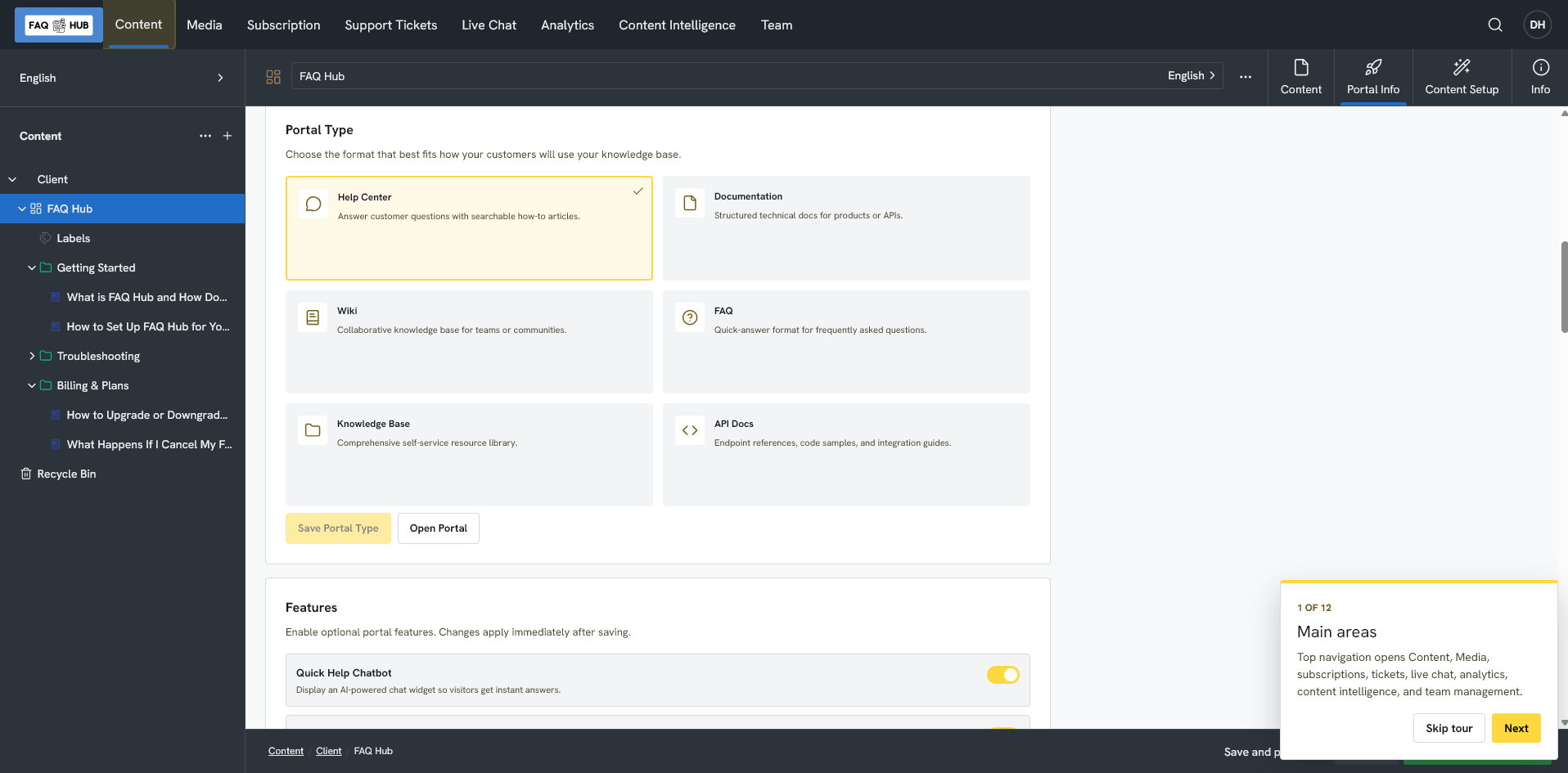
## FAQ Hub CMS is the shared knowledge source
The delivery surface is only the last step. The useful part is having one controlled content lifecycle behind every surface.
FAQ Hub CMS organises knowledge by client, product, category, and article. Teams can:
- author and edit articles in the backoffice;
- import supported documents and structured content;
- create or update drafts after onboarding;
- apply product branding and select the most appropriate portal layout;
- review content before publication;
- publish, unpublish, or archive content through controlled lifecycle operations;
- use content quality checks to identify stale, orphaned, contradictory, or poorly linked material;
- use AI-assisted editing as a proposal rather than an invisible automatic rewrite.
Drafts remain private. The portal and widgets consume published content, so an unfinished pricing update does not become a customer answer simply because somebody saved it.
That is the practical meaning of a CMS in an AI support system: it is not just a text editor. It is the publication boundary between internal work and customer-trusted knowledge.
## Automate the workflow without giving automation direct control
Many product teams already store documentation as Markdown in Git. That is a sound approach because pull requests provide history, review, and a natural place to update documentation beside code.
The weak point is often the custom job that pushes those files into a knowledge base. A basic copy script usually has to answer difficult questions:
- Is this article new, renamed, moved, unchanged, or conflicting?
- Which fields belong to Git and which remain editorially managed?
- Is the destination the correct tenant and product?
- Can the job create drafts without gaining publication rights?
- Will a retry duplicate content?
- What refreshes search, chat, and portal caches after publication?
FAQ Hub's MCP content workflow provides that control layer.
An MCP-capable client or pipeline reads the chosen repository files and prepares structured content. FAQ Hub then compares the proposed state with the current CMS state, produces a reviewable plan, applies approved changes as drafts, and keeps publication as a separate authorised step.
The public architecture is intentionally simple:
1. Product knowledge changes in Git, Markdown, or another team-owned source.
2. A configured GitHub, Azure DevOps, or AI-assisted workflow reads that source.
3. MCP carries a structured proposal into FAQ Hub's controlled sync process.
4. The team reviews creates, updates, moves, conflicts, and retirement candidates.
5. Accepted changes become drafts in FAQ Hub CMS.
6. An authorised publish step makes the approved revisions available to customer support surfaces.
The workflow does **not** give a repository or AI assistant a direct route to public content. It also does not require FAQ Hub to know the internal shape of your engineering repository.
## What you still own
FAQ Hub is not currently a turnkey GitHub or Azure DevOps repository watcher. Your team still chooses:
- which repository and branches contain customer-facing documentation;
- which Markdown files map to categories and articles;
- how Markdown and frontmatter become the structured content manifest;
- whether synchronization runs interactively, after merge, on a schedule, or through an approval gate;
- who may apply drafts and who may publish.
Keep the FAQ Hub product key in the platform's secret store rather than the repository. GitHub supports [Actions secrets](https://docs.github.com/en/actions/security-for-github-actions/security-guides/using-secrets-in-github-actions). Microsoft recommends [secret variables, variable groups, or Azure Key Vault](https://learn.microsoft.com/azure/devops/pipelines/security/secrets?view=azure-devops) for Azure Pipelines and advises mapping secrets into environment variables rather than printing or passing them on the command line.
This division of responsibility is useful. GitHub and Azure DevOps remain responsible for source events and approvals. FAQ Hub remains responsible for safe content reconciliation and customer delivery.
## What happens after publication
Publishing updates the shared knowledge lifecycle. The hosted portal and embedded experiences receive the new article data, search is refreshed, and grounded chat starts retrieving from the updated published knowledge.
There is no separate “train the chatbot” upload for every wording change. The assistant queries the product's current published content when handling substantive questions.
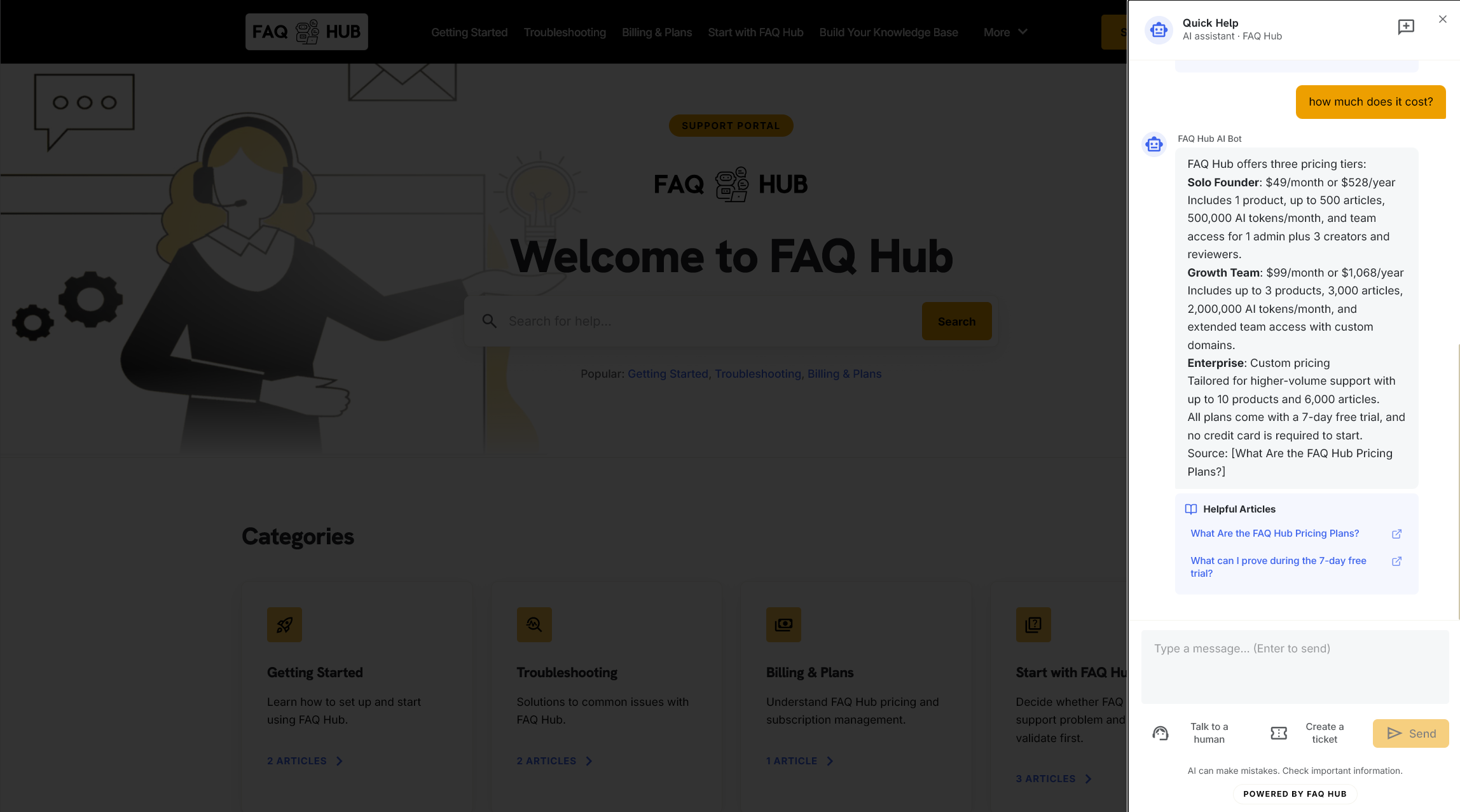
## A practical SaaS operating model
For most SaaS teams, a useful setup looks like this:
1. **Host the full portal** for browsing, search, and indexable help content.
2. **Embed inline help** beside complex workflows such as billing, permissions, or integrations.
3. **Add chat and Command-K** for users who know the question but not the article title.
4. **Keep FAQ Hub CMS authoritative for publication**, even if Markdown in Git remains authoritative for selected fields.
5. **Require documentation in the same change process as the product.** A changed workflow or plan should not be complete until its support content is updated.
6. **Use MCP to plan and apply drafts**, then reserve publication for the appropriate reviewer or release step.
7. **Feed unanswered questions back into the backlog** so support gaps become owned content work.
This makes documentation an active part of product delivery rather than an archive maintained after customers complain.
## The outcome
FAQ Hub gives a SaaS team one managed knowledge source and several ways to deliver it. Customers can browse a hosted portal, use help inside the product, ask a grounded assistant, or search without leaving their workflow.
Teams that prefer docs-as-code can keep Git and their existing review habits. FAQ Hub adds the content control plane between a repository change and a public answer: comparison, draft creation, publication boundaries, audit, and coordinated delivery.
That is the improvement over a custom Markdown copy job. The repository remains useful, but the job no longer has to become an undocumented CMS, deployment system, and chatbot refresh pipeline of its own.
Continue with:
- [FAQ Host: How to Choose the Right Hosting Option](/blog/hosting-options-for-your-faq-knowledge-base-portal/)
- [How to Clean Up a Knowledge Base Before Launching AI Support](/blog/how-to-clean-up-a-knowledge-base-before-launching-ai-support/)
- [Prevent Documentation Rot with Git, MCP and FAQ Hub](/blog/prevent-documentation-rot-with-git-mcp-and-faq-hub/)
- [When AI Support Cannot Answer: Human Handoff Without Starting Over](/blog/when-ai-support-cannot-answer-human-handoff-without-starting-over/)
## Prevent Documentation Rot with Git, MCP and FAQ Hub
URL: https://www.faqhub.io/blog/prevent-documentation-rot-with-git-mcp-and-faq-hub
Category: Knowledge Base
Published: 2026-09-10
The second question exposes whether documentation is part of delivery or a task somebody remembers after release:
> **How does your team keep the bot's answers updated when product workflows, permissions, or pricing change?**
If the answer is “we periodically retrain it” or “support tells the docs person”, documentation rot is already built into the process.
## The short answer
Make documentation a required output of the same change that alters the product. Keep reviewable source in Git when that suits your team, then use FAQ Hub to reconcile those changes safely into the customer-facing content system.
FAQ Hub does not currently watch GitHub or Azure Repos for you. Your client or pipeline still reads the repository and converts the selected Markdown into a content manifest. FAQ Hub removes the difficult plumbing after that point: product scope, dry-run planning, conflict detection, drafts, publishing authority, retries, audit, indexing, and portal refresh.
## The Git-to-knowledge-base job is a good start
A team we spoke to stores Markdown in Git and runs a job that feeds its knowledge base and chatbot. That pattern has real strengths:
- documentation changes can be reviewed in pull requests;
- code and documentation can change together;
- history and ownership are visible;
- automated checks can reject broken links or invalid frontmatter;
- the repository can remain the writing source of truth.
The fragile part is usually everything the custom job must implement around the copy operation.
What happens when an article was edited in both systems? How are renames distinguished from deletes? Can a compromised job write into another product? Does a retry duplicate content? Who may publish pricing? What refreshes the portal and chatbot after publication?
## What FAQ Hub adds to docs-as-code
FAQ Hub exposes a product-scoped [Model Context Protocol](https://modelcontextprotocol.io/specification/latest/basic/transports/streamable-http) endpoint over Streamable HTTP. A compatible agent can use the same content controls from an interactive coding session or a pipeline-owned process.
The normal workflow is deliberately staged.
1. **Export current state.** The client reads the current content keys, external bindings, hashes, and revisions.
2. **Build a manifest.** Repository-relative paths or durable documentation IDs become stable external IDs.
3. **Plan the sync.** FAQ Hub reports creates, updates, moves, no-ops, conflicts, and archive candidates without changing customer content.
4. **Review the plan.** A person or controlled workflow decides whether the proposed change matches the product release.
5. **Apply drafts.** Accepted, non-conflicting changes are written as drafts with an idempotency key, so safe retries do not create duplicate work.
6. **Publish explicitly.** Publishing uses a separate permission and checks the expected revision again.
7. **Handle retirement separately.** Mirror mode can propose archive candidates, but it does not silently delete pages.
This is the difference between “copy these files” and “reconcile governed product documentation”.
## How this keeps chatbot answers current
FAQ Hub chat does not rely on a separately uploaded, forgotten chatbot corpus. It searches the tenant and product's published knowledge for each substantive question.
When an article is published, FAQ Hub updates keyword search, queues semantic indexing when configured and within budget, and sends signed cache invalidation to the relevant portal domains. The public portal and support assistant therefore converge on the same published content lifecycle.
If semantic indexing cannot run immediately, the article remains published and keyword-searchable. If cache invalidation is unavailable, normal cache expiry provides a fallback. Those are operational safeguards, not a promise that every external dependency is instantaneous.
## GitHub and Azure DevOps fit the same control model
The MCP server is client-neutral. VS Code and GitHub Copilot can be configured as interactive MCP clients. A GitHub Actions or Azure Pipelines workflow can also invoke an MCP-capable client or a custom wrapper after checking out the repository.
Keep the product API key out of the repository:
- GitHub documents how to store values as [Actions secrets](https://docs.github.com/en/actions/security-for-github-actions/security-guides/using-secrets-in-github-actions) and pass them through the `secrets` context.
- Microsoft recommends [secret variables, variable groups, or Azure Key Vault](https://learn.microsoft.com/azure/devops/pipelines/security/secrets?view=azure-devops) for Azure Pipelines, mapping secrets into environment variables rather than printing or passing them on a command line.
Use the narrowest FAQ Hub preset that works: read-only for inspection, draft sync for reconciliation, and publisher only where the release process genuinely needs it. Keys are individually revocable and product-bound; tenant and product IDs do not come from the manifest.
## Make documentation part of the definition of done
A practical release policy can be simple:
- a workflow, permission, or pricing change requires a documentation change in the same pull request;
- CI validates Markdown, links, and metadata;
- the sync job creates and reviews a FAQ Hub plan;
- merge applies drafts;
- an authorised release step publishes the approved revisions;
- scheduled drift checks compare repository state with exported FAQ Hub state;
- unanswered support questions feed the next documentation backlog.
That turns documentation from an afterthought into a release artefact. The assistant improves because the underlying knowledge changes with the product, not because somebody remembers to “retrain the bot” weeks later.
## Where FAQ Hub is better than a custom copy job
| Custom Git job concern | FAQ Hub control |
|---|---|
| Broad CMS credential | Product-scoped key and least-privilege scopes |
| Blind overwrite | Dry-run plan and revision conflict checks |
| Duplicate retries | Idempotency ledger and resumable operations |
| Source/CMS ownership collision | Stable external IDs and managed fields |
| Draft and live content mixed together | Draft-first apply and separate publish permission |
| Delete-by-absence | Explicit archive candidates and recoverable archive operation |
| Bot corpus refreshed separately | Shared publication, search, chat, and portal refresh lifecycle |
FAQ Hub is not the Git event listener or Markdown compiler. It is the safe content control plane your automation calls after those source-specific steps.
Start with the cleanup workflow in [How to Clean Up a Knowledge Base Before Launching AI Support](/blog/how-to-clean-up-a-knowledge-base-before-launching-ai-support/), then decide what happens when even current documentation does not contain the answer.
Next: [When AI Support Cannot Answer: Human Handoff Without Starting Over](/blog/when-ai-support-cannot-answer-human-handoff-without-starting-over/).
## When AI Support Cannot Answer: Human Handoff Without Starting Over
URL: https://www.faqhub.io/blog/when-ai-support-cannot-answer-human-handoff-without-starting-over
Category: AI in Customer Support
Published: 2026-09-10
The third question determines whether an AI assistant is a useful front door or another support dead end:
> **What happens when the bot hits a question it can't answer? Does it pass full transcript context to a human, or does the user have to re-explain everything?**
## The short answer
In FAQ Hub, an unsupported answer is not presented as a confident guess. The assistant says it could not find a definitive answer and offers a support ticket. The visitor can also choose **Talk to a human** directly.
When escalation or ticket creation happens from the same chat session, the conversation is stored and linked to the support workflow. Human staff can open the complete thread alongside useful journey context, so the customer generally does not need to start again.
There are important boundaries: external notifications carry recent conversation and context, not necessarily every message; a deliberately new or expired session is not the same continuous thread; and an unsupported answer offers escalation rather than silently assigning a human.
## First, the assistant must know when to stop
FAQ Hub retrieves product-scoped support content for each substantive question and asks the support agent to answer from that evidence. A second judge pass reviews grounded answers before they are returned.
If the proposed answer cannot be verified, FAQ Hub replaces it with an explicit fallback: it could not find a definitive answer and can help create a support ticket. Provider failures and unsafe prompt-manipulation attempts also use controlled fallbacks rather than exposing internal errors as invented support advice.
This is more useful than a generic “confidence score”. A numerical threshold can look scientific while still allowing unsupported claims through. The operational rule is simpler: show a grounded answer with useful source links, or disclose the gap and offer the next step.
## Two escalation paths, chosen by the visitor
### Talk to a human
A visitor can request a person in natural language or use the visible **Talk to a human** control. FAQ Hub marks the chat as escalated, makes it available in the backoffice, and can notify configured channels such as Slack, Microsoft Teams, Telegram, n8n, or Zapier.
Support staff can open the conversation, reply with their identity, and continue the same thread with the visitor in real time.
### Create a ticket
The visitor can create a ticket from the chat panel. FAQ Hub asks for contact details when they are missing, uses the latest visitor message as the initial description, and links the ticket back to the chat session.
The ticket also carries useful support context: the current page or article, search terms, sentiment, escalation reason, a latest-exchange summary, and retrieval evidence. The ticket dashboard can follow the session link and display the complete pre-ticket conversation.
## Is the full transcript passed to a human?
For a human working inside FAQ Hub, the full stored thread is available oldest-first. User messages, AI replies, and staff messages are persisted.
For external notifications, FAQ Hub sends a bounded recent transcript plus journey and contact context. That is enough to alert a team without turning Slack or another webhook into the system of record. The authoritative conversation remains in FAQ Hub.
The AI itself uses the latest ten messages when generating the next answer. That keeps its working context bounded; it is separate from what a human can retrieve from the stored session.
So the precise answer is:
> **A customer escalating from the same active chat generally should not need to re-explain the issue. Human staff can retrieve the complete conversation and surrounding support context.**
If the visitor intentionally starts a new chat, returns after the visitor token has expired, or continues after the previous session was closed, they may need to restate details. Prior journey summaries can help, but a new session is not automatically treated as the full old transcript.
## Turn unanswered questions into documentation work
Escalation should not be the end of the loop. It is evidence that the support system needs one of three things:
1. a missing article;
2. a clearer article that uses the customer's language; or
3. a product or policy decision that documentation cannot resolve.
Review unsupported questions with the page, search, retrieval, and transcript context attached. Add the missing answer to the documentation backlog, assign an owner, publish the correction, and test the original question again.
FAQ Hub's shared publication lifecycle matters here. The corrected article becomes available to the portal, search, and grounded chat instead of being copied into a separate bot-only training set.
## A human handoff checklist
Before calling any support assistant production-ready, verify that it can:
- say when evidence is insufficient;
- show the customer an obvious human and ticket route;
- preserve the active conversation;
- attach page, article, and search context;
- identify whether the responder is AI or human;
- notify the right support channel without making that channel the only transcript store;
- turn repeated failures into owned documentation tasks;
- test the original customer wording after the article changes.
That is how documentation becomes active operational infrastructure. The bot is not a wall between the customer and support. It is the first participant in a traceable workflow that either answers from current knowledge or hands the problem forward with context intact.
Read the rest of the series:
- [Live Chat Feature for SaaS: UX and Implementation Guide](/blog/live-chat-feature-for-saas-products/)
- [How to Clean Up a Knowledge Base Before Launching AI Support](/blog/how-to-clean-up-a-knowledge-base-before-launching-ai-support/)
- [Prevent Documentation Rot with Git, MCP and FAQ Hub](/blog/prevent-documentation-rot-with-git-mcp-and-faq-hub/)
## Why Modern SaaS Platforms Are Replacing Monolithic Help Desks with Embedded AI Support Widgets
URL: https://www.faqhub.io/blog/why-modern-saas-platforms-are-replacing-monolithic-help-desks-with-embedded-ai-support-widgets
Category: Guides
Published: 2026-08-07
For the better part of a decade, the B2B SaaS playbook for customer support has remained stubbornly static. You build a great product, you realize your users need help navigating it, and you staple a monolithic help desk—like Zendesk, Intercom, or Freshdesk—onto your application.
This approach forces a massive compromise in user experience. When a user encounters friction, they are forced to leave your application's context, navigate to an external `support.yourdomain.com` subdomain, dig through a rigid directory of articles, and then mentally toggle between tabs to apply the solution. If the documentation fails, they open a ticket and wait for a human agent.
This workflow is bloated, expensive, and hostile to user retention. In a modern SaaS environment where time-to-value is the primary metric of success, forcing users to context-switch to solve a problem is a critical failure.
Today, engineering and product teams are abandoning these heavy, tightly coupled monoliths in favor of **decoupled support architectures**. By leveraging lightweight, embedded AI support widgets—like the systems pioneered by FAQ Hub—teams can deliver zero-latency, highly accurate support directly inside the host application.
Here is a technical teardown of why modern SaaS platforms are ripping out legacy help desks and shifting to embedded AI widgets, and why your engineering team should follow suit.
## The Shift to Decoupled Support Architecture
Legacy support platforms are **monoliths**. They tightly couple the content authoring environment (the WYSIWYG editor), the database (where articles are stored), the search infrastructure, and the frontend rendering layer (the external help center portal).
Because these systems are tightly coupled, you have zero control over the rendering layer and minimal control over the search algorithms. If the vendor’s search is built on outdated lexical matching (like basic TF-IDF or BM25), your users will suffer from poor search relevance, and you cannot swap out the underlying search engine without migrating off the entire platform.
A **decoupled support architecture** fundamentally breaks this monolith into discrete, interchangeable microservices:
- **The Content Layer (Headless):** Support documentation is treated as structured data. It can live in a headless CMS, a Git repository (using Markdown/MDX), or a specialized knowledge base API. This allows engineering and technical writing teams to use modern CI/CD pipelines to version-control documentation alongside the codebase.****
- **The Intelligence Layer (Backend RAG):** Instead of relying on a vendor’s black-box search engine, documentation is chunked, converted into vector embeddings, and stored in a **vector database**. This powers semantic search and context retrieval.
- **The Presentation Layer (Frontend Widget):** The actual user interface is reduced to a highly optimized, universally compatible JavaScript widget embedded directly into the host application.
This decoupled approach grants total freedom. Marketing and support teams retain an intuitive authoring environment on the backend, while engineering maintains absolute control over the frontend runtime, styling, and application performance. You are no longer held hostage by the technical debt of a monolithic vendor.
## How In-App AI Widgets Drive 80%+ Ticket Deflection
The ultimate goal of any support infrastructure is **ticket deflection**—solving the user's problem before it requires human intervention. Monolithic portals fail at deflection because they rely on keyword-matching search bars that require users to guess the exact terminology used by your technical writers.
Embedded AI widgets change the deflection paradigm by meeting the user at the exact moment of intent via floating chat and inline portals, powered by **Retrieval-Augmented Generation (RAG)**.
### The Mechanics of RAG in Support Widgets
When a user opens an embedded widget and types, _"Why is my API key failing in the production environment?"_, a legacy system searches for the keywords "API," "key," and "failing." It likely returns a generic article on "How to generate an API key." The user, frustrated, opens a support ticket.
An embedded AI widget operates entirely differently:
1. **Semantic Embedding:** The user's natural language query is passed to an embedding model (e.g., OpenAI’s `text-embedding-3-small`), which translates the query into a high-dimensional vector array.
2. **Vector Similarity Search:** The system queries your vector database for documentation chunks that are _semantically nearest_ to the user's intent, rather than structurally identical in phrasing. It finds the specific paragraph mentioning that production environments require a `v2` token prefix.
3. **LLM Synthesis:** The retrieved chunks are injected into the context window of a Large Language Model (LLM) alongside a strict system prompt instructing the model to act as a support agent and answer _only_ using the provided context.****
4. **In-App Delivery:** The widget streams the synthesized, highly specific answer directly back to the user inside the host app in real-time.
Because this happens instantly and inline, the user never loses their context. They read the answer, fix their API key, and continue using your software. By removing the friction of the external portal and the inaccuracy of keyword search, modern AI widgets routinely achieve deflection rates exceeding 80%.
## Technical Breakdown: Encapsulation, Latency, and Core Web Vitals
A common objection from engineering leads when asked to integrate third-party tools is the risk of introducing bloat, CSS conflicts, or main-thread blocking scripts. Legacy chat widgets (like older versions of Intercom) were notorious for downloading megabytes of unused JavaScript, severely degrading page load speeds.
Modern embedded widgets solve this through **Shadow DOM encapsulation** and **asynchronous execution**.
### Isolating the Environment with Shadow DOM
Historically, embedding a third-party UI into a host application meant choosing between two flawed options:
- **The** `iframe`: Secure and isolated, but inherently slow, inaccessible, poorly indexed, and incapable of cleanly resizing to fit dynamic content.
- **Global Injection:** Injecting the HTML/CSS directly into the host DOM. This causes catastrophic CSS namespace collisions. The host app's global `div` or `button` styles bleed into the widget, breaking its UI, or the widget’s stylesheets inadvertently overwrite the host app’s design system.
Modern AI widgets deploy via the **Shadow DOM API**. By attaching a shadow root to a custom element (e.g., ``), the widget creates a strictly encapsulated DOM tree.
- **CSS Scoping:** Styles defined inside the Shadow DOM cannot leak out and affect the host application. Conversely, global CSS rules from the host application cannot penetrate the Shadow DOM.
- **Event Encapsulation:** DOM events generated inside the widget (clicks, form submissions) can be retargeted or stopped from bubbling up and interfering with the host app's event listeners.
This guarantees that dropping the widget into a legacy React app, a Vue SPA, or a vanilla HTML page results in zero stylistic conflicts.
### Protecting Google Core Web Vitals
Search engines and users alike penalize slow applications. Injecting third-party scripts often ruins **Core Web Vitals**, specifically **Largest Contentful Paint (LCP)** and **Interaction to Next Paint (INP)**.
Modern decoupled widgets are engineered to be invisible to the browser's critical rendering path:
1. **Raw Script Tags & Async/Defer:** The widget is invoked via a lightweight script tag with `defer` attributes. The browser downloads the script in the background without blocking the HTML parser, executing it only after the DOM is fully constructed.
2. **Micro-Bundling:** Instead of shipping heavy frameworks like React inside the widget, modern builds utilize micro-frameworks like Preact or vanilla Web Components, compressing the initial payload to under 30kb (gzipped).
3. **Lazy Loading Heavy Assets:** The initial script only renders the floating trigger button. The actual AI chat interface, LLM streaming logic, and heavy UI components are dynamically imported (`import()`) only _after_ the user interacts with the widget.
4. **Zero Cumulative Layout Shift (CLS):** Because the widget is absolute-positioned over the application layout via fixed coordinates, its initialization and expansion cause zero reflows or layout shifts in the host document.
The result is a highly capable AI assistant that demands effectively zero compute resources from the host application until explicitly invoked by the user.
## Cost Comparison: The Legacy Seat Tax vs. Compute-Based Pricing
Beyond the technical superiority of decoupled architecture, the shift is largely driven by a fundamental misalignment in how monolithic support software is priced.
Legacy help desks operate on a **per-seat licensing model**. You pay a monthly fee for every support agent who logs into the platform. Historically, this made sense: human labor was the engine of customer support, and the software was merely a routing mechanism.
However, in an AI-first paradigm, this pricing model breaks down. If an embedded RAG widget deflects 80% of your incoming tickets, your human agents have significantly less volume to manage. You need fewer seats. Yet, legacy vendors—desperate to protect their recurring revenue—often gatekeep their new "AI features" behind premium tiers, charging you an exorbitant per-seat tax to access the very AI that reduces your need for those seats. You end up paying $150+ per agent per month, plus an "AI add-on" fee, for a system that is actively cannibalizing its own utility.
Decoupled AI support systems align costs with actual value creation through **compute-based or flat-rate pricing**.
Because the heavy lifting is done by the LLM and the vector database, modern platforms charge based on API usage, token consumption, or flat-rate infrastructure tiers. You pay for the computational power required to synthesize answers for your users, not for arbitrary human seat licenses.
For a scaling SaaS company, moving from a monolithic per-seat model to a decoupled AI widget can reduce total support software expenditures by 60% to 80%, while simultaneously delivering a faster, more accurate user experience.
## Conclusion
The era of forcing users to context-switch into external portals to read static documentation is over. The friction it introduces is fundamentally incompatible with the expectations of modern B2B SaaS users.
Monolithic help desks served a purpose when support was purely a human-routing problem. But today, support is a data retrieval and synthesis problem. By decoupling your knowledge base from the frontend presentation and utilizing **Shadow DOM-encapsulated, RAG-powered widgets**, your engineering team can integrate zero-latency support directly into the core product without compromising performance or design.
If your team is tired of paying exorbitant per-seat licenses for bloated legacy software, it is time to decouple your support stack. **FAQ Hub (**[**https://faqhub.io**](https://faqhub.io/)**)** provides a purpose-built, embeddable dual-widget system designed specifically for SaaS platforms. With lightweight script integration, flat-rate usage limits, and a high-compute RAG pipeline that deflects the vast majority of user queries, FAQ Hub allows you to finally drop intelligent, zero-friction support directly into your application.
## Agentic AI Strategy 2026: How to Move From "Chatbots" to a Silicon Workforce
URL: https://www.faqhub.io/blog/agentic-ai-strategy-2026-how-to-move-from-chatbots-to-a-silicon-workforce
Category: Resources
Published: 2026-01-15
If you are still looking at AI as a tool to write blog posts or generate email subject lines, you are already falling behind.
According to the **2026 Tech Trends** and **Agentic AI Strategy** reports, the era of "experimentation" is over. We are entering the era of **impact**. The shift is no longer about _Generative AI_ (models that talk); it’s about **Agentic AI** (systems that act).
For bootstrapped founders and indie hackers, this is the great equalizer. You no longer need a headcount of 50 to compete with enterprise giants. You need a "silicon-based workforce."
Here is your practical, data-backed guide to building an Agentic AI strategy that actually drives revenue, based on the latest 2025-2026 research.
## The "Agentic Shift": [Why 2026 is Different](/2026-agentic-ai-strategy)
Most businesses today use **Standard LLMs**. You prompt it, it gives you text back. It’s a passive tool.
**Agentic AI** is different. As defined in the _Architecting the Agentic Future_ guide, agentic workflows involve autonomous systems that can:
1. **Reason:** Break down complex goals into steps.
2. **Plan:** Decide which tools to use.
3. **Execute:** Interact with external APIs (send emails, query databases, refund Stripe charges).
4. **Loop:** Evaluate their own success and retry if necessary.
**The Bottom Line:** A chatbot answers a customer's question. An AI Agent _solves_ the customer's problem by logging into the admin panel and processing the request.
## 3 High-ROI Use Cases for Bootstrapped Founders
Based on the _9 Best AI Agents Case Studies_ and _Chatbot Use Cases 2026_ reports, you shouldn't try to sprinkle AI everywhere. Focus on these three high-impact areas:
### 1\. The "Level 1" Support Agent
The _Jabra Intelligent Contact Center_ report highlights that customer expectations are at an all-time high, but human bandwidth is expensive.
- **The Old Way:** A chatbot that spits out links to help articles.
- **The Agentic Way:** An agent that authenticates the user, checks their order status in your database, and processes a return label automatically—escalating to a human only for complex emotional issues.
- **The Result:** _eGain’s_ research shows a potential **75% reduction in service costs** and a **30-point improvement in NPS** when AI resolves issues rather than just deflecting them.
### 2\. The 24/7 Sales Development Rep (SDR)
Your website traffic doesn’t sleep, but you do.
- **The Strategy:** Instead of a static "Contact Us" form, deploy a lead generation agent. It doesn't just collect emails; it qualifies leads by asking budget and timeline questions, then directly books a slot on your Calendly if they match your ICP (Ideal Customer Profile).
### 3\. The Internal Knowledge Manager
As you scale, "tribal knowledge" becomes a bottleneck.
- **The Fix:** Use an internal RAG (Retrieval-Augmented Generation) agent connected to your Slack, Notion, and Google Drive. New hires can ask, "How do we handle server outages?" and get a step-by-step plan instantly.
## The Hidden Infrastructure: RAG and KCS
Here is the technical reality check from the _Practical Tips to Optimize Technical Documentation_ guide: **Your AI is only as smart as your data.**
If you feed your AI agent messy, outdated documentation, it will hallucinate. To win in 2026, you must adopt **Knowledge Centered Service (KCS)**.
### How to Optimize Your Data for AI:
- **Write for Machines First:** AI struggles with ambiguity. Use clear headings, bullet points, and consistent terminology in your internal docs.
- **Context is King:** Don't just paste error codes. Explain the _cause_ and the _fix_ in the same document chunk so the RAG system retrieves the full context.
- **The "Productivity Frontier":** _eGain_ notes that Generative AI shifts the productivity frontier, but only if it has access to structured, verified knowledge.
**Pro Tip:** Treat your internal documentation as part of your codebase. If the docs break, the agent breaks.
## Architecture: Building for Reliability
The [_2512.08769v1 (Architectures for Building Agentic AI)_](https://arxiv.org/html/2512.09458v1) paper warns that reliability is the biggest hurdle. A chatbot that talks nonsense is annoying; an agent that accidentally deletes a production database is catastrophic.
To deploy safely, follow these rules:
1. **Least Privilege:** Give your AI agent "Read Only" access first. Only grant "Write" access to specific, non-destructive APIs.
2. **Human-in-the-Loop:** For sensitive actions (like refunding over $500), program the agent to draft the action and request human approval.
3. **Structured Output:** Don't let the AI write free text to your database. Force it to output JSON or structured data that can be validated by code before execution.
## Your 2026 Execution Checklist
You don’t need a generic "AI Strategy." You need an execution plan.
1. **Audit Your "Busy Work":** List every task your team does that involves moving data from one tab to another. These are your prime targets for Agentic AI.
2. **Clean Your Knowledge Base:** Before building the bot, fix the docs. Implement a KCS review cycle.
3. **Start with "ReadOnly" RAG:** Build an agent that _finds_ answers for your support team before you build one that _talks_ to customers.
4. **Monitor "Inference Economics":** As noted in _Tech Trends 2026_, compute costs are real. Optimize your prompts and use smaller, specialized models for simple tasks to keep margins healthy.
## Conclusion
The "Agentic Future" isn't sci-fi; it's the baseline for doing business in 2026. For founders, this is good news. It means you can scale operations, offer 24/7 support, and personalize user experiences without raising a Series A just to hire staff.
The technology is ready. The question is: **Are your data and workflows ready for the silicon workforce?**
## Beyond Chatbots: How to Build 2026’s AI-Driven Customer Experience (Without Killing User Trust)
URL: https://www.faqhub.io/blog/beyond-chatbots-how-to-build-2026s-ai-driven-customer-experience-without-killing-user-trust
Category: AI in Customer Support
Published: 2026-01-04
You’ve seen the headlines. By 2026, the AI for customer service market is projected to hit **$47.82 billion**.
But here is the reality check: Forrester predicts that [**one-third of brands will erode customer trust**](/beyond-chatbots-the-age-of-agentic-workflows) this year by deploying "hollow" AI self-service tools just to cut costs.
For indiehackers and SaaS founders, this is your competitive moat. While big incumbents are frustrating users with rigid bots, you can win by building **Agentic Workflows**—AI that actually solves problems instead of just pointing to a FAQ.
Here is how to optimize your business for the 2026 CX landscape.
## 1\. Move from "Chatbots" to Agentic Workflows
The "conductor" of your CX symphony in 2026 isn't a static script; it’s an **AI Agentic Workflow**.
Unlike traditional bots, these agents use real-time data to autonomously make decisions. Instead of saying, _"I found an article on refunds,"_ an agentic workflow can:
- Verify the customer’s billing status.
- Cross-reference your refund policy.
- Initiate the API call to Stripe.
- Update the CRM—all without a human touchpoint.
**Practical Example:** If a user’s API integration fails, the agent doesn't just send a link. It analyzes the error logs, suggests the specific line of code to fix, and offers to restart the server.
## 2\. The Multi-Language Advantage
In a globalized SaaS market, English-only support is a growth bottleneck. Data shows that building a **Multilingual Knowledge Base** is no longer a "nice-to-have."
To scale without a massive support team:
- **Use Semantic Search:** Move beyond keyword matching. Tools using semantic fingerprinting (like Cortical.io) understand that "done deal" and "contract signed" mean the same thing, regardless of the language.
- **Auto-Translation with Human Nuance:** Use LLMs to localize content, but focus on "Translation Memory" to ensure technical jargon remains consistent in Japanese, German, or Portuguese.
## 3\. Avoid the "Self-Service Trap"
Qualtrics research shows that **1 in 5 consumers** see zero benefit from current AI support. To stay in the winning 80%, avoid these common founder mistakes:
- **The "Dead-End" Loop:** Never let an AI agent be a cul-de-sac. Every interaction must have a seamless "Bot-to-Human" handoff where the human agent receives a full summary of the AI’s work so far.
- **Internal Jargon:** If your knowledge base is organized by your internal product modules rather than customer goals (e.g., "Billing" vs. "How do I pay?"), your SEO and user satisfaction will tank.
## 4\. Optimize the Journey for 341% More Conversions
Customer journey orchestration isn't just for support; it’s your best sales tool. Case studies show that optimizing "Mobile Journey Orchestration" can lead to a **203% increase in applications** and a **341% boost in conversions**.
**The 2026 Framework:**
1. **Identity Stitching:** Recognize the user across your docs, your landing page, and your app.
2. **Predictive Support:** If a user visits your "Cancel Subscription" page twice, trigger an AI agent to offer a personalized discount or a 1-on-1 strategy call immediately.
## 5\. "Show Your Work" to Build Trust
To earn data trust in 2026, you must be transparent. Don't just collect feedback; close the loop.
When you update a feature based on AI-analyzed support tickets, tell your users: _"You told us X was frustrating. We listened. We made change Y."_ This turns a one-way extraction of data into a bi-directional relationship.
### The Bottom Line
AI in 2026 is about [**competence**](/beyond-chatbots-the-age-of-agentic-workflows)**, not just speed**. For bootstrapped founders, the goal is "Extreme Vendor Reduction." Use one unified platform to handle your knowledge base, your agentic workflows, and your journey analytics.
**Ready to scale?** Don't just automate to save money. Automate to create a "harmonious symphony" that keeps customers coming back.
## Why Do Support Tickets Increase by 300% After Product Launch?
URL: https://www.faqhub.io/blog/why-do-support-tickets-increase-by-300-after-product-launch
Category: Building an FAQ portal
Published: 2025-12-30
When a SaaS product launches, support ticket volume typically spikes 10x or more within the first 48 hours as new users encounter onboarding friction, feature discovery gaps, and integration questions. The root cause: 70% of post-launch support requests are repetitive questions that already exist in documentation but remain undiscovered by users, creating an artificial support burden that scales with user acquisition rather than genuine complexity.
## Why This Matters: The Economics of Post-Launch Chaos
A founder of a $2M ARR SaaS company encountered this firsthand. In September, their support tickets climbed from a manageable 150 per month to 400+ by November—a 167% increase in volume. Their initial assumption: rapid customer growth required more support staff. The reality proved different. Customer acquisition had increased only 15%. After auditing the tickets, they discovered that over half consisted of basic inquiries: "How do I set up integrations?" "How do I create custom reports?" "How do I export data?" All were covered in existing documentation. The information was available. Users simply weren't finding it.
This pattern repeats across SaaS launches. Research shows that 70% of support requests during product launches address repetitive, routine inquiries—questions that don't require specialist knowledge but do consume support capacity at scale. When support agents spend 80% of their time answering discoverable questions, complex issues get delayed, response times degrade, and customer satisfaction deteriorates. For enterprises, this translates to visible SLA breaches, escalations, and frustration that undermines the launch's market impact.
The broader economic consequence: A robust knowledge base reduces support ticket volume by 40-60%. For a team handling 500 monthly tickets with 40% repetitive issues, that's 200 tickets eliminated—roughly 23 hours of agent time reclaimed monthly. Those recovered hours shift capacity from reactive firefighting to proactive customer success, adoption enablement, and strategic expansion conversations that drive revenue.
## How FAQ Hub Solves This: Tier 0 Support Infrastructure
FAQ Hub addresses the post-launch ticket spike by implementing what enterprises call "Tier 0 support"—automated, self-service deflection that answers customer questions _before_ they become tickets.
**The Tiered Support Model**
Enterprise support teams operate across three escalation tiers:
- **Tier 1**: First-line support (password resets, basic troubleshooting, account questions)—targets 70-80% first-contact resolution
- **Tier 2**: Advanced technical support (system diagnostics, complex configurations, integrations)—handles 15-20% of escalations
- **Tier 3**: Specialist/engineering escalation—addresses final 5% of issues requiring deep expertise
Most post-launch tickets never warrant Tier 2 or 3 involvement. They're Tier 1 friction points: activation blockers, feature discovery gaps, or documentation gaps. [FAQ Hub](/) moves these below Tier 1 entirely—into Tier 0, where customers self-serve before submitting a ticket.
**Implementation: Searchable, Structured Documentation**
FAQ Hub operates on three technical principles that drive ticket deflection:
1. **Natural Language Discoverability**: Customers search for information using their own language ("Where's my order?"), not your documentation's structure ("order tracking"). FAQ Hub's search algorithm matches customer intent, not just keyword exactness. This increases discovery rates by 97% compared to keyword-only FAQs.
2. **Point-of-Need Documentation**: The second barrier to discovery is navigation friction. A customer stuck on onboarding doesn't browse your help center—they're blocked mid-workflow. FAQ Hub integrates in-app messaging and contextual help so answers appear at the exact moment friction occurs, eliminating the need for users to leave their workflow to search.
3. **Categorization and Tagging**: Well-organized information scales discovery. FAQ Hub uses hierarchical categorization (General → Integrations → Salesforce), internal tagging (onboarding, troubleshooting, admin), and synonym mapping so customers find information regardless of how they phrase their search. When content is scattered across 50 documentation pages, users contact support instead of searching longer.
**Quantified Deflection Impact**
When enterprises deploy this model, ticket deflection rates reach 40-87%, depending on knowledge base maturity. Webflow, a design platform, achieved 70-80% average deflection with peak deflection at 87% by centralizing IT support through intelligent automation and documentation routing. A logistics SaaS firm reduced support volume by 43% while simultaneously improving response times by 50% and CSAT by 35%.
## Implementation Steps: Building Tier 0
**Step 1: Audit Current Support Tickets (Week 1)**
Before launch, analyze your existing support volume. If pre-launch, simulate expected questions by running user research sessions with beta customers. For every 100 tickets, categorize by:
- Resolution type (How-to? Bug? Feature request?)
- Escalation path (resolved immediately vs. required specialist)
- Repetition frequency (how many similar tickets exist?)
This audit typically reveals that 50-70% fall into repeatable categories. Those are your Tier 0 candidates.
**Step 2: Source Documentation from Ticket Language (Week 2-3)**
Here's the critical insight: the language customers use in support tickets is the exact language they'll search for in your help center. If customers email asking "How do I reset my password?" and you title your article "Password Reset Procedures," search discovery fails.
For each high-frequency ticket category, extract the customer's exact phrasing and create FAQ Hub articles using their language. Title: "How do I reset my password?" Include subheadings and tags that match common variations: "Forgot password," "Password reset," "Can't log in."
**Step 3: Implement Search-First Navigation (Week 3-4)**
Place search as the primary navigation path. Customers should see a prominent search bar before browsing categories. Add autocomplete suggestions based on your highest-volume questions. For example:
- "How do I..." suggestions for common setup questions
- "Where do I..." for navigation questions
- "Why isn't..." for troubleshooting
**Step 4: Set Up In-App Contextual Help (Week 4-5)**
Beyond external knowledge base search, embed FAQ Hub content directly into your product. When a user reaches the integrations page for the first time, trigger an in-app modal linking to your integrations FAQ. When a user fails to complete onboarding, offer contextual help rather than wait for a support ticket.
Studies show that interactive onboarding guidance increases product adoption by up to 50%, which directly reduces support friction at activation.
**Step 5: Monitor and Optimize (Ongoing)**
Track three KPIs:
- **Knowledge base search volume**: Are customers finding your FAQ? (Goal: 3-5 searches per 10 new users)
- **Deflection rate**: What percentage of customers find answers before submitting tickets? (Goal: 40%+ within 30 days of launch)
- **First Contact Resolution (FCR)**: Of the tickets that do reach support, what percentage resolve on first interaction? (Industry standard: 70-79%; enterprise goal: 80%+)
Each 1% improvement in FCR yields 1% improvement in customer satisfaction and 2.5% improvement in support agent satisfaction.
Review customer search logs weekly. If customers search for "setup integrations" 50 times but you don't have an integration setup guide, that's a content gap. Prioritize new articles based on search demand, not guesses about what users need.
## What Enterprises Do Differently: The Consulting Pitch
The distinction between successful post-launch support and chaotic scaling comes down to organizational structure and foresight. Most SaaS founders treat support as reactive—hire an agent, respond to tickets, scale headcount. Enterprises structure post-launch support as a _designed system_ with intentional escalation paths.
**Enterprise Post-Launch Support Architecture**
When enterprise customers implement a new platform, their onboarding and support motion follows a repeatable playbook:
1. **Dedicated onboarding team** (separate from reactive support): Owns first 30-60 days, guided by a Mutual Action Plan with defined milestones, owners, and success criteria.
2. **Structured Tier 1 capacity**: Instead of a single "support team," enterprises staff Tier 1 with high-volume, low-complexity specialists who understand the full resolution playbook. Tier 2 consists of senior technicians handling escalations only. Tier 3 is reserved for engineering and specialist involvement.
3. **Knowledge base as product**: Enterprises treat FAQ/knowledge base infrastructure as a product module, not an afterthought. They invest in search UX, content curation, and analytics. Document360, HubSpot's internal support platform, reports that customers "adopted Document360 to handle bigger issues better because emails and tickets with basic questions almost stopped coming in."
4. **Proactive customer success, not reactive support**: Beyond tickets, enterprises deploy Customer Success Managers (CSMs) during onboarding. CSMs guide customers through activation milestones, identify adoption blockers before they become support issues, and coordinate cross-functional enablement (training, configuration, testing).
5. **Post-launch cadence**: Enterprise launches include structured check-ins at 30, 60, and 90 days post-go-live. Each checkpoint measures adoption, outstanding issues, and readiness for the next phase. This prevents the common scenario where customers stall mid-onboarding and generate support backlog as a symptom of unaddressed activation friction.
For a SaaS company targeting enterprise accounts, this structure demonstrates operational maturity. For those targeting SMB and mid-market, FAQ Hub + in-app guidance + async support handles 70-80% of cases without full CSM overhead.
## Related Questions Customers Ask
**Q1: How do you measure whether a knowledge base is actually reducing tickets?**
Track deflection rate: (customers who found answers via FAQ / customers who could have submitted tickets) × 100. Webflow calculated this precisely: they went from unmeasured deflection to 70-80% measurable deflection by implementing systematic monitoring.
**Q2: Doesn't a knowledge base just shift the problem—customers now search longer instead of emailing?**
Only if your FAQ is poorly designed. Properly optimized FAQs reduce search time to 10-15 seconds (vs. 48+ hours waiting for support response). AI-powered search shows answers 97% faster than traditional keyword search. Customers prefer immediate self-service.
**Q3: What percentage of post-launch tickets should be "Tier 0" (resolved via FAQ, not support)?**
Target 40-60% deflection within 30 days of launch. This means for every 100 new customer signups, 40-60 activate and resolve questions independently. Top performers (Webflow, Project44) achieve 70-87% deflection by maintaining rigorous content quality and search performance.
**Q4: How does FAQ Hub integrate with existing support platforms?**
FAQ Hub operates independently as a customer-facing knowledge base. It feeds data to your support platform—search logs identify common support gaps; high-deflection articles inform Tier 1 training. Most enterprises use it alongside Zendesk, Freshdesk, or Intercom to create a two-layer model: Tier 0 (FAQ) and Tiers 1-3 (ticketed support for escalations).
**Q5: Can I launch my product without a knowledge base?**
Technically, yes. Practically, no. The cost of reactive support (hiring to handle 70% repetitive questions) exceeds the cost of building FAQ infrastructure. The 167% ticket spike example shows what happens—you either pre-invest in documentation or post-invest in support headcount at 3-5x the labor cost.
## Summary
The 300% post-launch support spike is not inevitable chaos—it's predictable friction created by undiscovered documentation. Enterprises solve this by designing Tier 0 support: searchable, discoverable, in-product guidance that deflects 40-87% of post-launch questions before they reach support agents. FAQ Hub enables this model with natural language search, contextual help, and analytics that prioritize content based on real customer demand, not guesses.
The ROI is straightforward: a 50% reduction in ticket volume frees 23+ hours monthly per 500-ticket baseline, allowing support teams to focus on genuine complexity while improving First Contact Resolution from 65% to 80%+. For early-stage SaaS, this means launching without over-hiring support. For enterprises, it means predictable, scalable onboarding that exceeds customer expectations.
## How to Build a Product FAQ That Converts
URL: https://www.faqhub.io/blog/how-to-build-a-product-faq-that-converts
Category: Building an FAQ portal
Published: 2025-05-12
In the digital age, a well-crafted FAQ page isn't just a support tool—it's a strategic asset that can drive conversions, enhance user experience, and reduce customer support load. This guide will walk you through the steps to build a product FAQ that not only answers questions but also converts visitors into loyal customers.
## Why a Product FAQ Matters
A product FAQ serves multiple purposes:
- **Reduces Support Tickets:** You free up your support team to handle more complex issues by addressing common queries.
- **Improves SEO:** Well-structured FAQs can rank for long-tail keywords, driving organic traffic.
- **Enhances User Experience:** Quick answers lead to quicker decisions, improving the overall user journey.
- **Builds Trust:** Transparent and informative FAQs establish credibility with potential customers.
## Step 1: Identify Common Questions
Start by gathering data:
- **Customer Support Logs:** Analyze past tickets to find recurring questions.
- **Sales Team Feedback:** Sales reps often encounter objections and queries that can be addressed in the FAQ.
- **User Surveys:** Direct feedback can reveal what users find confusing or unclear.
- **Website Analytics:** Identify pages with high bounce or exit rates to pinpoint where users might get stuck.
## Step 2: Categorise Questions
Organize questions into logical categories:
- **General Information:** Company background, mission, etc.
- **Product Details:** Features, specifications, compatibility.
- **Pricing & Billing:** Subscription plans, payment methods, refunds.
- **Technical Support:** Troubleshooting, integrations, system requirements.
- **Account Management:** Sign-up process, account settings, cancellations.
This structure helps users navigate the FAQ more efficiently.
## Step 3: Craft Clear and Concise Answers
When writing answers:
- **Be Direct:** Provide straightforward responses without unnecessary jargon.
- **Use Simple Language:** Aim for clarity to accommodate all user levels.
- **Include Visuals:** Screenshots or videos can enhance understanding.
- **Link to Resources:** Direct users to relevant guides or documentation for more in-depth information.
## Step 4: Optimise for SEO
Enhance visibility by:
- **Using Relevant Keywords:** Incorporate terms your audience is searching for.
- **Structuring Content Properly:** Use headings, bullet points, and short paragraphs.
- **Implementing Schema Markup:** Helps search engines understand your content better.
- **Ensuring Mobile Responsiveness:** A mobile-friendly FAQ improves user experience and SEO rankings.
## Step 5: Integrate with Your Website
Ensure your FAQ is easily accessible:
- **Navigation Menu:** Include a link in your main menu.
- **Footer Links:** Provide access from the footer on all pages.
- **Product Pages:** Link to relevant FAQs directly from product descriptions.
- **Search Functionality:** Allow users to search within the FAQ for specific topics.
## Step 6: Keep It Updated
Regularly review and update your FAQ:
- **Monitor Feedback:** Use analytics to see which questions are most viewed.
- **Update Information:** Reflect any changes in products, policies, or procedures.
- **Add New Questions:** As new queries arise, incorporate them into the FAQ.
## Leveraging FAQHub.io for Your FAQ Needs
At [FAQHub.io](/), we specialise in creating dynamic, user-friendly FAQs that integrate seamlessly with your website. Our platform offers:
- **Easy Editing:** Update your FAQ content without technical expertise.
- **Customization:** Tailor the look and feel to match your brand.
- **Analytics:** Gain insights into which questions are most viewed.
- **Integration:** Embed your FAQ into various platforms effortlessly.
Explore our [features](/#home-page-features) to see how we can help you build a product FAQ that converts.
## Conclusion
A well-designed FAQ page is more than just a list of questions and answers—it's a powerful tool that can enhance user experience, reduce support workload, and drive conversions. By following the steps outlined above and leveraging tools like FAQHub.io, you can create an FAQ that truly serves your business and your customers.
_Ready to transform your FAQ?_ [**_Join our waitlist_**](/#email-2) _today and take the first step towards a more efficient customer support system._
## Why Fast-Growing SaaS Startups Are Choosing FAQ Hub
URL: https://www.faqhub.io/blog/why-fast-growing-saas-startups-are-choosing-faq-hub
Category: Building an FAQ portal
Published: 2025-05-12
In the competitive world of SaaS, providing exceptional customer support is crucial for growth. Fast-growing startups turn to innovative solutions to streamline support and enhance user experience. One such solution gaining traction is [FAQHub.io](/).
## The Challenges of Scaling Customer Support
As SaaS startups grow, they often face:
- **Increased Support Tickets:** More users mean more queries.
- **Resource Constraints:** Limited staff to handle the growing support load.
- **Inconsistent Information:** Disparate sources leading to confusion.
- **Delayed Responses:** Slower response times affecting customer satisfaction.
These challenges can hinder growth and customer retention.
## The Role of an Effective FAQ System
An effective FAQ system can:
- **Reduce Support Volume:** By addressing common questions proactively.
- **Improve User Experience:** Providing instant answers enhances satisfaction.
- **Ensure Consistency:** Centralised information maintains uniformity.
- **Support Scaling:** Frees up resources to focus on complex issues.
## Why FAQ Hub Stands Out
FAQ Hub offers a comprehensive solution tailored for SaaS startups:
### 1\. Seamless Integration
Embed your FAQ directly into your website or app with minimal effort, ensuring users have access to information when they need it.
### 2\. User-Friendly Interface
Our intuitive platform allows you to create, edit, and organise FAQs without any technical expertise.
### 3\. Customisation
Match your FAQ's appearance with your brand identity, providing a cohesive user experience.
### 4\. Analytics and Insights
Gain valuable insights into user behavior, identifying which questions are most viewed and where improvements can be made.
### 5\. Scalability
FAQ Hub scales with you as your startup grows, accommodating increased traffic and content without compromising performance.
## Success Stories
Fast-growing SaaS startups have leverag FAQ Hub to enhance their support systems:
- They reduce support tickets by up to 40% within three months of implementation.
- They improve their user satisfaction scores by up to 25% through accessible and comprehensive FAQs.
- They accelerated their onboarding process by integrating FAQs and Chatbots into their product tour.
## Getting Started with FAQHub.io
Implementing FAQHub.io is straightforward:
1. **Sign Up:** Create an account on [FAQ Hub](/).
2. **Create Your FAQ Portal:** Use our platform to build and organize your FAQ content.
3. **Customise:** Tailor the design to align with your brand.
4. **Integrate:** Embed the FAQ into your website or app.
5. **Analyse and Optimise:** Use our analytics to continuously improve your FAQ.
Explore our [features](/#home-page-features) and [pricing](/#home-page-pricing) to find the right plan for your startup.
## Conclusion
Fast-growing SaaS startups need efficient, scalable solutions to manage customer support. FAQHub.io offers a powerful platform to create, manage, and optimise FAQs, enhancing user experience and supporting growth. Join the ranks of successful startups choosing FAQHub.io to elevate their customer support.
_Ready to enhance your customer support?_ [**_Join our waitlist_**](/#home-page-subscribe) _and start building smarter FAQs today._
## 7 Ways AI Chatbots Can Slash Your Support Load
URL: https://www.faqhub.io/blog/7-ways-ai-chatbots-can-slash-your-support-load
Category: AI Chatbots
Published: 2025-05-04
Customer support can quickly become overwhelming for lean SaaS startups. Each ticket eats into time and budget, and repetitive questions distract teams from building new features. **AI chatbots**, combined with a self-service knowledge base, let you automate customer support and **reduce support load** dramatically. In this listicle, we’ll cover 7 ways that AI chatbots slash your support volume — from instant 24/7 answers to proactive outreach — with insights from the FAQHub blog.
## 1\. Provide 24/7 Automated Support
With an AI chatbot, your support is always on. Chatbots never sleep or take breaks, so customers get instant, automated responses any time of day or night. As the FAQHub blog explains, an [AI chatbot](https://www.faqhub.io/blog/ai-powered-knowledge-base-saas-solution#:~:text=2.%20AI,Streamlined%20Customer%20Onboarding) “is available around the clock to assist customers... providing instant responses and reducing wait times”. This means long after your team signs off for the day, the chatbot is still answering routine queries and handling common issues. The result: customers get fast answers and you avoid the expense of 24/7 support staff. Your team can recharge at night knowing the bot has things covered, without sacrificing customer satisfaction.
## 2\. Deflect Repetitive FAQs Automatically
AI chatbots excel at answering the repetitive questions that make up a large portion of support tickets. By handling common FAQs, they **automate customer support** for routine issues. For example, instead of your team answering “How do I reset my password?” dozens of times, the chatbot retrieves the answer instantly from your knowledge base. The FAQHub blog points out that one of the most effective ways to reduce tickets is to enable self-service: customers can “find answers to their questions on their own” through a [knowledge base](https://www.faqhub.io/blog/how-faq-hub-can-help-you-reduce-support-tickets-streamline-customer-service-and-boost-operational-efficiency#:~:text=Reduce%20Support%20Tickets%20with%20a,Service%20Knowledge%20Base). In practice, every deflected query is one less ticket for your team. This breaks the “[endless cycle of repetitive questions](https://www.faqhub.io/blog/the-ultimate-guide-to-building-a-knowledge-base#:~:text=Before%20we%20delve%20into%20the,establish%20themselves%20as%20industry%20leaders)” and can dramatically cut incoming ticket volume. In short, chatbots turn hundreds of routine queries into instant answers, leaving your agents free for the real issues.
## 3\. Integrate Chatbots with a Self-Service Knowledge Base
A key ingredient for an accurate chatbot is a strong, **self-service knowledge base**. When your chatbot draws on a well-structured knowledge base, it delivers precise, context-aware answers instead of vague or irrelevant replies. In fact, a robust chatbot knowledge base provides “accurate, timely, personalized responses” by pulling from an extensive library of [FAQs and articles](https://www.faqhub.io/blog/the-ultimate-guide-to-conversational-ai-leveraging-chatbot-knowledge-bases-for-enhanced-customer-experience#:~:text=). In practice, you simply keep your documentation and FAQs updated in one place, and the AI uses that content to answer customer questions accurately. For SaaS founders, this means building your docs once and having the AI deliver that knowledge at scale. Every answer from the chatbot is backed by your official FAQ content, so customers get the right information every time and support consistency goes up.
## 4\. Free Up Your Human Agents for Tough Issues
When chatbots handle easy queries, your support team can focus on complex, high-value problems. AI chatbots streamline workflows and “[minimize human intervention](https://www.faqhub.io/blog/the-ultimate-guide-to-conversational-ai-leveraging-chatbot-knowledge-bases-for-enhanced-customer-experience#:~:text=),” freeing agents to tackle urgent or tricky issues. For instance, the bot can answer billing questions or guide users through routine setup steps, and only escalate when needed. As the FAQHub blog highlights, 24/7 chatbots answering common questions “[free up your human agents](https://www.faqhub.io/blog/how-faq-hub-can-help-you-reduce-support-tickets-streamline-customer-service-and-boost-operational-efficiency#:~:text=FAQ%20Hub%27s%20AI%20chatbot%20can,of%20your%20normal%20business%20hours) to handle more complex issues”. The result: your team spends time solving high-priority problems instead of repeating basic answers. In other words, agents do more meaningful work while simple tickets stay off their plate, boosting productivity and morale.
## 5\. Support Global Customers with Multi-Language Chatbots
Modern AI chatbots can operate in multiple languages, giving you global reach without extra staff. Instead of hiring expensive bilingual support agents, you configure the chatbot to understand and respond in any language your customers use. For example, FAQHub notes a multilingual chatbot “can [answer common customer questions 24/7](https://www.faqhub.io/blog/how-faq-hub-can-help-you-reduce-support-tickets-streamline-customer-service-and-boost-operational-efficiency#:~:text=FAQ%20Hub%27s%20AI%20chatbot%20can,of%20your%20normal%20business%20hours) in multiple languages”. This means your startup can serve customers worldwide instantly. Imagine a French user chatting in French and getting an accurate answer immediately, reducing wait times and language barriers. The bot effectively acts as a global support agent, so you capture international customers without building a local support team. This cuts your support load by adding worldwide coverage at no extra headcount or cost.
## 6\. Scale Your Support Effortlessly During Peaks
AI chatbots run on cloud infrastructure, so they flex to meet demand automatically. Unlike human agents (who can juggle only a few chats at once), chatbots can field thousands of conversations simultaneously. One FAQHub development guide mentions building on a “[scalable cloud infrastructure](https://www.faqhub.io/blog/knowledge-base-solution-for-content-authoring-and-ai-chatbot-creation#:~:text=%2A%20Cloud,be%20employed%20to%20enhance%20performance) to handle varying loads”. In real terms, this means that during a product launch or marketing blitz, the chatbot can absorb the flood of incoming questions without breaking a sweat. You won’t see long queues or ticket backlogs – the AI simply scales with demand. For your startup, that means you can grow faster without worrying about immediate hiring. As usage spikes or users multiply, the chatbot automatically kicks in so your small team never falls behind.
## 7\. Proactively Guide Customers and Analyze Insights
Finally, AI chatbots can even be proactive and continuously improve themselves. They can kick off guided onboarding flows, tips, and automated follow-ups to help users before they ask for help. For example, a chatbot can greet new users with setup tips or check in later to ensure everything’s working – all without opening a ticket. Every interaction also generates data: as FAQHub explains, a rich knowledge base and chatbot yields “valuable insights into [customer behavior](https://www.faqhub.io/blog/the-ultimate-guide-to-conversational-ai-leveraging-chatbot-knowledge-bases-for-enhanced-customer-experience#:~:text=,Insights), preferences, and pain points”. This feedback loop means your support content and chatbot keep improving, preventing those issues from becoming tickets. For example, common chatbot queries might reveal confusing features – once identified, you can clarify them in the app or docs before more tickets pile up.
By leveraging these strategies, **AI chatbots drastically slash your SaaS support load**. You’ll see fewer repetitive tickets, faster answers, and happier customers – even with a small team. Ready to put AI to work for your customer support? Discover how FAQHub’s AI-driven knowledge base and chatbot platform can automate answers and free up your team. **Try** [**FAQ Hub**](/) or join our waitlist today to start slashing your support tickets and scaling your SaaS support effortlessly.
## Building a Brain for Your Chatbot: Powering 24/7 Support with a Knowledge Base RAG Engine
URL: https://www.faqhub.io/blog/building-a-brain-for-your-chatbot-powering-24-7-support-with-a-knowledge-base-rag-engine
Category: Knowledge Base
Published: 2025-03-02
Imagine a customer, let’s call him David, needing instant help at midnight. Instead of facing a dead end, he engages with a [chatbot](/blog/reimagine-customer-support-24-7-accuracy-with-ai-chatbots-faq-hub) on your site that instantly provides accurate, helpful advice, drawn directly from your comprehensive knowledge base. He solves his issue, buys your product, and raves about your incredible service. That's the power of a [knowledge base](/blog/ai-powered-knowledge-base-saas-solution)!
In today's always-on world, customers expect immediate support. A 24/7 chatbot, fuelled by a robust knowledge base RAG engine, is no longer a luxury; it's essential. It provides instant answers, enhances customer satisfaction, and dramatically reduces the strain on your live support teams.
Ready to revolutionise your customer support? [Building a knowledge base](/blog/the-ultimate-guide-to-building-a-knowledge-base) designed to power your chatbot’s RAG engine will unlock a new level of efficiency, scalability, and customer delight. It's time to transform your support system into an AI-driven powerhouse.
## How to Build a Knowledge Base for Your AI Chatbot: A Step-by-Step Guide
This guide will walk you through the eight essential steps to building a knowledge base that fuels an AI-powered chatbot, optimising customer support while driving business growth.
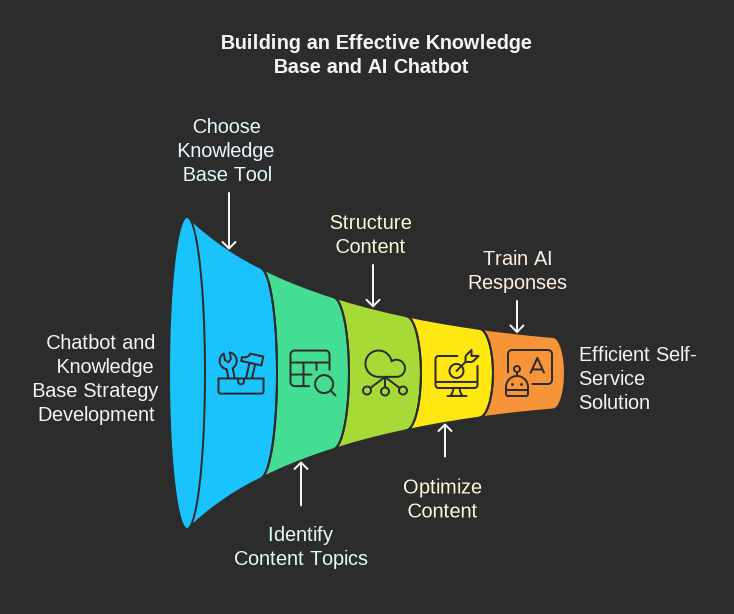
Building an Effective Knowledge Base and AI Chatbot
### Step 1: Define Your Chatbot’s Mission, Purpose, and Audience
Before creating your knowledge base, determine its core objectives:
1. What types of queries will the chatbot handle?
2. What level of support will it provide?
3. Who are the primary users, and what are their needs
A well-defined mission ensures that your knowledge base is structured to address specific pain points while optimising content strategy for internal (employee-focused) or external (customer-focused) use cases.
### Step 2: Choose the Right Knowledge Management Tool
Selecting an AI-integrated knowledge management system is crucial. Consider features such as:
1. Easy content organisation and publishing
2. AI-powered search functions
3. Detailed reporting and analytics
4. No-code content editing capabilities
A platform like FAQ Hub offers a centralised support resource, enabling businesses to manage content effortlessly while enhancing chatbot efficiency.
### Step 3: Identify Key Content Topics
Your knowledge base should cover a wide range of topics, including:
1. Frequently asked questions (FAQs)
2. Troubleshooting guides
3. Step-by-step tutorials
4. Policy and procedural documentation
Analysing customer interactions and support tickets will help prioritise topics based on search volume, complexity, and common user issues.
### Step 4: Structure Content for AI Comprehension
For your chatbot to retrieve accurate answers, organise information effectively:
1. Use clear categories and subcategories
2. Implement a tagging system for better searchability
3. Ensure a logical and intuitive navigation structure
A well-structured knowledge base enhances both chatbot performance and user experience.
### Step 5: Gather and Format Information
To create a comprehensive knowledge repository:
1. Collect data from manuals, documents, and subject matter experts
2. Use clear headings, bullet points, and concise language for readability
3. Convert existing content into chatbot-friendly formats like FAQs and guides
### Step 6: Optimize Content for AI and SEO
To maximise chatbot accuracy and improve search rankings:
1. Use keyword-rich titles and descriptions (e.g., "_how to build a knowledge base_" and "_building a knowledge base_")
2. Properly index articles for search engines
3. Optimise images with descriptive titles and alt text
4. Incorporate internal linking to connect related articles
5. Enable user engagement through comments and feedback
### Step 7: Train and Refine AI Responses
Once your chatbot is integrated with the knowledge base:
1. Conduct rigorous testing to identify gaps
2. Analyse chatbot interactions and customer queries
3. Continuously refine content to improve response accuracy
A well-trained AI chatbot learns from user feedback, ensuring reliable and contextually relevant responses.
### Step 8: Maintain and Update Content Regularly
A knowledge base should evolve alongside your business:
1. Schedule periodic content reviews
2. Update outdated information
3. Incorporate new data based on customer needs and industry trends
> Keeping content fresh ensures that your chatbot remains an effective self-service tool.
A well-structured knowledge base is not just a repository of information—it’s the driving force behind an intelligent AI chatbot. By following these eight steps, businesses can create a robust self-service solution that improves customer support, enhances chatbot performance, and drives operational efficiency.
## Optimising Your Knowledge Base for Maximum Impact
### Internal vs. External Knowledge Base Content
Depending on the audience, your knowledge base should include:
1. Internal Knowledge Base: Employee policies, procedural guides, operational details, company announcements.
2. External Knowledge Base: FAQs, troubleshooting steps, billing details, return policies, product manuals.
Additionally, incorporating diverse content formats—such as video tutorials, glossaries, case studies, and step-by-step guides—enhances engagement and accessibility.
## Tools and Technologies for Building a Knowledge Base
Selecting the right software is essential for maintaining an efficient knowledge base. Key considerations include:
1. **AI-powered capabilities** for enhanced automation
2. **Seamless integration** with customer service software
3. **Intuitive navigation** for ease of use
4. **Diverse content formats** to accommodate different learning styles
5. **Analytics and reporting** to track performance and optimize content
[FAQ Hub](/) offers a platform that centralises support resources and enables customers to manage their accounts efficiently. It also provides a no-code content editor, category management, analytics, contact workflow management, and various hosting methods.
Building a knowledge base is an ongoing quest, not a one-time task. By following these steps, implementing best practices, and leveraging the right tools, you can create a valuable resource that powers a highly effective AI chatbot, empowers your customers, reduces support costs, and drives business growth. Transform your customer support into an AI-driven adventure, where every customer finds instant, accurate answers, 24/7!
Start building your knowledge base today and optimise your AI chatbot with FAQ Hub, a leading platform for knowledge management, and unlock the full potential of automated customer support!
## Customer Portal vs. Client Portal: Which Reigns Supreme in 2024?
URL: https://www.faqhub.io/blog/customer-portal-vs-client-portal-which-reigns-supreme-in-2024
Category: Guides
Published: 2025-03-02
In the dynamic landscape of online business management, the terms "customer portal" and "[client portal](/blog/the-ultimate-guide-to-creating-a-client-portal)" are frequently used interchangeably. However, as we move towards the end of 2024, it's essential to draw a clear distinction between these two concepts, as they play pivotal roles in enhancing customer interactions, streamlining operations, and ensuring overall satisfaction. In this article, we'll delve into the core differences between a customer portal and a client portal, examining their unique features, benefits, and how each can reign supreme in its own right. We'll also explore the latest trends, including integrating AI and knowledge bases, to understand these tools in the modern business environment comprehensively.
## **Understanding the Customer Portal**
A customer portal, often known as a "self-service portal," is a web-based platform designed to facilitate interactions between businesses and their customers. It serves as a centralised hub where customers can access their accounts, gather information, and perform various tasks without direct assistance from customer support. This portal is designed to empower customers by providing them with the tools and information they need to manage their accounts and access support resources efficiently.
### **Key Features of a Customer Portal**
- Self-service tools: Customer portals offer many features, such as account management, billing information, order tracking, and support ticket creation.
- Personalisation: They often allow customers to customise their profiles, enabling a more personalised experience.
- Information access: Customers can readily access product documentation, FAQs, and other resources.
- 24/7 support: With AI-powered chatbots, customer portals can provide round-the-clock assistance, ensuring customer queries are resolved promptly.
## **Exploring the Client Portal**
On the other hand, a client portal is primarily geared towards businesses providing professional services, such as law firms, accounting agencies, or consultancy services. The client portal fosters collaboration and communication between the service provider and the client, creating a secure environment for sharing sensitive information and documents.
### **Key Features of a Client Portal**
- Secure document sharing: Client portals prioritise the confidentiality and security of shared documents, making them suitable for handling sensitive data.
- Communication tools: They often include integrated messaging systems and calendar functions, enabling seamless communication between clients and service providers.
- Project tracking: Many client portals offer project management tools to keep clients informed about the progress of ongoing projects.
- Collaboration enhancement: AI tools can now assist in document management, project tracking, and even predictive analytics to foresee project outcomes.
## **The Integration of AI and Knowledge Bases**
### **AI-Powered Enhancements**
The incorporation of AI has significantly transformed both customer and client portals. AI-driven features such as [chatbots](https://www.faqhub.io/blog/the-game-changer-ai-chatbots-redefining-24-7-customer-support), predictive analytics, and personalised recommendations enhance the user experience by providing real-time assistance and tailored solutions. These intelligent systems can analyse user behaviour to predict needs, offering proactive support and solutions.
### **Knowledge Bases**
A [knowledge base](https://faqhub.io) is a centralised repository of information that customers and clients can access. It includes FAQs, product guides, troubleshooting tips, and more. Integrating a knowledge base into your portal can greatly enhance the user experience by providing instant access to a wealth of information, reducing the need for direct support interactions.
### **Benefits of a Knowledge Base**
- Self-service: Users can find answers to common questions quickly and efficiently.
- Consistency: Provides a single source of truth, ensuring users receive accurate and up-to-date information.
- Efficiency: Reduces the workload on support teams by enabling users to resolve issues independently.
## **The Battle for Supremacy in 2024**
As we look ahead to 2025, the competition between customer and client portals is fierce. Each has its domain of excellence. The choice between the two depends largely on your business's nature and specific requirements.
### **When the Customer Portal Reigns Supreme**
A customer portal can be your best ally if you sell products or have a wide customer base. Here's why:
- Efficient [customer support](https://www.faqhub.io/blog/unlock-the-secrets-of-effective-customer-support-with-ai-a-comprehensive-guide): Customer portals empower your clients to solve common issues, reducing the burden on your support team.
- Enhanced customer experience: Self-service tools and personalised experiences can increase customer satisfaction and loyalty.
- Scalability: Customer portals are versatile and can be scaled to accommodate a growing customer base.
- [24/7 Availability](https://www.faqhub.io/blog/powering-up-customer-service-how-ai-chatbots-and-customer-portals-deliver-24-7-support-excellence): AI-powered chatbots ensure customer support is available around the clock.
### **When the Client Portal Reigns Supreme**
For businesses providing professional services or dealing with sensitive information, a client portal is the top choice:
- Data security: Client portals provide a secure environment for the exchange of confidential documents and information.
- Streamlined collaboration: They facilitate effective communication and collaboration between your team and clients.
- Project management: Service providers can update clients on project progress in real time.
- Advanced AI Tools: AI can assist in project management, predicting project outcomes, and enhancing document security.
Read our previous article "[Customer Portal vs. Client Portal: Which Reigns Supreme in 2023?](/blog/customer-portal-vs-client-portal-which-reigns-supreme-in-2023)"
**Conclusion**
In conclusion, the battle between customer and client portals in 2024 is not about one reigning supreme over the other; it's about selecting the right tool for your business needs. Understanding the core differences and benefits will help you make an informed decision aligning with your business goals, ensuring your online presence is optimised for success in the digital age. With the integration of AI and knowledge bases, both portals are becoming more powerful and user-friendly, enabling businesses to provide exceptional support and streamline operations.
Choosing the right portal is a strategic decision that can significantly impact your business's growth and customer satisfaction. By staying informed about the latest trends and technologies, you can ensure that your portal remains a valuable asset in your digital toolkit.
## How to Create a Knowledge Base: 9-Step Guide
URL: https://www.faqhub.io/blog/the-ultimate-guide-to-building-a-knowledge-base
Category: Knowledge Base
Published: 2025-03-02
Creating a knowledge base starts with the questions people already ask, not with an empty list of categories. Collect those questions from support conversations, group them by user goal, write one clear answer for each task, and give every article an owner. Then test whether customers can find and use the answers without contacting support.
This guide takes you through that process from the first content audit to ongoing maintenance.
## What is a knowledge base?
A knowledge base is an organised collection of answers about a product, service or internal process. A customer-facing knowledge base usually contains setup instructions, how-to guides, troubleshooting steps, policy explanations and answers to common questions.
The useful part is not the amount of content. It is the connection between a specific question and a reliable answer. A smaller knowledge base built around real customer tasks is more useful than a large library organised around internal departments.
## Knowledge base vs FAQ: which do you need?
An FAQ page answers a short list of common questions. A knowledge base supports a broader set of tasks and usually includes categories, search, related articles and more detailed instructions.
| Choose an FAQ page when... | Choose a knowledge base when... |
| --- | --- |
| You have a small, stable set of questions | Customers need help across several topics or product areas |
| Most answers fit in a few paragraphs | Answers need steps, screenshots or troubleshooting branches |
| Browsing one page is practical | Search and category navigation are necessary |
| One person can keep every answer current | Different subject owners need to review content |
Many teams need both. Their FAQ page handles quick pre-sale or policy questions, while the knowledge base contains deeper product guidance. Read the [step-by-step FAQ portal guide](/blog/creating-a-faq-portal-a-step-by-step-guide) if a shorter question-and-answer format fits your needs.
## Key elements of a useful knowledge base
A useful knowledge base has four working parts:
- **Clear scope:** it serves a defined audience and set of tasks.
- **Findable answers:** descriptive titles, shallow categories and search use the same language as customers.
- **Reliable content:** each article has an owner, a review date and a visible next step.
- **Feedback:** failed searches, article ratings and support conversations feed the content backlog.
Design supports those parts. It cannot rescue vague titles, missing answers or instructions that no longer match the product.
## How to create a knowledge base in 9 steps
### 1. Collect real customer questions
Start with support tickets, live-chat transcripts, sales objections, onboarding calls and search terms from your existing help site. Record the language customers use. Internal feature names often differ from the words people type into search.
Create a simple backlog with four fields: the question, the source, how often it appears and the person who knows the answer. You do not need to write the articles yet.
### 2. Prioritise the first articles
Rank the backlog by frequency, customer impact and answer stability. A frequent question with a dependable answer belongs near the top. A rare edge case or a process that changes every week can wait.
A practical first release covers one complete journey plus the highest-volume problems around it. For example, a SaaS knowledge base might cover account creation, initial configuration, user invitations and the five setup errors customers encounter most often.
### 3. Group questions by user goal
Build categories around what customers want to accomplish, such as “Set up your account” or “Manage billing”. Avoid mirroring your company structure with categories such as “Operations” or “Platform Team” unless those labels mean something to customers.
Keep the hierarchy shallow. A customer should not have to choose between several similar subcategories before seeing an article.
### 4. Choose a repeatable article format
Use a consistent structure so readers know where to look. A task article can follow this pattern:
1. State what the instructions achieve.
2. List anything the reader needs before starting.
3. Give the steps in order.
4. Show the expected result.
5. Explain the most likely failure and the next action.
Reference articles may need a different template, but the title and opening should still answer one recognisable question.
### 5. Write the answer before the background
Put the direct answer or first action near the top. Use the same terms customers use, keep each step focused on one action, and explain unfamiliar labels exactly as they appear in the product.
Screenshots help when the interface is difficult to describe, but they should support the instructions rather than replace them. Include descriptive alt text and update images when the interface changes.
### 6. Choose knowledge base software
Evaluate software against the work your customers and editors need to do. Check whether readers can search, browse related articles and use the site on a phone. For editors, check permissions, version history, review workflows, scheduled publishing and content ownership.
Also test export and integration options before committing. Your content should not become difficult to retrieve because you chose the wrong platform.
### 7. Assign an owner and review date
Every article needs a named owner who can confirm whether it is still correct. Set the review frequency according to how often the underlying product or process changes.
Ownership matters more than an ambitious review schedule. An article with no accountable owner will eventually become unreliable, however polished it looked at launch.
### 8. Test with real customer tasks
Give a small group of customers or colleagues common questions and ask them to find the answer without guidance. Watch where they search, which category labels they choose and whether the article resolves the task.
Fix unclear titles and navigation before adding more content. A failed search often points to a language or structure problem, not a need for another feature.
### 9. Launch and maintain it
Link the knowledge base from the places where customers need help: your product, website, onboarding emails and support replies. Make feedback easy, but treat comments as evidence to review rather than automatic instructions to rewrite an article.
Use failed searches, article feedback and support conversations to decide what to update next. Product changes should also trigger a review of the affected articles before the change reaches customers.
## Knowledge base questions to include
The right questions depend on your product, but most customer knowledge bases need coverage in these areas:
- **Getting started:** What do I need before setup? How do I complete the first useful task?
- **Accounts and access:** How do I invite someone, change a role, reset access or close an account?
- **Core tasks:** How do I complete the actions customers use the product for?
- **Troubleshooting:** What does each common error mean, and what should the customer try next?
- **Billing and policies:** How do plans, invoices, renewals, cancellations and refunds work?
- **Integrations:** What systems connect, what permissions are required and how is the connection tested?
- **Security and privacy:** Where is data stored, who can access it and how can customers exercise their controls?
Turn each broad question into separate articles when the answer becomes long or serves a different audience. Do not force unrelated tasks into one page because they share a feature name.
## How to measure whether it works
Measure outcomes that reveal whether readers found a usable answer:
- successful searches and searches with no result;
- article feedback with a reason, not only a yes-or-no score;
- support requests opened after an article view;
- repeated queries that lead to different pages; and
- completion of the product task the article supports, where that can be measured responsibly.
Ticket volume needs context. A growing customer base can produce more tickets even when self-service improves, while a falling ticket count can hide customers giving up. Review support demand alongside customer growth, task completion and feedback.
## Common knowledge base mistakes
### Organising content around internal teams
Customers search for their goal, not the department that owns a feature. Use customer language in titles, category labels and opening sentences.
### Publishing without ownership
An outdated answer is worse than no answer when it leads customers through the wrong process. Assign the owner before publishing and make stale content visible to editors.
### Creating duplicate articles for similar keywords
One strong article can answer “building a knowledge base”, “creating a knowledge base” and “how to create a knowledge base”. Separate pages should serve separate tasks, not minor wording variations.
### Treating launch as completion
Product changes, customer language and support patterns move over time. Use failed searches, feedback and support conversations to decide what to update next.
## Build the smallest useful version first
A useful knowledge base does not begin with hundreds of articles. Start with one audience, one complete journey and the questions that repeatedly interrupt it. Organise those answers around customer goals, test whether people can find them, and expand from evidence.
If your content also needs secure document exchange or account-specific collaboration, that is a different job. The [client portal guide](/blog/the-ultimate-guide-to-creating-a-client-portal) explains the additional features and security decisions involved. For an in-app support experience, see how FAQ Hub approaches [SaaS knowledge bases and AI support](/saas/).
## Building a Knowledge Base: Your Ultimate Guide
URL: https://www.faqhub.io/blog/building-a-knowledge-base-your-ultimate-guide
Category: Knowledge Base
Published: 2025-01-11
Building a knowledge base is essential for businesses aiming to streamline customer support and improve user experiences.
This comprehensive guide will walk you through how to build a knowledge base that meets your customers' needs while showcasing the benefits of FAQ software. Our goal is to empower you to create an organized, efficient repository of information that enhances customer satisfaction.
A knowledge base is a centralized repository for information, allowing users to access FAQs and support documents easily. To effectively [build a knowledge base](/blog/ai-powered-knowledge-base-saas-solution), you must first recognize the importance of identifying the right content. Start by gathering insights on common [customer inquiries](/blog/streamline-our-business-operations-and-enhance-customer-support) that you can address through a well-structured FAQ section.
This not only aids in [customer support](/blog/unlock-the-secrets-of-effective-customer-support-with-ai-a-comprehensive-guide) but also reduces response times significantly. Utilizing [FAQ software](/blog/integrating-your-faq-portal-with-other-platforms) can significantly enhance the efficiency of your knowledge base. Studies indicate that businesses that implement knowledge bases reduce their [support ticket volume](/blog/how-faq-hub-can-help-you-reduce-support-tickets-streamline-customer-service-and-boost-operational-efficiency) by up to 30%. By deploying automated FAQs, you can provide 24/7 assistance to your customers, which can lead to increased customer loyalty and retention rates.
Many businesses have concerns about the implementation of a knowledge base.
For instance, how to ensure that the content remains updated and relevant? Regular audits and customer feedback mechanisms can keep your FAQs fresh and aligned with user needs. Additionally, integrating an AI-powered chatbot with your knowledge base can aid in providing instant answers. In summary, a well-structured knowledge base allows customer support teams to operate more efficiently while enhancing the overall user experience.
By utilizing FAQ software, your organization can address common concerns and foster stronger customer relationships.
Start your journey today towards improved customer satisfaction by implementing a [knowledge base](/) for your business.
## AI-Powered Knowledge Base SaaS Solution
URL: https://www.faqhub.io/blog/ai-powered-knowledge-base-saas-solution
Category: AI in Customer Support
Published: 2024-12-28
In the fast-paced digital world, many SaaS founders struggle to manage customer support while meeting rising expectations. The overwhelming volume of inquiries can lead to delays and frustration for both customers and support teams.
To address this challenge, an innovative Software as a Service (SaaS) solution has been developed. By integrating AI-powered content generation, a knowledge base and advanced AI chatbot capabilities, this platform streamlines customer interactions and enhances the onboarding experience. It enables founders to automate routine inquiries and focus on strategic growth, ultimately boosting customer retention with minimal human intervention. This solution transforms support into a proactive and efficient process, leading to higher customer satisfaction and loyalty.
## Introduction
In today's fast-paced digital landscape, SaaS companies face the challenge of providing efficient customer support while managing limited resources. An AI-powered knowledge base solution addresses this need by automating content generation and customer interactions. This document illustrates how such a solution can transform customer support processes, enabling SaaS founders to focus on growth and innovation.
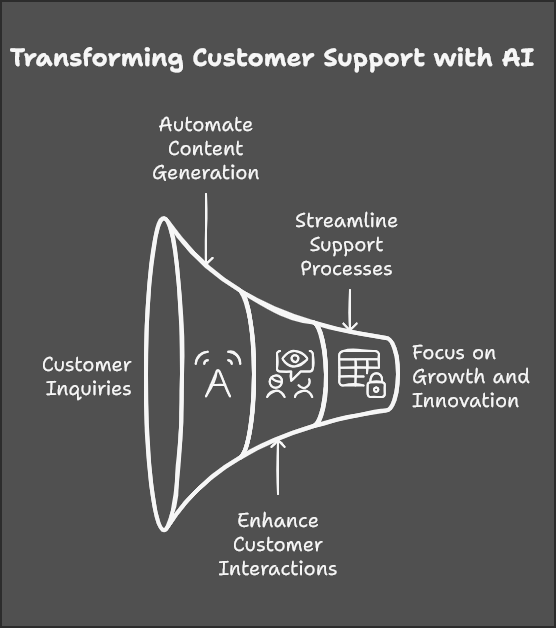
Transform Customer Support with an AI-Powered Knowledge Base and Chatbot Capabilities.
## Key Features
1. AI-Powered Content Generation
1. **Dynamic Knowledge Base Creation**: The solution utilizes AI algorithms to automatically generate and update content for the knowledge base. This includes FAQs, troubleshooting guides, and product documentation, ensuring that customers have access to the most relevant and up-to-date information.
2. **Personalized Content Recommendations**: By analyzing user behavior and preferences, the AI can suggest tailored content to users, enhancing their experience and reducing the time spent searching for information.
2. AI-Chatbot Creation
1. **24/7 Customer Support**: The AI chatbot is available around the clock to assist customers with their inquiries, providing instant responses and reducing wait times. This ensures that customers receive timely support, regardless of the hour.
2. **Natural Language Processing (NLP)**: The chatbot leverages NLP to understand and respond to customer queries in a conversational manner, making interactions feel more human-like and engaging.
3. Streamlined Customer Onboarding
1. **Guided Onboarding Processes**: The solution can create interactive onboarding experiences that guide new users through the platform, helping them understand features and functionalities quickly.
2. **Automated Follow-ups**: AI can automate follow-up communications with new users, ensuring they receive the necessary support and resources to become proficient with the product.
4. Enhanced Customer Retention
1. **Proactive Support**: By analyzing customer data, the AI can identify potential issues before they escalate, allowing for proactive outreach and support.
2. **Feedback Loop**: The system can gather customer feedback through the chatbot, enabling continuous improvement of the knowledge base and support processes.
## Conclusion
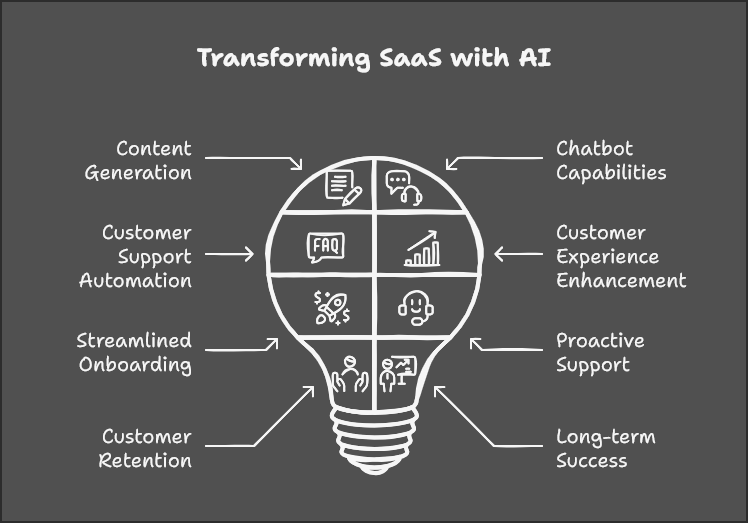
Transforming SaaS with AI.
An AI-powered knowledge base SaaS solution with integrated content generation and chatbot capabilities presents a transformative opportunity for SaaS founders. By automating customer support processes, this solution not only reduces the need for extensive human resources but also enhances the overall customer experience. With streamlined onboarding and proactive support, SaaS companies can improve customer retention and drive long-term success.
## Build Your Custom Knowledge Base: A Comprehensive Guide
URL: https://www.faqhub.io/blog/build-your-custom-knowledge-base-a-comprehensive-guide
Category: Resources
Published: 2024-12-28
Creating a [knowledge base](/blog/creating-a-comprehensive-knowledge-base-best-practices-and-tips) is essential for businesses that want to provide better customer support, streamline internal communication, and improve operational efficiency. In this comprehensive guide, we'll walk you through the entire process of building a custom knowledge base from scratch and introduce you to a powerful SaaS platform, FAQ Hub, that can help you create a fully-featured and flexible knowledge base with ease.
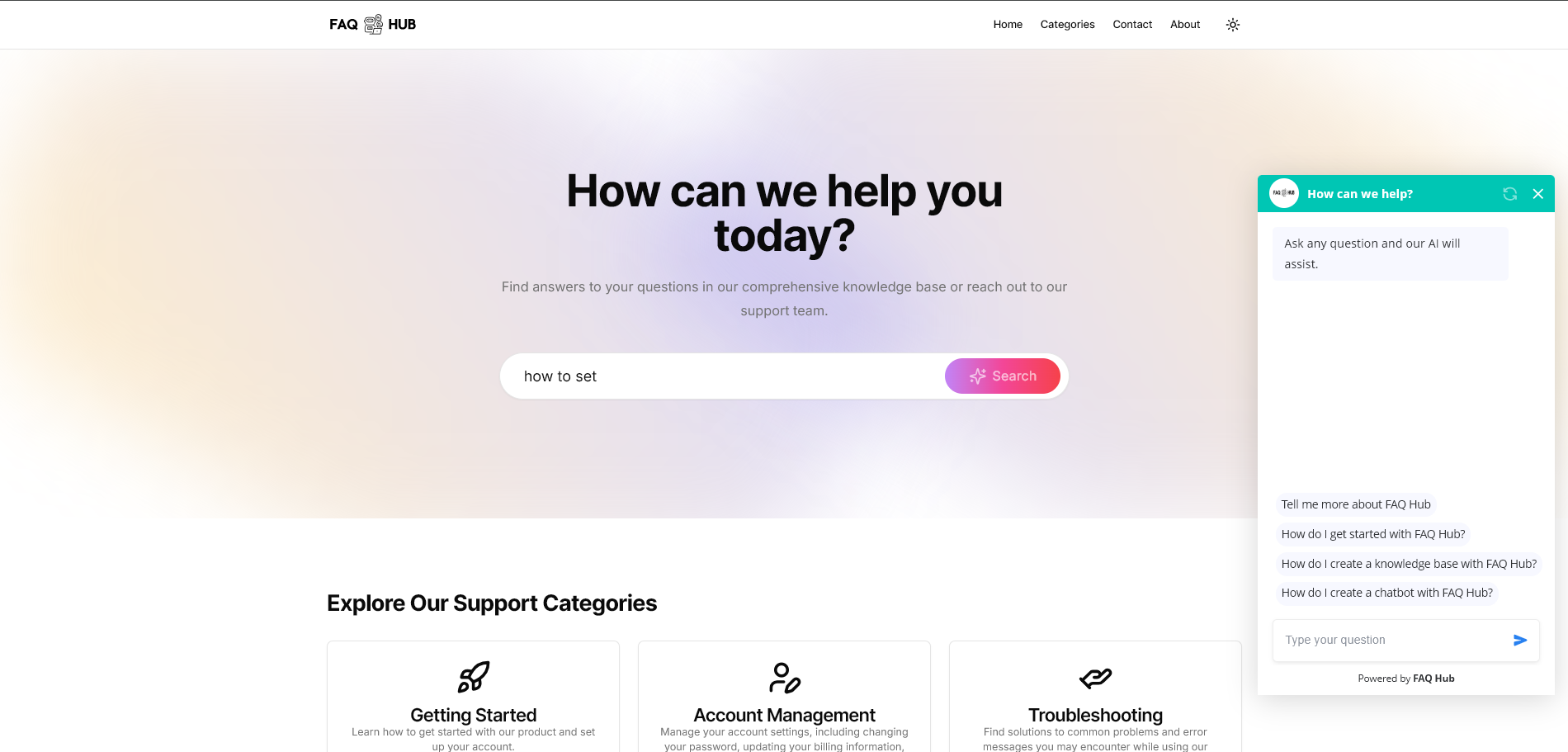
A comprehensive AI-Powered Knowledge Base and Chatbot Platform.
## 1\. Understanding the Importance of a Knowledge Base
A knowledge base is a centralised repository of information that allows customers and employees to find answers to their questions quickly. By creating a comprehensive knowledge base, you can:
- Improve [customer satisfaction](/blog/how-to-improve-customer-retention-with-a-faq-portal-or-knowledge-management-software) by providing instant, self-service support
- Reduce support costs by decreasing the number of support tickets
- Increase employee productivity by making it easy to find and share information
- Enhance collaboration and knowledge sharing among your team
## 2\. Choosing the Right Knowledge Base Platform
You need a reliable and [easy-to-use](/blog/faq-hub-create-your-own-no-code-knowledge-base-portal) platform to build an effective knowledge base. There are several factors to consider when selecting a knowledge base platform:
- **Ease of use:** Choose a platform with an intuitive interface that allows your team to create and manage content easily.
- **Customizability:** Look for a platform that offers customisation options to match your brand and meet your specific requirements.
- **Scalability:** Ensure the platform can grow with your business and handle increasing content and users.
- **Integration:** Check if the platform integrates with your existing tools, such as CRM, helpdesk, and project management software.
One excellent option for creating a fully-featured and flexible knowledge base is FAQ Hub. This SaaS platform offers a user-friendly interface, extensive customisation options, and seamless integration with popular business tools.
## 3\. Planning and Structuring Your Knowledge Base
A well-organized knowledge base makes it easier for users to find the necessary information. Follow these steps to structure your knowledge base effectively:

[Master the art of knowledge management](/blog/master-the-art-of-knowledge-management-with-these-best-practices)
1. **Identify your audience:** Determine who will use your knowledge base, such as customers, employees, or both. Understanding your audience helps you create relevant content and categories.
2. **Define categories:** Organize your content into logical categories based on the topics and themes most relevant to your audience.
3. **Create subcategories:** Use subcategories to break down content further and make it more accessible.
4. **Establish a clear hierarchy:** Design a clear navigation structure, with main categories at the top level and subcategories nested underneath.
## 4\. Writing Effective Knowledge Base Articles
Well-written articles are crucial for providing accurate and helpful information to your users. Follow these best practices when writing knowledge base articles:
- **Be concise:** Keep articles short and to the point, focusing on one topic per article.
- **Use clear headings:** Use descriptive headings and subheadings to make your content easy to scan and understand.
- **Write in plain language:** Use simple, everyday language to ensure your content is accessible to all users, regardless of their technical expertise.
- **Incorporate keywords:** Include relevant keywords to help users find your content through search engines and your knowledge base's search functionality.
- **Use a consistent format:** Establish a consistent format for all articles, including headings, subheadings, bullet points, and numbering.
- **Provide step-by-step instructions:** Break down complex tasks into easy-to-follow, step-by-step instructions accompanied by screenshots or images if necessary.
- **Link to related content:** Include links to related articles within your knowledge base to help users find additional information.
## 5\. Incorporating Multimedia Content
Multimedia content, such as images, videos, and GIFs, can enhance your knowledge base and make it more engaging for users. Consider the following tips when incorporating multimedia content:
- **Use high-quality images:** Include clear, high-resolution images that effectively illustrate your points.
- **Optimise images for the web:** Compress images to reduce file size without sacrificing quality, ensuring faster page load times.
- **Create instructional videos:** Produce short, informative videos demonstrating complex processes or concepts.
- **Add captions and transcripts:** Make your multimedia content accessible to all users by providing captions and transcripts for videos.
- **Use descriptive file names and alt text:** Use descriptive file names and alt text for images and videos to improve SEO and accessibility.
## 6\. Optimizing Knowledge Base UX and Search Functionality
A user-friendly knowledge base ensures users can easily navigate and find the necessary information. Follow these best practices to optimise your knowledge base's UX and search functionality:
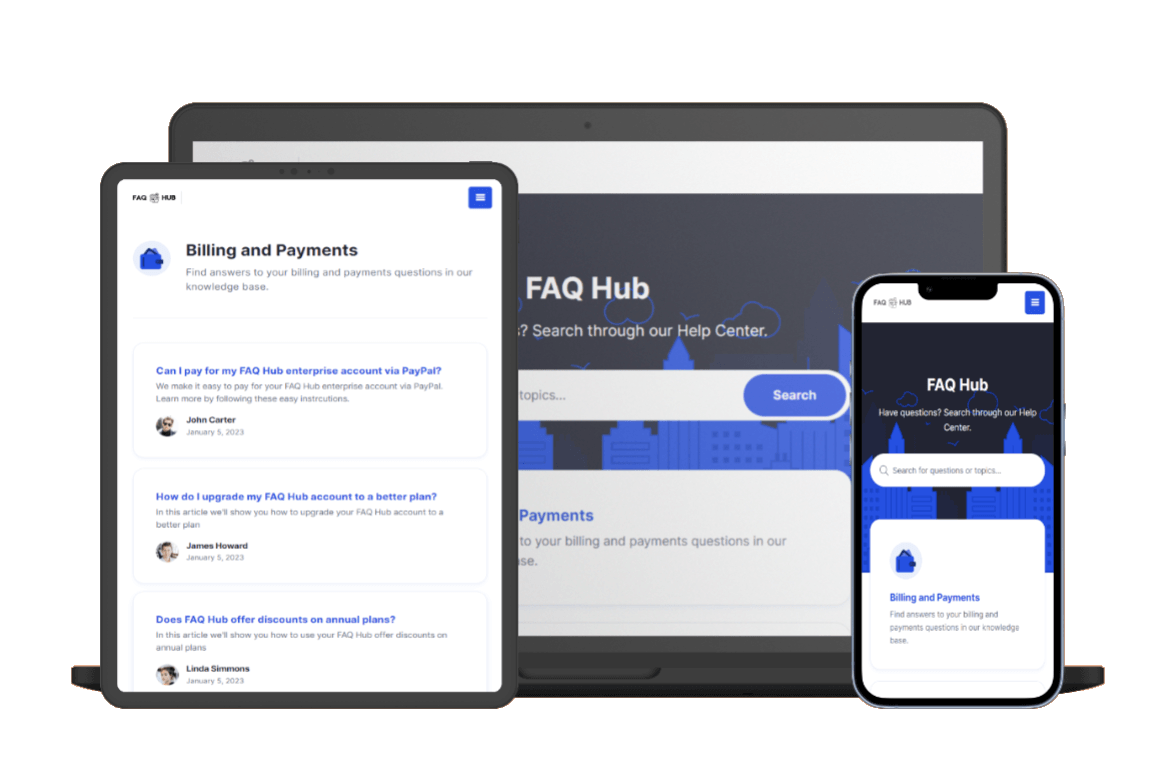
[FAQ Hub](/): A user friendly and customisable knowledge base portal
- **Design a clean and intuitive interface:** Use a clean, minimalist design that focuses on content and minimises distractions.
- **Ensure mobile responsiveness:** Ensure your knowledge base is accessible and easy to navigate on all devices, including smartphones and tablets.
- **Implement a powerful search engine:** Choose a knowledge base platform with a robust search engine that allows users to find relevant content quickly and easily.
- **Use filters and tags:** To narrow search results, users can filter content by categories, tags, or other criteria.
- **Test and iterate:** Regularly test your knowledge base's UX and search functionality and improve based on user feedback and analytics data.
## 7\. Collaborating with Your Team
Collaboration is key to building and maintaining a successful knowledge base. Encourage your team to contribute by:
- **Assigning roles and responsibilities:** Designate team members to create, review, and update content and establish a clear content creation and approval workflow.
- **Providing training and support:** Train your team on how to use your knowledge base platform and provide ongoing support to address any questions or concerns.
- **Fostering a culture of knowledge sharing:** Encourage team members to share their expertise and collaborate on content creation.
- **Collecting feedback:** Gather feedback from team members and users to identify areas for improvement and optimise your knowledge base.
## 8\. Maintaining and Updating Your Knowledge Base
A well-maintained knowledge base ensures that your content remains accurate and up-to-date. Implement the following strategies to keep your knowledge base fresh and relevant:
- **Schedule regular content reviews:** Review and update your articles to ensure they contain the latest information and best practices.
- **Monitor user feedback:** Track user feedback, including comments and support tickets, to identify gaps in your content and areas for improvement.
- **Analyse search data:** Review search data to understand what users are searching for and create content to address those needs.
- **Remove outdated content:** Identify and remove or update any outdated or irrelevant content to maintain the quality of your knowledge base.
- **Establish a content lifecycle:** Create a content lifecycle plan that outlines the process for creating, reviewing, updating, and archiving content.
## 9\. Leveraging Analytics for Continuous Improvement
Using analytics data, you can measure your knowledge base's performance and identify opportunities for improvement. Consider tracking the following metrics:
- **Page views:** Monitor the number of views for each article to understand which topics are most popular among users.
- **Search Queries:** Analyze search queries to identify common questions and gaps in your content.
- **Bounce rate:** Track bounce rates to identify articles that may not meet users' needs or expectations.
- **Time on page:** Measure users' average time on each article to gauge their engagement and interest.
- **User feedback:** Collect user feedback, such as ratings and comments, to identify areas for improvement.
Use these insights to optimise your knowledge base, create new content, and improve existing articles.
## 10\. Getting Started with FAQ Hub
[FAQ Hub](/) is a powerful Knowledge Base SaaS platform that makes creating, managing, and optimising a fully-featured and flexible knowledge base easy. With its user-friendly interface, extensive customisation options, and seamless integration with popular business tools, FAQ Hub is an excellent choice for businesses looking to build a custom knowledge base.

Get started with [FAQ Hub](/)
To get started with FAQ Hub:
1. [Sign up](/#home-page-subscribe) to the wiatlist and explore the platform's features and capabilities.
2. Set up your knowledge base by selecting a template, customising the design, and configuring settings.
3. Create content using the platform's easy-to-use editor, incorporating text, images, videos, and other multimedia elements.
4. Organise your content into categories and subcategories, and optimise your knowledge base's navigation and search functionality.
5. Invite your team members to collaborate on content creation, review, and maintenance.
6. Monitor your knowledge base's performance using built-in analytics tools and make data-driven improvements.
By following this comprehensive guide and leveraging the power of [FAQ Hub](/), you can build a custom knowledge base that meets the needs of your customers and employees, improves satisfaction, and drives business growth.
## Knowledge Base Solution for Content Authoring and AI Chatbot Creation
URL: https://www.faqhub.io/blog/knowledge-base-solution-for-content-authoring-and-ai-chatbot-creation
Category: Knowledge Base
Published: 2024-12-27
Today we're showcasing an innovative knowledge base solution designed to enhance content creation through AI, which can be accessed via API. Our solution empowers you to effortlessly build engaging FAQ pages and a robust Help Center while offering the flexibility to configure your product’s AI chatbot. This chatbot integrates seamlessly into your web application or your Help Center and is also compatible with popular messaging platforms like Facebook and WhatsApp. By embracing this cutting-edge solution, organizations can markedly elevate their customer support capabilities, providing users with immediate and convenient access to the information they seek.
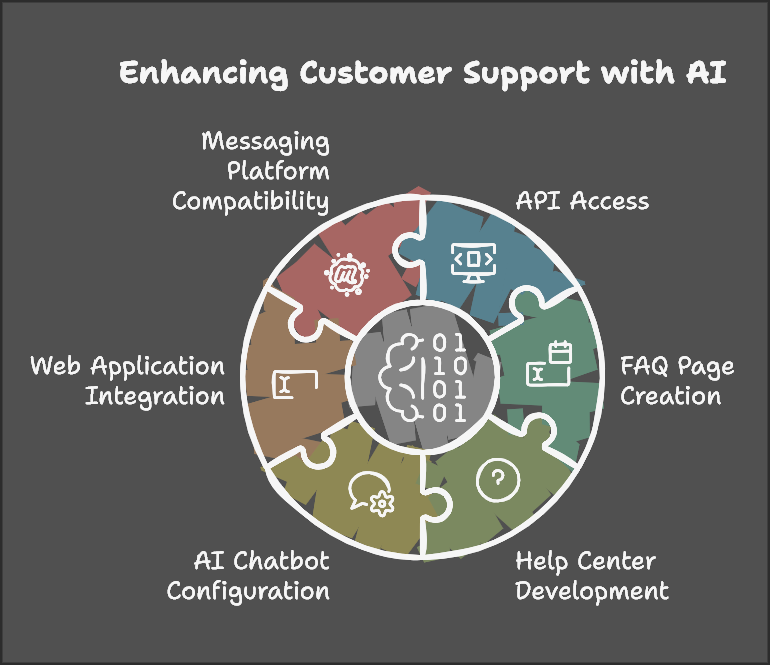
FAQ Hub: Enhancing Customer Support with an AI-Powered Knowledge Base and Chatbot platform.
## Overview of the Knowledge Base Solution
The knowledge base solution serves as a centralized repository for content that can be easily authored, managed, and accessed through a robust API. This API will enable seamless integration with various applications and platforms, allowing for the dynamic generation of FAQ pages and Help Center content. Additionally, the API will support the development of an AI chatbot that can interact with users on multiple messaging platforms.
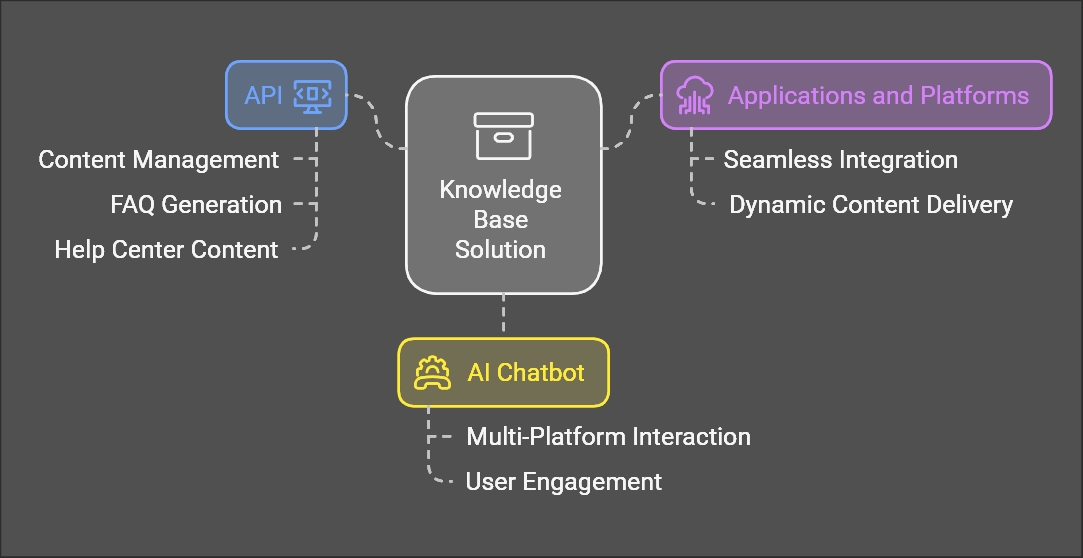
A comprehensive overview of a knowledge base solution for customer support.
## Key Features
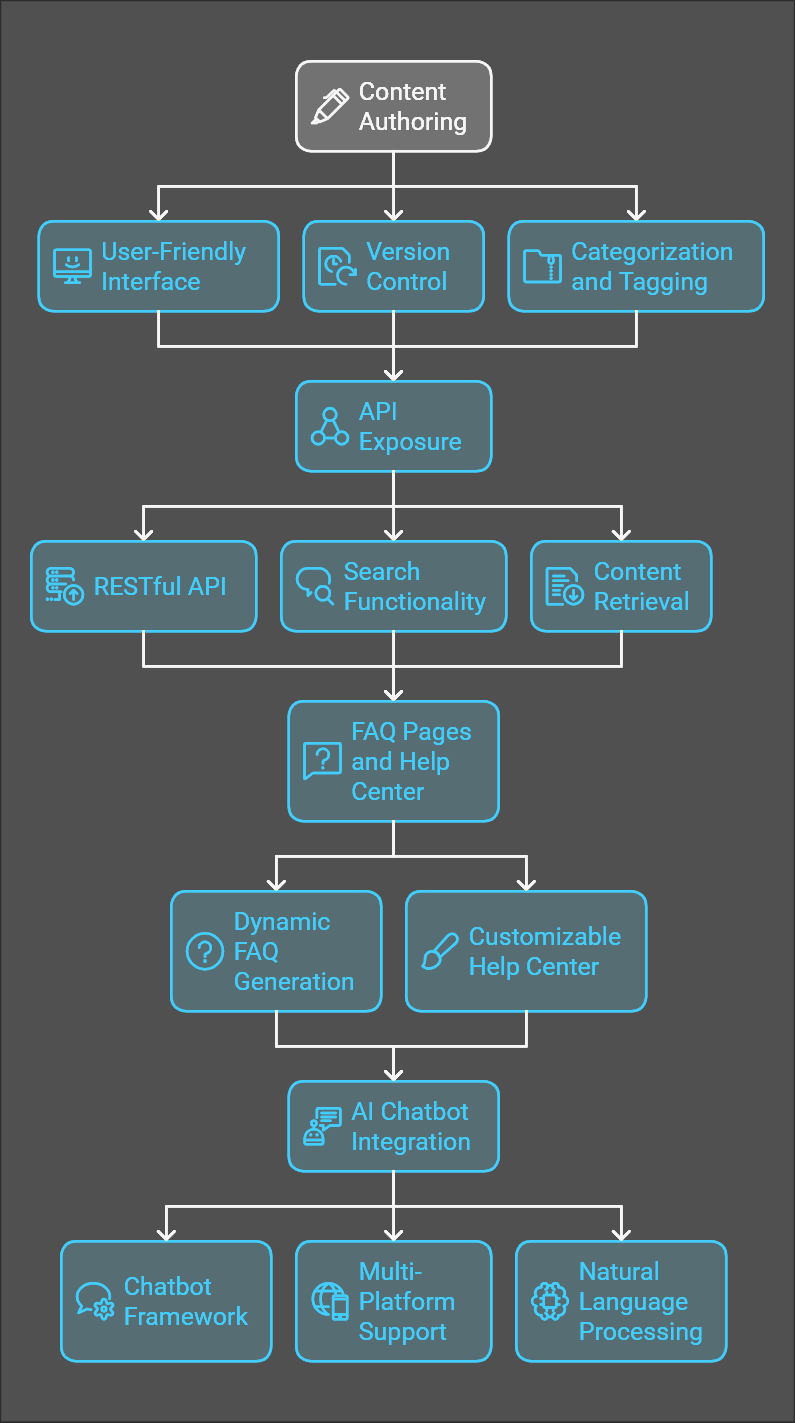
### Content Authoring
1. **User-Friendly Interface**: The solution will provide an intuitive interface for content authors to create and edit articles, FAQs, and guides.
2. **Version Control**: Authors can track changes and revert to previous versions of content as needed.
3. **Categorization and Tagging**: Content can be organized into categories and tagged for easier retrieval and navigation.
### API Exposure
1. **RESTful API:** The solution will expose a RESTful API that allows developers to access and manipulate knowledge base content programmatically.
2. **Search Functionality:** The API will support search queries to retrieve relevant articles based on keywords or phrases.
3. **Content Retrieval:** Developers can fetch specific articles, FAQs, or categories through API endpoints.
### FAQ Pages and Help Center
1. **Dynamic FAQ Generation:** The API will enable the automatic generation of FAQ pages based on frequently asked questions and popular topics.
2. **Customizable Help Center:** Organizations can create a branded Help Center that pulls content directly from the knowledge base.
### AI Chatbot Integration
1. **Chatbot Framework:** The solution will include a framework for building an AI chatbot that can answer user queries using the knowledge base content.
2. **Multi-Platform Support:** The chatbot will be designed to integrate with messaging platforms such as Facebook Messenger and WhatsApp, allowing users to access information through their preferred channels.
3. **Natural Language Processing**: The chatbot will utilize NLP techniques to understand user queries and provide accurate responses.
## Implementation Considerations
### Security
- **Authentication and Authorization**: The API will implement secure authentication mechanisms to ensure that only authorized users can access or modify content.
- **Data Privacy**: Measures will be taken to protect user data and comply with relevant data protection regulations.
### Scalability
- **Cloud-Based Infrastructure**: The solution will be built on a scalable cloud infrastructure to handle varying loads and ensure high availability.
- **Performance Optimization**: Caching strategies and efficient database queries will be employed to enhance performance.
### User Training and Support
- **Documentation**: Comprehensive documentation will be provided for both content authors and developers to facilitate the use of the knowledge base solution.
- **Training Sessions**: Training sessions can be organized to help users familiarize themselves with the system and its features.
## Conclusion
The proposed knowledge base solution offers a powerful platform for authoring content and exposing an API that can be utilized to create FAQ pages, a Help Center, and AI chatbots. By integrating with popular messaging platforms, organizations can significantly improve their customer support experience and provide users with instant access to information. This solution not only streamlines content management but also enhances user engagement through innovative technology.
## The Ultimate Guide to Conversational AI: Leveraging Chatbot Knowledge Bases for Enhanced Customer Experience
URL: https://www.faqhub.io/blog/the-ultimate-guide-to-conversational-ai-leveraging-chatbot-knowledge-bases-for-enhanced-customer-experience
Category: Knowledge Base
Published: 2024-10-13
As businesses strive to provide exceptional customer experiences, conversational artificial intelligence (AI) has emerged as a key differentiator. At the heart of successful chatbot implementations lies a well-crafted knowledge base. This comprehensive guide delves into the benefits, features, and best practices of chatbot knowledge bases, empowering you to create a more efficient, effective, and engaging conversational interface.
### Benefits of Chatbot Knowledge Bases
A robust [chatbot](https://www.faqhub.io/blog/reimagine-customer-support-24-7-accuracy-with-ai-chatbots-faq-hub) [knowledge base](https://www.faqhub.io/blog/streamline-customer-onboarding-with-a-centralised-knowledge-base) is essential for delivering accurate, timely, personalised responses. The advantages of investing in a high-quality knowledge base are multifaceted:
#### Improved Accuracy
By housing an extensive library of information, chatbots can provide precise answers to frequently asked questions (FAQs), reducing the likelihood of misinformed or irrelevant responses.
#### Enhanced Customer Satisfaction
Knowledge bases enable chatbots to respond quickly and efficiently, promptly addressing customer concerns and queries. This translates to [higher satisfaction](https://www.faqhub.io/blog/how-faq-hub-can-help-you-reduce-support-tickets-streamline-customer-service-and-boost-operational-efficiency) ratings and a more positive brand image.
#### Increased Efficiency
Automated responses and streamlined workflows minimise human intervention, freeing support agents to tackle complex issues requiring empathy and expertise.
#### Better Data Analysis and Insights
A well-maintained knowledge base provides valuable insights into customer behaviour, preferences, and pain points. This information can be used to refine chatbot functionality, inform product development, and optimise business strategies.
### Key Features of Chatbot Knowledge Bases
To maximise the effectiveness of your conversational AI solution, consider incorporating these essential features:
#### 1\. In-Depth Content Creation
Develop a comprehensive knowledge base by gathering accurate, relevant, and up-to-date information from various sources, including company documentation, industry research, and expert opinions.
#### 2\. Structured Data Organization
Implement an effective data structure to facilitate easy searching, retrieval, and updating knowledge base entries. This can be achieved using hierarchical organisation, tagging systems, or hybrid approaches.
#### 3\. Natural Language Processing (NLP)
Leverage NLP capabilities to enable chatbots to accurately understand and process human language inputs. This involves training machine learning models on vast datasets to recognise context, intent, and sentiment.
#### 4\. Integration with Chatbot Platforms
FAQ Hub offers a powerful API that can be used to enhance your custom chatbot platform, or you can use the chatbot provided by FAQ Hub. You can easily integrate your knowledge base with various chatbot platforms to facilitate smooth data transfer, streamline workflows, and provide a unified conversational experience. This feature ensures that you are not locked in with any specific vendor, allowing you the freedom to adjust and upgrade your systems as necessary.
#### 5\. Continuous Updates and Maintenance
Regularly review, update, and refine your knowledge base to ensure accuracy, relevance, and timeliness. This involves monitoring customer feedback, tracking industry trends, and incorporating new information.
### Best Practices for Developing Chatbot Knowledge Bases
To create an exceptional chatbot experience, adhere to these best practices:
#### 1\. Conduct Thorough Research
Gather diverse sources and perspectives to inform your knowledge base creation. This includes internal company data, industry research reports, expert opinions, and customer feedback.
#### 2\. Prioritise User Experience
Design a user-friendly interface that facilitates easy navigation, intuitive search functionality, and clear response formatting. Ensure seamless integration with your chatbot platform to provide a cohesive experience.
#### 3\. Implement Regular Maintenance and Updates
Schedule regular reviews and updates of your knowledge base to maintain accuracy, relevance, and timeliness. This ensures that customer interactions remain engaging, informative, and valuable.
#### 4\. Foster Collaboration and Feedback
Encourage stakeholder collaboration, including developers, designers, and subject matter experts. Also, solicit feedback from customers and internal teams to continuously refine the chatbot experience.
### Creating an Effective Chatbot Knowledge Base: A Step-by-Step Guide
Explore our features and pricing to see if [FAQ Hub](/) is the right fit for you
At [FAQ Hub](/), we've helped numerous businesses create and implement effective chatbot knowledge bases that drive real results. Our expert team is here to help you design, develop, and deploy a custom chatbot knowledge base that meets your specific needs.
To develop a high-quality [knowledge base](https://www.faqhub.io/blog/the-ultimate-guide-to-building-a-knowledge-base) that meets your business needs, follow this step-by-step guide:
#### Step 1: Define Your Objectives
Clearly outline the goals of your conversational AI project. This includes identifying key pain points, determining desired outcomes, and establishing performance metrics.
#### Step 2: Research and Gather Content
Conduct thorough research to gather diverse sources and perspectives—Prioritise accuracy, relevance, and timeliness in your content creation.
#### Step 3: Structure Data Organization
Develop an effective data structure that facilitates easy searching, retrieval, and updating knowledge base entries. Consider implementing hierarchical organisation, tagging systems, or hybrid approaches.
#### Step 4: Implement NLP Capabilities
Leverage NLP capabilities to enable chatbots to accurately understand and process human language inputs—train machine learning models on vast datasets to recognise context, intent, and sentiment.
#### Step 5: Integrate with Chatbot Platforms
Seamlessly integrate your knowledge base with popular chatbot platforms. Ensure smooth data exchange, streamlined workflows, and a unified conversational interface.
#### Step 6: Establish Maintenance and Update Protocols
Schedule regular reviews and updates of your knowledge base to maintain accuracy, relevance, and timeliness.
### Conclusion
Implementing a high-quality knowledge base is crucial for delivering exceptional conversational AI experiences. Following the best practices outlined in this guide, you can create an effective chatbot knowledge base that enhances customer satisfaction, improves accuracy, and increases efficiency.
## Streamline Customer Onboarding with a Centralised Knowledge Base
URL: https://www.faqhub.io/blog/streamline-customer-onboarding-with-a-centralised-knowledge-base
Category: Guides
Published: 2024-08-24
In today's competitive business landscape, customer onboarding is no longer a luxury - it's a necessity. A well-designed onboarding process can turn first-time users into loyal brand advocates, but a clunky or confusing one can lead to frustration and churn.
This is where a robust knowledge base and FAQ portal come in. These powerful tools can help you create a seamless and informative onboarding experience for your customers. Here's how:
- **Centralised Knowledge Base:** Consolidate your customer onboarding materials in one easy-to-find location. You can create a comprehensive FAQ section, knowledge base articles, and even how-to videos, all accessible from a single hub. This eliminates the need for customers to search through scattered documents or contact support for simple questions.
- **Improved Customer Self-Service:** Empower your customers to find the answers they need on their own time. Powerful search functionality allows customers to quickly find the information they're looking for, reducing the burden on your support team.
- **Reduced Onboarding Time:** By providing customers with a self-service knowledge base, you can significantly reduce the time it takes to get them up and running. This frees your team to focus on complex issues and provide personalised support.
- **Increased Customer Satisfaction:** When customers can easily find the answers they need, they're more likely to be satisfied with your product or service. A knowledge base can help you improve customer satisfaction scores and reduce churn.
- **Scalability and Flexibility:** Choose a tool that’s designed to grow with your business. You can easily add new content and features as your needs evolve.
### Here are some additional tips for optimising your customer onboarding process:
- **Keep your content up-to-date:** Ensure your FAQ section and knowledge base articles contain the latest information about your product or service.
- **Use clear and concise language:** Avoid technical jargon and write in a way that is easy for customers to understand.
- **Organise your content logically:** Divide your content into clear categories and subcategories to make it easy for customers to find the information they're looking for
- **Use visuals:** Images, videos, and screenshots can help to break up text and make your content more engaging.
- **Make it searchable:** Use a powerful search engine to make it easy for customers to find the information they need.
Following these tips, you can use FAQ Hub to create a seamless and informative customer onboarding experience to help you turn first-time users into loyal brand advocates.
### Ready to see the difference that FAQ Hub can make?
Sign up for a free trial today and see how FAQ Hub can help you improve your customer onboarding process.
**Throughout this blog post, I've highlighted the importance of a seamless customer onboarding process and how FAQ Hub can help you achieve that goal. To learn more about FAQ Hub and its features, visit our website at** [**FAQ Hub**](https://faqhub.io)**.**
## How FAQ Hub Can Help You Reduce Support Tickets, Streamline Customer Service, and Boost Operational Efficiency
URL: https://www.faqhub.io/blog/how-faq-hub-can-help-you-reduce-support-tickets-streamline-customer-service-and-boost-operational-efficiency
Category: AI in Customer Support
Published: 2024-02-24
In today's competitive business landscape, providing excellent customer service is essential for retaining customers and driving growth. However, many businesses struggle to keep up with the ever-increasing volume of support tickets. This can lead to long wait times, frustrated customers, and decreased satisfaction.
FAQ Hub is a customer portal platform that can help you overcome these challenges by providing a self-service knowledge base, a multilingual AI chatbot, and a number of other features that can help you reduce support tickets, streamline your customer service operations, and boost overall efficiency.
### Reduce Support Tickets with a Self-Service Knowledge Base
One of the most effective ways to reduce support tickets is to provide customers with a self-service knowledge base where they can find answers to their questions on their own. FAQ Hub's knowledge base is easy to use and search, and it can be customized to include your company's specific FAQs, articles, and other relevant content.
### Streamline Customer Service with a Multilingual AI Chatbot
FAQ Hub's AI chatbot can answer common customer questions 24/7, in multiple languages. This can help you free up your human agents to handle more complex issues, and it can also provide support to customers outside of your normal business hours.
### Boost Operational Efficiency with a Number of Other Features
In addition to the self-service knowledge base and AI chatbot, FAQ Hub also offers a number of other features that can help you boost operational efficiency, such as:
- A customer portal that allows customers to track their support tickets, update their account information, and more.
- A reporting and analytics dashboard that provides insights into your customer service performance.
- A drag-and-drop interface that makes it easy to create and update your knowledge base content.
- A variety of integrations with other popular business applications.
FAQ Hub is a cost-effective solution that can help you improve your customer service, reduce support tickets, and boost operational efficiency.
### Here are some of the benefits of using FAQ Hub:
- Reduce support tickets by up to 50%
- Improve customer satisfaction
- Increase agent productivity
- Boost operational efficiency
- Save money
If you are looking for a way to improve your customer service, reduce support tickets, and boost operational efficiency, then FAQ Hub is the perfect solution for you.
Sign up for a free trial today and see how FAQ Hub can help you transform your customer service.
## Powering Up Customer Service: How AI Chatbots and Customer Portals Deliver 24/7 Support Excellence
URL: https://www.faqhub.io/blog/powering-up-customer-service-how-ai-chatbots-and-customer-portals-deliver-24-7-support-excellence
Category: AI in Customer Support
Published: 2024-02-24
Customers expect instant resolutions and readily available support in today's fast-paced, digital world. However, managing 24/7 access with human representatives alone can be resource-intensive and costly. This is where AI chatbots and customer portals emerge as game-changers, offering efficient, accurate, and round-the-clock support, boosting customer satisfaction and loyalty.
### The Rise of the AI-Powered Assistant:
AI chatbots, powered by natural language processing (NLP), can understand customer queries, answer common questions, and guide users through specific tasks. Imagine a customer needing to update their payment information - a chatbot can walk them through the process step-by-step, eliminating wait times and frustration. Chatbots also excel at **handling high volumes of inquiries**, freeing up human agents for complex issues requiring their expertise.
### Customer Portals: Empowering Self-Service:
Customer portals act as centralised hubs where users can access account information, track orders, download resources, and initiate service requests. They offer **self-service capabilities**, empowering customers to find solutions independently and reducing reliance on live support. Consider a user wanting to track their order - a well-designed portal lets them see its status in real time, eliminating the need to contact customer service.
### Synergy: Chatbots and Portals Working Together:
The true magic lies in the seamless integration of chatbots and customer portals. Chatbots can triage customer inquiries, directing them to relevant self-service options within the portal or connecting them with live agents when needed. Imagine a chatbot directing users to specific portal guides based on their issue, offering a personalised and efficient experience.
### Benefits of this Powerful Combination:
- **24/7 Availability:** Customers get help anytime, anywhere, regardless of time zone or agent availability.
- **Reduced Costs:** Automation handles simpler inquiries, lowering live support needs and costs.
- **Increased Customer Satisfaction:** Faster resolutions, self-service options, and 24/7 access lead to happier customers.
- **Improved Efficiency:** Chatbots answer basic questions quickly, freeing agents for complex issues.
- **Personalised Support:** Chatbots can gather information and direct users to relevant portal resources.
- **Scalability:** The system can handle high volumes of inquiries without compromising quality.
### Optimising for Success:
To maximise the impact of this duo, careful planning and customisation are key:
- **Train chatbots effectively:** Equip them with comprehensive knowledge bases and natural language understanding to accurately answer questions.
- **Design an intuitive portal:** A User-friendly interface and clear information architecture are crucial for smooth self-service.
- **Offer seamless integration:** Chatbots should seamlessly guide users to relevant portal sections.
- **Collect and analyse data:** Continuously learn and improve chatbot responses and portal functionalities based on user interactions.
In today's dynamic customer landscape, AI chatbots and customer portals offer a winning combination for delivering accurate, efficient, and ever-available support. By leveraging their synergy, businesses can empower customers, reduce costs, and achieve higher levels of satisfaction, paving the way for a positive brand experience. So, consider embracing this powerful duo and watch your customer service reach new heights.
## Reimagine Customer Support: 24/7 Accuracy with AI Chatbots & FAQ Hub
URL: https://www.faqhub.io/blog/reimagine-customer-support-24-7-accuracy-with-ai-chatbots-faq-hub
Category: AI in Customer Support
Published: 2024-02-24
Today's customers demand **instant**, **accurate**, and **24/7** support. Traditional call centres and email wait times simply don't cut it. That's where the powerful duo of AI chatbots and a **comprehensive customer portal** come in, offering a game-changing solution for delivering **exceptional customer experiences**.
**Introducing FAQ Hub:** Your gateway to frictionless, **AI-powered self-service**. FAQ Hub seamlessly integrates a multilingual, multicurrency, and no-code customer portal with **Retrieval-Augmented Generation (RAG)** AI chatbots. This dynamic combination empowers your customers with **immediate answers** while streamlining your support efforts and **boosting operational efficiency**.
### The Power of Retrieval-Augmented Generation (RAG) for Accurate Chatbots:
Traditional chatbots often provide scripted responses that need help understanding customer intent. In contrast, FAQ Hub leverages the power of RAG to go beyond this.
Here's how it works:
- **Gather & Curate Knowledge:** Easily create a robust FAQ Hub portal by adding your existing knowledge base, articles, and product information. FAQ Hub's intuitive interface makes this process simple and efficient, even for non-technical users.
- **AI Learns & Adapts:** FAQ Hub's advanced AI automatically processes your content, extracting key insights and understanding the relationships between concepts. This continuous learning ensures your chatbot stays up-to-date and relevant.
- **Accurate & Contextual Responses:** When a customer interacts with the AI chatbot, it utilises RAG to retrieve relevant information from your knowledge base and then generates tailored, accurate, and contextually relevant responses. Unlike scripted chatbots, FAQ Hub's AI can handle complex inquiries and nuanced language, providing a natural and satisfying customer experience.
### Real-World Impact: Case Studies in Action
#### AI chatbots are rapidly transforming customer support:
- **McKinsey & Company:** Report highlights [AI's ability to deflect tickets](https://www.mckinsey.com/capabilities/operations/our-insights/the-next-frontier-of-customer-engagement-ai-enabled-customer-service), improve speed, and personalize experiences.
- **Harvard Business Review:** Focuses on how chatbots can improve [customer satisfaction](https://hbr.org/2023/10/creating-customer-service-bots-that-people-dont-hate) and reduce costs.
- **Forbes:** Showcases various ways [AI chatbots](https://www.forbes.com/sites/forbesbusinessdevelopmentcouncil/2023/07/18/customer-support-using-ai-chatbots-for-efficiency-and-empathy/) are used across industries.
#### Retrieval-Augmented Generation (RAG) for more accurate chatbots:
- **Stanford University:** Original research paper introducing [RAG](https://arxiv.org/abs/2005.11401).
- **Google AI Blog:** Explains how Google uses RAG for its own [applications](https://cloud.google.com/blog/products/ai-machine-learning/rag-with-databases-on-google-cloud).
- **The Information:** Discusses the increasing [adoption of RAG](https://www.zdnet.com/article/best-ai-chatbot/) in chatbots due to its effectiveness.
#### Case studies on specific AI-powered customer support solutions:
- **Gartner Magic Quadrant for Enterprise Conversational AI Platforms:** [Identifies leading AI chatbot platforms](https://www.gartner.com/en/newsroom/press-releases/2023-08-30-gartner-reveals-three-technologies-that-will-transform-customer-service-and-support-by-2028)
- **Forrester Wave:** Conversational AI for CX Leaders: Another analyst report [evaluating AI](https://www.forrester.com/blogs/announcing-the-forrester-new-wave-b2b-conversation-automation-solutions-q3-2022/) chatbot platforms.
### Benefits that Go Beyond Accuracy:
- **24/7 Availability:** Customers get instant answers anytime, anywhere, reducing your support burden.
- **Reduced Support Tickets:** AI handles common inquiries, freeing up your team for complex issues.
- **Personalised Experiences:** RAG personalises answers based on customer context and history, creating a deeper connection.
- **Multilingual & Multicurrency Support:** Serve customers globally with language and currency flexibility.
- **No-Code Platform:** Easy setup and customisation without technical expertise.
- **Actionable Insights:** Gain valuable analytics to understand customer needs and improve your content.
### FAQ Hub vs. Traditional Solutions:
#### FAQ Hub
- AI-powered, contextual responses
- No code, easy setup and customisation
- Multilingual and multicurrency support
- Actionable insights and analytics
- Continuous learning and improvement
- Cost-effective pricing plans
#### Traditional Solutions
- Scripted responses, lack of context
- Complex setup and technical expertise
- Limited language and currency support
- Limited data insights
- Static, non-adaptive approach
- Often require expensive development or licensing fees
### Ready to Empower Your Customers and Transform Your Support?
FAQ Hub is your key to unlocking exceptional customer experiences. Our innovative AI-powered solution reduces support costs, increases customer satisfaction, and gains valuable insights.
Schedule a demo today and discover how FAQ Hub can revolutionise your customer support!
Start your free trial and experience the power of AI-powered self-service.
## The Game-Changer: AI Chatbots Redefining 24/7 Customer Support
URL: https://www.faqhub.io/blog/the-game-changer-ai-chatbots-redefining-24-7-customer-support
Category: AI in Customer Support
Published: 2023-12-28
As technology continues to dominate the business landscape, companies are constantly searching for ways to improve customer satisfaction and experience. One groundbreaking innovation that has emerged as a paradigm shift is the integration of AI-powered chatbots in the domain of customer support. This article examines the transformative impact of AI chatbots, redefining the landscape of 24/7 customer assistance through advanced natural language processing, machine learning algorithms, and automated responses.
### Unveiling the Power of AI Chatbots
1. Always-On Availability
AI chatbots transcend the limitations of human-operated support systems by providing uninterrupted service around the clock. This round-the-clock availability ensures that customers receive instant assistance irrespective of time zones, fostering a seamless and efficient support experience.
2. Instantaneous Response Times
The hallmark of AI chatbots lies in their ability to process vast amounts of information swiftly. Leveraging natural language processing (NLP) and machine learning algorithms, these bots can comprehend user queries in real time, delivering rapid responses that mirror the efficiency of human interactions.
3. Personalised User Interactions
Unlike traditional support channels, AI chatbots excel in delivering personalised interactions. By analysing user data and previous interactions, these bots tailor responses to individual customer needs, creating a more engaging and customer-centric support journey.
### Enhancing Customer Satisfaction through AI Chatbots
1. Precision in Issue Resolution
AI chatbots have a knowledge repository like FAQ Hub to provide accurate and precise solutions to customer queries. This reduces resolution times and enhances overall customer satisfaction by resolving issues on the first interaction.
2. Seamless Integration with Existing Systems
Businesses can seamlessly integrate AI chatbots with their existing customer support infrastructure. This integration ensures a harmonious workflow, allowing for a smooth transition between automated and human-assisted interactions as needed.
3. Continuous Learning and Improvement
The adaptive nature of AI chatbots empowers them to learn from each interaction. This continuous learning process results in an evolving and improving system, where bots become more adept at understanding customer nuances and delivering increasingly refined solutions over time.
### Overcoming Challenges and Charting the Future
1. Data Security and Privacy Assurance
Addressing data security and privacy concerns is paramount in implementing AI chatbots. Businesses must adopt robust security measures and transparent communication to instil confidence in customers regarding safeguarding their sensitive information.
2. Human-AI Collaboration
Recognising the symbiotic relationship between humans and AI is essential. While AI chatbots handle routine queries, integrating human agents remains crucial for addressing complex issues, ensuring a balanced and comprehensive customer support ecosystem.
### Embracing the Future of Customer Support
The integration of AI chatbots marks a significant change in the way businesses handle customer support. By combining technology with human interaction, it creates an effective and comprehensive support system. As companies adapt to the changing landscape, the adoption of AI chatbots becomes essential to provide customers with 24/7 assistance, thereby establishing new benchmarks for customer satisfaction and operational efficiency.
## Maximizing Profits and Loyalty: Your Guide to a Perfect Customer Portal
URL: https://www.faqhub.io/blog/maximizing-profits-and-loyalty-your-guide-to-a-perfect-customer-portal
Category: Guides
Published: 2023-11-19
In today's dynamic business landscape, the quest for success is inseparably tied to the satisfaction and loyalty of your customers. A pivotal tool in achieving this is a well-designed customer portal that not only streamlines interactions but also serves as a conduit for boosting profits and fostering lasting customer relationships.
## Understanding the Essence of a Customer Portal
A customer portal is the digital gateway through which your clients interact with your business. It's a secure, personalized platform that empowers customers with access to their account information, order history, support resources, and more. To craft a perfect customer portal, we must delve into its core functionalities.
## The Art of Crafting a Seamless User Experience
### Intuitive Navigation
To maximize profits and loyalty, your customer portal must offer an intuitive user interface. Simplify navigation by categorizing content logically and ensuring that important features are readily accessible. This ensures that customers can quickly find the information they need, leading to enhanced satisfaction and repeat business.
### Personalization
Customers appreciate a personalized experience. Use data analytics to tailor the portal's content to each individual's preferences and past interactions. This level of personalization strengthens customer relationships, as clients feel valued and understood.
### Responsive Design
In our increasingly mobile world, a responsive design is paramount. Your portal must adapt seamlessly to various devices and screen sizes. This not only ensures user satisfaction but also plays a role in search engine rankings, as Google rewards mobile-friendly websites.
## Enhancing Profitability Through Customer Portals
### Self-Service Capabilities
Empower your customers to take control. A customer portal should provide self-service options like order tracking, account management, and instant support. This not only reduces the workload on your end but also minimizes customer frustration, leading to higher customer retention and, ultimately, increased profits.
### Cross-Selling and Upselling
A well-structured customer portal can serve as a prime platform for cross-selling and upselling. Utilize data analysis to suggest complementary products or services, increasing the average transaction value.
### Streamlined Communication
Efficient communication is key to enhancing profits. Incorporate features like real-time chat or messaging to provide quick support and resolve issues promptly. Satisfied customers are more likely to continue doing business with you.
## Cultivating Customer Loyalty
### Loyalty Programs
Integrate loyalty programs within your customer portal to reward frequent customers. These programs encourage repeat purchases and create a sense of exclusivity that fosters brand loyalty.
### Valuable Content
Your portal should not only cater to transactions but also serve as a valuable resource hub. Offer informative articles, guides, and FAQs to educate and engage your customers, positioning your brand as an authority in your industry.
### Feedback Mechanism
Listen to your customers. Include feedback forms and surveys within the portal, encouraging customers to share their thoughts and suggestions. This not only improves your services but also shows your commitment to customer satisfaction.
## Conclusion
To create a perfect customer portal that maximizes profits and loyalty, focus on crafting an intuitive and personalized user experience, enhancing profitability through self-service features, and cultivating customer loyalty with loyalty programs and valuable content.
In the fiercely competitive digital landscape, a well-executed customer portal is not just an asset but a strategic imperative. By following these guidelines, you can create a customer portal that not only outranks competitors in search engine results but also drives profitability and customer loyalty to new heights. Your journey to success begins here, with a customer portal designed for excellence.
## How to Create a Client Portal: Practical Guide
URL: https://www.faqhub.io/blog/the-ultimate-guide-to-creating-a-client-portal
Category: Client Portal
Published: 2023-11-19
A client portal is a secure online space where customers can access information specific to their account. To create one, define the tasks it must support, decide which data belongs behind authentication, choose the minimum useful features, design access controls, and test the complete journey with real clients before launch.
This guide covers those decisions without assuming that every business needs custom portal software.
## What is a client portal?
A client portal gives an authenticated customer access to private information and actions connected to their account. Depending on the service, that may include documents, project updates, invoices, messages, forms, support requests or approvals.
The portal should have a defined job. An accountancy firm may use it to exchange documents and request approvals. An agency may use it for deliverables, feedback and project status. A software company may use it for billing, account administration and support history.
## Client portal vs knowledge base
A client portal is private and account-specific. A knowledge base publishes reusable answers for a wider audience. Do not put general help articles behind a login unless there is a clear reason to restrict them; the extra barrier makes those answers harder to find and share.
Use a client portal for:
- confidential files and messages;
- account-specific status or reporting;
- requests, forms and approvals;
- invoices, contracts or payment records; and
- actions that require a verified identity.
Use a public [knowledge base](/blog/the-ultimate-guide-to-building-a-knowledge-base) or [FAQ portal](/blog/creating-a-faq-portal-a-step-by-step-guide) for general product guidance and common questions. Many businesses connect the two so clients can move from private account work to public help without losing context.
## Essential Features of a Client Portal
Choose features from the client tasks you defined, rather than copying a generic dashboard. Most client portals need some combination of:
- secure sign-in and account recovery;
- role-based access for client and internal users;
- document upload, download, preview and version history;
- account-specific messages, requests or approvals;
- notifications for actions that need attention;
- an activity record for important changes; and
- a clear route to human support.
### Security requirements
A login screen does not make a portal secure. Document the data the portal stores, who may access each type of record, how access is removed and how sensitive actions are recorded.
Evaluate authentication options, encryption in transit and at rest, session expiry, backups, audit logs and data retention against your legal and customer requirements. Require multi-factor authentication where the risk warrants it, and test that one client can never access another client's records.
### Usability requirements
Clients should be able to identify outstanding actions, find recent documents and recover from an error without learning your internal process. Use familiar labels, show status in plain language and make the portal work with a keyboard and on smaller screens.
Notifications should explain what changed and what the client needs to do. Avoid sending sensitive details in the notification itself; link the client back to the authenticated portal.
## How to create a client portal in 7 steps
### 1. Define the portal's purpose and users
List the client tasks the portal must support and the internal roles involved in each one. Separate launch requirements from later ideas. A narrow portal that completes one important workflow is easier to test than a dashboard filled with unfinished features.
### 2. Map the data and workflow
For each task, record the information shown, where it comes from, who can change it and what should happen next. Include exceptions such as an expired document, a rejected approval or a user who changes organisation.
This map exposes integration and permission requirements before they become interface problems.
### 3. Decide whether to buy or build
Existing software is usually the practical choice when your needs match a common workflow such as document exchange, project collaboration or account management. Custom development makes more sense when the portal is part of your product or depends on unusual business rules.
Compare total operating effort, not only the subscription or development cost. Include identity management, integrations, support, security updates, backups, accessibility and data migration.
### 4. Design access before screens
Create a role-and-permission matrix that states who can view, create, edit, approve, download and delete each type of record. Include internal administrators and support staff, not only clients.
Review the matrix with the people responsible for security and the underlying business process. The interface should reflect those decisions rather than inventing permissions during development.
### 5. Prototype the smallest complete workflow
Build a prototype that takes one client task from start to finish. Test the instructions, status labels, notifications, empty states and error recovery as well as the happy path.
Use realistic content. Placeholder data hides problems such as long client names, several document versions or a request with no obvious owner.
### 6. Connect systems and test isolation
Integrate the portal with the systems that own its data rather than creating unnecessary copies. Define what happens when an integration is unavailable and how users will know whether an action succeeded.
Test authentication, authorisation and tenant isolation. Include attempts to reach another client's record by changing a URL or request identifier, and verify that revoked users lose access as expected.
### 7. Onboard clients and operate the portal
Start with a small client group and watch them complete the key workflow. Give them a short guide for the first task and a visible way to ask for help. Use their questions to improve labels and instructions before a wider launch.
Assign owners for user access, portal support, security review, integrations and content. A portal becomes an operational service after launch, not a finished website.
## How to choose client portal software
Ask vendors to demonstrate your workflow with realistic permissions and data. Check:
- authentication and multi-factor authentication options;
- role-based permissions and client separation;
- audit logs and access reporting;
- data location, retention, backup and export;
- accessibility and mobile support;
- integrations with your systems of record;
- administrative effort for adding and removing users; and
- the exit process if you later move to another product.
Treat security documentation and contract terms as part of the product evaluation. A polished demo does not answer how the service handles your data.
## Client portal launch checklist
Before inviting clients, confirm that:
- each role sees only the records and actions it needs;
- account recovery and user removal work;
- important actions appear in an audit trail;
- notifications contain no unnecessary sensitive data;
- the complete workflow works on desktop and mobile;
- keyboard users can reach and operate every control;
- errors explain what happened and what to do next;
- support staff can diagnose problems without taking over a client's account; and
- backups, retention and incident responsibilities are documented.
## Start with the job, not the dashboard
The strongest client portal is the smallest one that completes a valuable private workflow safely. Define that workflow, map its data and permissions, test it with clients, and add features only when a real task requires them.
If your main problem is helping customers find general answers, start with a [knowledge base](/blog/the-ultimate-guide-to-building-a-knowledge-base) instead. FAQ Hub is designed for public and in-app support content; explore the [SaaS knowledge base experience](/saas/) when that is the problem you need to solve.
## Customer Portal vs. Client Portal: Which Reigns Supreme in 2023?
URL: https://www.faqhub.io/blog/customer-portal-vs-client-portal-which-reigns-supreme-in-2023
Category: Guides
Published: 2023-11-10
In the dynamic landscape of online business management, the terms "customer portal" and "client portal" are frequently used interchangeably. However, as we enter 2023, it's essential to draw a clear distinction between these two concepts, as they play pivotal roles in enhancing customer interactions, streamlining operations, and ensuring overall satisfaction. In this article, we'll delve into the core differences between a customer portal and a client portal, examining their unique features, benefits, and how each can reign supreme in its own right.
## **Understanding the Customer Portal**
A customer portal, often known as a "self-service portal," is a web-based platform designed to facilitate interactions between businesses and their customers. It serves as a centralized hub where customers can access their accounts, gather information, and perform various tasks without direct assistance from customer support. This portal is designed to empower customers by providing them with the tools and information they need to manage their accounts and access support resources efficiently.
**Key Features of a Customer Portal:**
1. **Self-service tools:** Customer portals offer a wide array of self-service features, such as account management, billing information, order tracking, and support ticket creation.
2. **Personalization:** They often allow customers to customize their profiles, enabling a more personalized experience.
3. **Information access:** Customers can readily access product documentation, FAQs, and other resources.
## **Exploring the Client Portal**
On the other hand, a client portal is primarily geared towards businesses providing professional services, such as law firms, accounting agencies, or consultancy services. The client portal focuses on fostering collaboration and communication between the service provider and the client, creating a secure environment for sharing sensitive information and documents.
**Key Features of a Client Portal:**
1. **Secure document sharing:** Client portals prioritize the confidentiality and security of shared documents, making them suitable for handling sensitive data.
2. **Communication tools:** They often include integrated messaging systems and calendar functions, enabling seamless communication between clients and service providers.
3. **Project tracking:** Many client portals offer project management tools to keep clients informed about the progress of ongoing projects.
## **The Battle for Supremacy in 2023**
As we look ahead to 2023, the competition between customer portals and client portals is fierce, and each has its own domain of excellence. The choice between the two depends largely on the nature of your business and your specific requirements.
### **When the Customer Portal Reigns Supreme:**
If you are in the business of selling products or have a wide customer base, a customer portal can be your best ally. Here's why:
- **Efficient customer support:** Customer portals empower your clients to solve common issues themselves, reducing the burden on your support team.
- **Enhanced customer experience:** Providing self-service tools and personalized experiences can lead to increased customer satisfaction and loyalty.
- **Scalability:** Customer portals are versatile and can be scaled to accommodate a growing customer base.
### **When the Client Portal Reigns Supreme:**
For businesses providing professional services or dealing with sensitive information, a client portal is the top choice:
- **Data security:** Client portals provide a secure environment for the exchange of confidential documents and information.
- **Streamlined collaboration:** They facilitate effective communication and collaboration between your team and clients.
- **Project management:** Service providers can keep clients updated on project progress in real-time.
## **Conclusion**
In conclusion, the battle between customer portals and client portals in 2023 is not about one reigning supreme over the other; it's about selecting the right tool for your specific business needs. Understanding the core differences and benefits of each will help you make an informed decision that aligns with your business goals, ensuring that your online presence is optimized for success in the digital age.
## Elevating Your Business Through an AI-Powered Knowledge Base: The Ultimate Guide
URL: https://www.faqhub.io/blog/elevating-your-business-through-an-ai-powered-knowledge-base-the-ultimate-guide
Category: Updates
Published: 2023-09-15
In today's fast-paced digital landscape, staying ahead of the curve is no longer an option but a necessity. One of the most effective ways to achieve this is by leveraging an AI-Powered Knowledge Base. This comprehensive guide aims to provide actionable insights on why and how an AI-powered knowledge Base can revolutionise your customer support platform, self-help knowledge base, and overall business operations.
## Why an AI-Powered Knowledge Base is a Game-Changer
FAQ Hub - [Knowledge Base Platform](/)
### Enhanced Customer Experience
AI algorithms can analyse customer behaviour and preferences, allowing your knowledge base to offer personalised solutions. This leads to a more intuitive and efficient customer support platform.
### Streamlined Operations
AI can automate routine tasks, freeing up your human resources to focus on more complex issues. This is particularly beneficial for SaaS companies looking to scale.
### Data-Driven Insights
AI analytics can provide valuable insights into customer behaviour, helping you make informed decisions. This is crucial for any business, especially those in the e-commerce sector.
## Key Features of an AI-Powered Knowledge Base
### Natural Language Processing
AI algorithms can understand and interpret human language, making your FAQ portal more interactive and user-friendly. Learn more about NLP.
### Real-Time Updates
AI can instantly analyse real-time data to update your knowledge base, ensuring that customers always have access to the most current information.
### Multi-Platform Integration
An AI-Powered Knowledge Base can easily integrate with other business tools, streamlining your operations. [Read about integration options](https://www.faqhub.io/blog/integrating-your-faq-portal-with-other-platforms).
## How to Choose the Right AI-Powered Knowledge Base Platform
### Scalability
Choose a platform that can grow with your business. [FAQ Hub offers various plans](https://www.faqhub.io/#home-page-pricing) to suit different business needs.
### Security
Ensure the platform complies with data protection regulations to safeguard your customer's information.
### User Experience
A user-friendly interface is crucial for both your team and your customers. [FAQ Hub provides a seamless user experience.](https://www.faqhub.io/)
## Implementing AI in Your Knowledge Base: A Step-by-Step Guide
1. **Identify Needs:** Determine what you need from a knowledge base.
2. **Choose a Platform:** Research and select a platform that meets your needs.
3. **Data Integration:** Integrate existing data into the new system.
4. **Training:** Train your team on how to use the new system effectively.
5. **Launch:** Once everything is set up, go live and monitor performance.
## Conclusion
Investing in an AI-Powered Knowledge Base is not just a trend but a necessity for modern businesses. It enhances customer experience, streamlines operations, and provides valuable insights, making it an indispensable tool for any business looking to thrive in the digital age.
For more insights on maximising customer satisfaction and efficiency with a knowledge base software, [visit FAQ Hub's blog](https://www.faqhub.io/blog/maximizing-customer-service-and-efficiency-with-a-knowledge-base-software).
## Additional Resources
- [Harnessing the Power of AI for Customer Support](https://www.faqhub.io/blog/harnessing-the-power-of-ai-for-customer-support-an-introduction-to-faq-hub)
- [Creating a Comprehensive Knowledge Base: Best Practices and Tips](https://www.faqhub.io/blog/creating-a-comprehensive-knowledge-base-best-practices-and-tips)
Elevate your business today with an AI-Powered Knowledge Base. Choose wisely, implement effectively, and watch your business soar to new heights.
## The Role of Customer Feedback in Shaping Your FAQ Portal
URL: https://www.faqhub.io/blog/the-role-of-customer-feedback-in-shaping-your-faq-portal
Category: Guides
Published: 2023-08-31
## Introduction
In today's digital landscape, customer feedback is not just a tool for improvement—it's a cornerstone for success. Leveraging customer feedback can significantly shape your FAQ portal, making it a powerful asset in your Knowledge Base Platform. This article delves into the intricate relationship between customer feedback and FAQ portals, offering actionable insights for businesses aiming to excel in customer support.
## The Symbiosis Between Customer Feedback and FAQ Portals
### Why Customer Feedback is Crucial
Customer feedback serves as the backbone for any successful FAQ portal. It provides real-time insights into what customers are looking for, thereby allowing businesses to tailor their Self Help Knowledge Base to meet those specific needs.
### The Loop of Continuous Improvement
Implementing changes based on customer feedback creates a loop of continuous improvement. This iterative process ensures that your FAQ portal remains up-to-date and relevant, thereby enhancing its utility as a Customer Support Platform.
## How to Leverage Customer Feedback
### Data-Driven Decisions
Utilize analytics tools to gather quantitative data. Metrics such as page views, bounce rates, and user engagement levels can offer invaluable insights. For more on analytics, check out [**FAQHub's comprehensive guide**](https://www.faqhub.io/blog/maximizing-efficiency-and-customer-satisfaction-with-our-saas-knowledge-base-service).
### Qualitative Analysis
Don't underestimate the power of direct customer feedback. Surveys, interviews, and social media interactions can provide qualitative data that quantitative metrics may miss.
## AI-Powered Knowledge Base: The Future is Here
Artificial Intelligence is revolutionizing FAQ portals. An AI-Powered Knowledge Base can automatically update itself based on customer interactions, making it a dynamic and self-improving resource. Learn more about how AI can boost your customer support [**here**](https://www.faqhub.io/blog/ai-powered-knowledge-bases-boost-efficiency-improve-customer-support-streamline-operations).
## Key Takeaways
1. Customer feedback is integral to the success of your FAQ portal.
2. Data-driven and qualitative analyses offer a holistic view of customer needs.
3. AI-Powered Knowledge Bases are the future of customer support.
## Conclusion
Incorporating customer feedback into your FAQ portal is not just a best practice—it's a necessity. By actively listening to your customers and adapting your Knowledge Base Platform accordingly, you set the stage for unparalleled customer satisfaction and loyalty.
For more insights into creating an effective FAQ portal, visit [**FAQHub's blog**](https://www.faqhub.io/blog).
## Further Reading
- [**Creating a Comprehensive Knowledge Base: Best Practices and Tips**](https://www.faqhub.io/blog/creating-a-comprehensive-knowledge-base-best-practices-and-tips)
- [**How to Improve Customer Retention with a FAQ Portal**](https://www.faqhub.io/blog/how-to-improve-customer-retention-with-a-faq-portal-or-knowledge-management-software)
- [**Unlock the Power of FAQs: The Ultimate Guide to FAQ Portals**](https://www.faqhub.io/blog/unlock-the-power-of-faqs-the-ultimate-guide-to-faq-portals)
By understanding and implementing the strategies outlined in this article, you're well on your way to creating an FAQ portal that not only serves your customers but also continually evolves to meet their changing needs.
## Unlock the Secrets of Effective Customer Support with AI: A Comprehensive Guide
URL: https://www.faqhub.io/blog/unlock-the-secrets-of-effective-customer-support-with-ai-a-comprehensive-guide
Category: Resources
Published: 2023-08-31
## Introduction: The New Age of Customer Support
In the era of digital transformation, customer support has evolved beyond the traditional call centers. AI-powered Knowledge Base platforms like [**FAQ Hub**](https://www.faqhub.io/) are revolutionizing the way businesses interact with their customers. This article delves into the intricacies of leveraging AI for customer support.
## Why AI in Customer Support?
AI brings automation, efficiency, and data-driven insights into the customer support ecosystem. It's not just about chatbots; it's about creating a Self Help Knowledge Base that empowers both your team and the customers.
### Key Benefits
- **Automated Responses**: AI can handle repetitive queries, freeing up human agents for more complex tasks.
- **Data Analytics**: AI algorithms can analyze customer interactions and offer insights for improvement.
- **24/7 Availability**: A Customer Support Platform powered by AI is always available, ensuring round-the-clock support.
### Components
- **AI Algorithm**: The brain that sorts and understands customer queries.
- **Knowledge Base**: A repository of information, FAQs, and solutions.
- **Response Mechanism**: The system that delivers the answer back to the customer.
## How to Choose the Right AI-Powered Knowledge Base
When it comes to selecting a Knowledge Base SaaS, consider the following:
1. **Ease of Use**: Platforms like [**FAQ Hub**](https://www.faqhub.io/) offer a no-code setup.
2. **Scalability**: Ensure the platform can grow with your business.
3. **Customization**: The ability to tailor the Knowledge Base to fit your specific needs.
## Case Study: FAQ Hub's Impact on Customer Support
[**FAQ Hub**](https://www.faqhub.io/) has been instrumental in transforming customer support for various industries. Their [**blog**](https://www.faqhub.io/blog) offers valuable insights into maximizing customer service and efficiency with a Knowledge Base Software.
## Conclusion: The Future is AI
AI is not just a trend; it's the future of customer support. Platforms like [**FAQ Hub**](https://www.faqhub.io/) are at the forefront of this revolution, offering robust and scalable solutions for businesses of all sizes.
### Further Reading
- [**Harnessing the Power of AI for Customer Support: An Introduction to FaqHub**](https://www.faqhub.io/blog/harnessing-the-power-of-ai-for-customer-support-an-introduction-to-faq-hub)
- [**Maximizing Efficiency and Customer Satisfaction with Our SaaS Knowledge Base Service**](https://www.faqhub.io/blog/maximizing-efficiency-and-customer-satisfaction-with-our-saas-knowledge-base-service)
By understanding and implementing AI in your customer support strategy, you're not just staying ahead of the curve; you're shaping the future of customer interactions. Make the smart choice today. Choose AI-powered customer support. Choose [**FAQ Hub**](https://www.faqhub.io/).
## Harnessing the Power of AI for Customer Support: An Introduction to FAQ Hub
URL: https://www.faqhub.io/blog/harnessing-the-power-of-ai-for-customer-support-an-introduction-to-faq-hub
Category: Guides
Published: 2023-06-17
## Introduction
Artificial Intelligence (AI) has gained significant momentum in various industries. Customer support is one such sector where AI's capabilities are increasingly harnessed. [Read more about how generative AI is revolutionising customer support.](https://www.faqhub.io/blog/how-generative-ai-is-revolutionising-customer-support)
Boost your [customer service](https://faqhub.io).
## Revamping Customer Interaction with AI
The role of AI in transforming customer interactions cannot be overstated. AI can understand customer queries by employing advanced machine learning and natural language processing capabilities, offering prompt, accurate, and contextually relevant solutions. [Learn more about how AI-powered knowledge bases boost efficiency and improve customer support.](https://www.faqhub.io/blog/ai-powered-knowledge-bases-boost-efficiency-improve-customer-support-streamline-operations)
## AI Chatbots: The Frontline of Customer Support
In the landscape of AI-powered customer service, chatbots are the vanguard. These intelligent virtual assistants handle common inquiries efficiently, freeing human agents to tackle more complex issues. With 24/7 availability, they provide immediate responses, enhancing customer satisfaction significantly.
## AI and Personalization in Customer Service
AI in customer support is synonymous with personalisation. AI algorithms can track past interactions, learn from them, and provide highly personalised solutions. This boosts customer experience, leading to improved loyalty and retention.
## Predictive Analysis: A Game-Changer in Customer Support
AI’s predictive analysis capabilities offer a revolutionary advantage in customer support. It anticipates potential customer issues, enabling proactive solutions. With predictive analysis, businesses can stay ahead, refining their services based on predicted customer needs.
## The Role of AI in Self-Service
Self-service is becoming a popular preference among customers, and AI is the key driver of this trend. With robust AI systems, customers can resolve their issues without agent intervention, ensuring faster resolutions and greater control over their experience. [Discover why a self-service knowledge base is essential for your business.](https://www.faqhub.io/blog/5-reasons-why-a-self-service-knowledge-base-is-essential-for-your-business)
## AI: The Future of Customer Support
AI is not just a present-day tool; it is poised to shape the future of customer support. With continuous advancements in machine learning, AI's scope in customer service will only expand.
Artificial intelligence has redefined the customer support landscape. Its potential to provide prompt, personalised, and proactive support has revolutionised customer interactions. AI will continue to be integral to customer service in the coming years, providing businesses with new opportunities to enhance their customer experiences.
Integrating AI in customer support is no longer optional—it's necessary for businesses aiming to stay competitive and meet evolving customer expectations. By harnessing the power of AI, companies can ensure high customer satisfaction, fostering strong, enduring relationships.
## Introducing FAQ Hub
### Getting Started with FAQ Hub
FAQ Hub is a powerful Knowledge Base SaaS platform that makes creating, managing, and optimising a fully-featured and flexible knowledge base easy. With its user-friendly interface, extensive customisation options, and seamless integration with popular business tools, FAQ Hub is an excellent choice for businesses looking to build a custom knowledge base. [Learn how to build your custom knowledge base with our comprehensive guide.](https://www.faqhub.io/blog/build-your-custom-knowledge-base-a-comprehensive-guide)
To get started with FAQ Hub:
1. Sign up for the waitlist and explore the platform's features and capabilities.
2. Set up your [knowledge base](https://faqhub.io) by selecting a template, customising the design, and configuring settings.
3. Create content using the platform's easy-to-use editor, incorporating text, images, videos, and other multimedia elements.
4. Organise your content into categories and subcategories, and optimise your knowledge base's navigation and search functionality.
5. Invite your team members to collaborate on content creation, review, and maintenance.
6. Monitor your knowledge base's performance using built-in analytics tools and make data-driven improvements.
## Conclusion
From reshaping customer interactions to driving personalisation and predictive analysis, AI's role in customer support is comprehensive and indispensable. It represents the next frontier in customer service, promising unprecedented efficiency, personalisation, and proactive support. Embracing AI in customer support is an investment in the future, paving the way for a more customer-centric business landscape. [Read more about how to improve your customer support with a self-service knowledge base.](https://www.faqhub.io/blog/how-to-improve-your-customer-support-with-a-self-service-knowledge-base)
## Unleashing the Power of SaaS Knowledge Bases with FAQ Hub
URL: https://www.faqhub.io/blog/unleashing-the-power-of-saas-knowledge-bases-with-faq-hub
Category: Updates
Published: 2023-05-22
In the digital age, knowledge is power. But managing that knowledge effectively is what truly sets successful businesses apart. That's where FAQ Hub comes in, a revolutionary SaaS offering that is redefining the way businesses manage their knowledge bases.
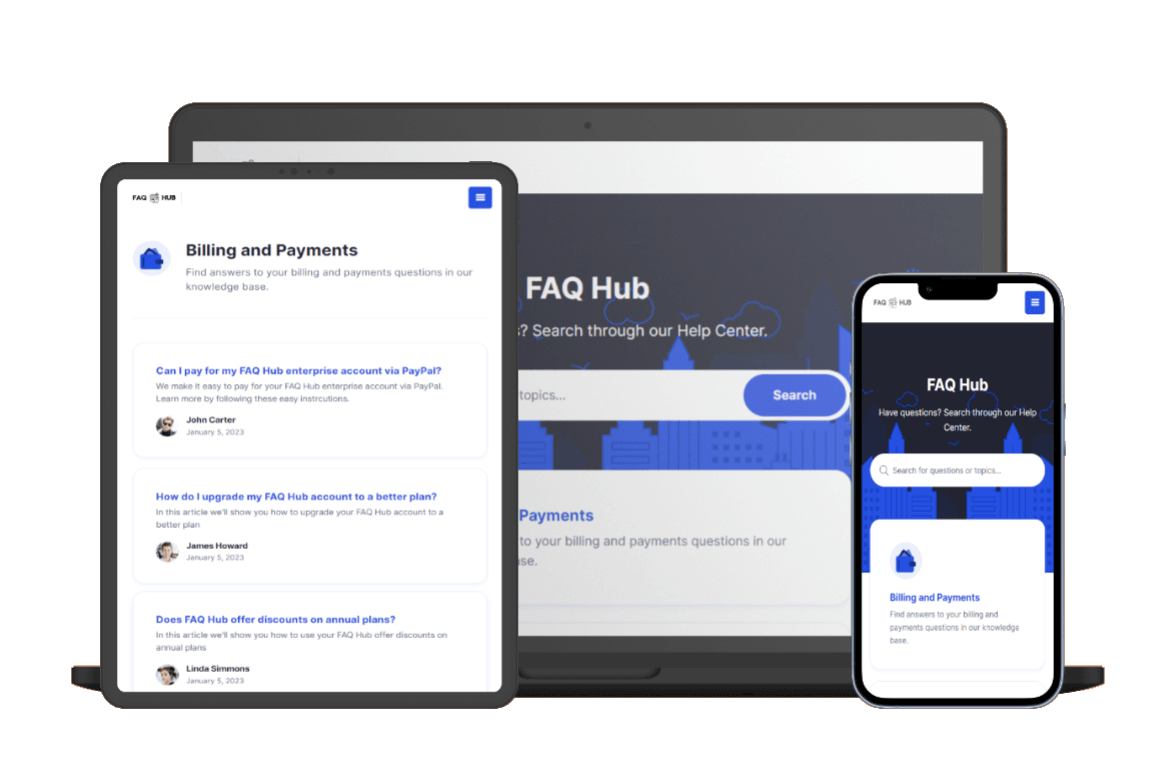
FAQ Hub: A New Era of [Knowledge Management](https://faqhub.io)
## The Evolution of Knowledge Bases
Knowledge bases have come a long way from being mere repositories of information. Today, they are dynamic, interactive, and integral to the customer experience. FAQ Hub is at the forefront of this evolution, offering a comprehensive solution that empowers businesses to create, manage, and optimize their knowledge bases with ease.
## FAQ Hub: A New Era of Knowledge Management
FAQ Hub is not just another knowledge base tool. It's a complete solution designed to address the unique challenges of modern businesses. With its intuitive interface, powerful features, and AI-driven capabilities, FAQ Hub is transforming the way businesses handle their knowledge bases.
### No-Code, No Hassle
One of the standout features of FAQ Hub is its no-code platform. This allows businesses to create a custom knowledge base without any technical expertise. This feature has been explored in depth in our blog post [**"FAQ Hub: Create Your Own No-Code Knowledge Base Portal"**](https://www.faqhub.io/blog/faq-hub-create-your-own-no-code-knowledge-base-portal).
### AI-Powered Efficiency
FAQ Hub leverages the power of AI to make knowledge management more efficient. From automating routine tasks to providing insightful analytics, FAQ Hub's AI capabilities are a game-changer. To understand more about how AI is revolutionizing customer support, check out our blog post [**"How Generative AI is Revolutionising Customer Support"**](https://www.faqhub.io/blog/how-generative-ai-is-revolutionising-customer-support).
### Seamless Integration
FAQ Hub is designed to integrate seamlessly with your existing systems. This ensures a smooth transition and allows you to leverage your current investments. For more on this, read our blog post [**"Integrating Your FAQ Portal with Other Platforms"**](https://www.faqhub.io/blog/integrating-your-faq-portal-with-other-platforms).
## The FAQ Hub Advantage
FAQ Hub is more than just a SaaS knowledge base. It's a strategic tool that can help you improve customer service, streamline operations, and drive business growth. By choosing FAQ Hub, you're not just adopting a new tool; you're embracing a new way of doing business.
## Conclusion
In conclusion, FAQ Hub is the future of knowledge management. It's a powerful, intuitive, and AI-driven platform that simplifies the creation and management of knowledge bases. With its no-code interface, seamless integration capabilities, and insightful analytics, FAQ Hub is designed to empower businesses of all sizes.
But FAQ Hub is more than just a tool; it's a strategic partner that can help you improve customer service, streamline operations, and drive business growth. By choosing FAQ Hub, you're not just adopting a new tool; you're embracing a new way of doing business.
So why wait? [Join the revolution](https://faqhub.io) and experience the power of efficient knowledge management with FAQ Hub. Sign up today and transform the way you manage knowledge in your business. With FAQ Hub, the power of knowledge is truly at your fingertips.
## Creating a FAQ Portal for Small Businesses
URL: https://www.faqhub.io/blog/creating-a-faq-portal-for-small-businesses
Category: Guides
Published: 2023-05-15

[FAQ Knowledge Base Software](https://www.faqhub.io/blog/creating-a-faq-portal-a-step-by-step-guide) - Improve Your Customer Service
FAQ portals are an [invaluable asset](https://www.faqhub.io/blog/the-power-of-a-comprehensive-knowledge-management-system) to small businesses, allowing customers easy access to important information and answers. Not only do they make it easier for customers to get the information they need, but they can also save small businesses time and money by reducing the number of customer service queries that need answering.
However, [creating a FAQ portal](https://www.faqhub.io/blog/designing-a-faq-portal-that-delights-your-customers) isn't as simple as loading some questions and answers onto a website. It requires careful consideration of how the portal will be used, who will use it, and what questions will be asked. Here we'll look at how small businesses can best set up their own FAQ portals to maximise their effectiveness.
## Ensure your content is organised and searchable
The first step when creating an effective FAQ portal is identifying which questions you will include. This means researching your target audience and understanding their needs so that you know what kind of information they'll require from your site. Once you have identified the types of questions you want to be answered, you'll need to consider the best way to organise the content to make it easy for users to find what they're looking for. This could involve dividing questions into categories or tagging each question with relevant keywords that visitors can search on.
## Learn what customers are looking for
When writing answers for your FAQ portal, you must provide accurate and helpful information while ensuring it's written clearly enough, so users understand what they're reading. Include links within answers that direct visitors towards further resources related to their query. Additionally, you should regularly review existing content and update any outdated or incorrect information so that users don't get given misinformation when visiting your site.
## Provide paths to additional help
Another key factor in creating an effective FAQ portal is providing a convenient way for visitors to contact your business should their query not be answered in the FAQs. This could be through email forms or even live chat options where customers can talk directly with customer service representatives if needed. Having these contact methods available helps ensure those who are unable find what they’re looking for still have another option when trying resolve their issues quickly without having to wait extended periods of time for an answer from customer services teams or sales representatives.
But where do you start when attempting to create a successful FAQ portal?
## Introducing FAQ Hub - The All-In-One SaaS Solution

Sign up for our Early Access List - [FAQ Hub](/)
FAQ Hub - Easily create [FAQs or knowledge bases](https://www.faqhub.io/blog/understanding-the-difference-between-faqs-and-knowledge-bases-why-you-should-switch)
Are you searching for a more efficient way to handle your FAQs and knowledge base? Look no further than FAQ Hub, an all-in-one SaaS solution that streamlines the creation, organisation, and delivery of information to your consumers.
You can quickly build a centralised collection of information and support resources for your customers to access at any time with FAQ Hub. FAQ Hub has you covered whether you need to manage a basic group of FAQs or a sophisticated knowledge base portal.
Our platform is designed to help you develop and manage a comprehensive knowledge base that serves as a one-stop shop for your customers' inquiries and concerns. Our sophisticated search engine guarantees that your clients can quickly and easily discover the answers they seek, minimising the time and resources necessary to respond to support questions.
FAQ Hub, in addition to its complete knowledge base capabilities, provides sophisticated FAQ management features that allow you to effortlessly organise, categorise, and publish your FAQs in a way that makes them easy for your consumers to locate and understand.
So, why delay? Sign up for FAQ Hub now to enhance your customer experience, increase efficiency, and increase customer happiness.
## Conclusion
Overall, setting up an [FAQ portal](https://www.faqhub.io/) allows small businesses to streamline customer care processes while also helping them maintain accuracy across multiple channels - ultimately leading towards improved customer satisfaction levels over time. With well-crafted content, straightforward navigation, and additional contact details provided, small businesses can ensure visitors can easily find exactly what they’re looking for so that everyone has a better online experience.
## FAQ Hub - Create Your Own No-Code Knowledge Base Portal
URL: https://www.faqhub.io/blog/faq-hub-create-your-own-no-code-knowledge-base-portal
Category: Guides
Published: 2023-05-15
Welcome to our comprehensive guide on creating a no-code knowledge base portal. This guide will walk you through creating your knowledge base portal without any coding skills required. By the end of this article, you will have a fully functional knowledge base portal that can help you provide better customer support, streamline your internal operations, and much more.
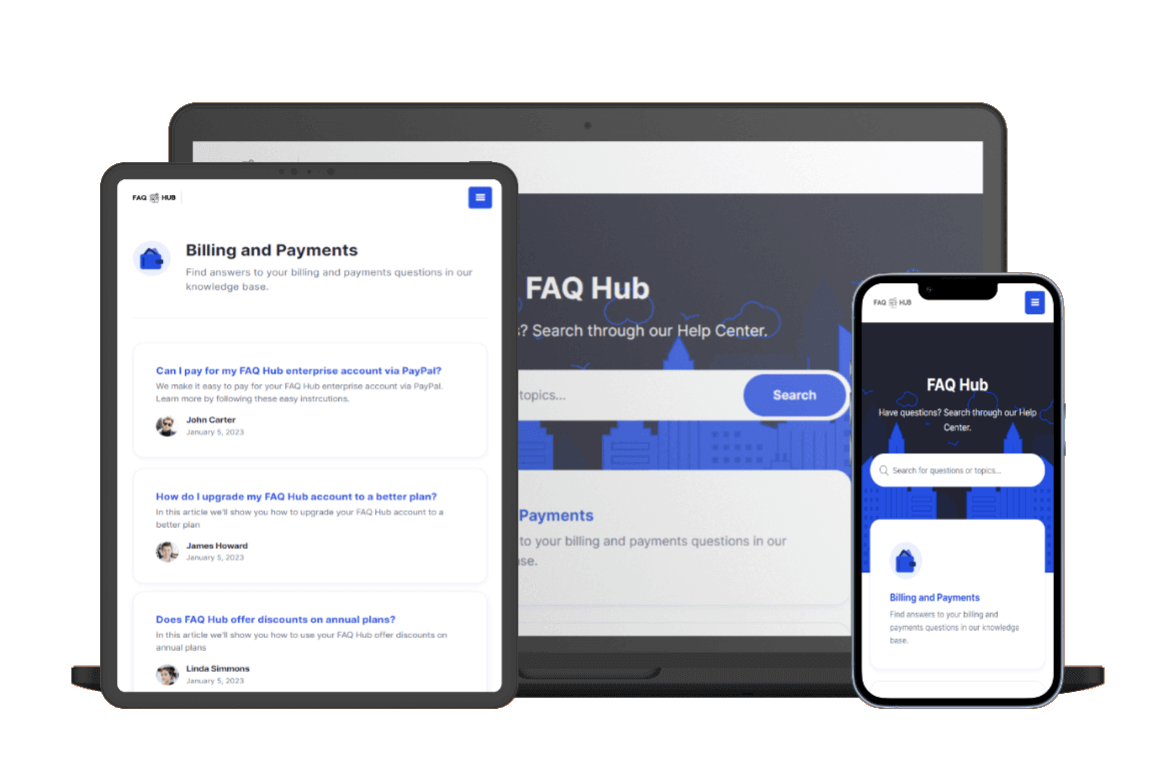
[FAQ Hub](/) - Create Your Own No-Code Knowledge Base Portal
## Why You Need a Knowledge Base Portal
A knowledge base portal is essential for any business that wants to provide efficient and effective customer support. With a [knowledge base portal](https://faqhub.io/blog/streamline-your-support-process-with-a-cutting-edge-knowledge-management-solution), you can provide your customers with 24/7 self-service support, saving your support team a significant amount of time and resources.
In addition to customer support, a knowledge base portal can also be used to streamline your internal operations. By creating a central repository of information and resources, you can improve collaboration and communication within your team, leading to better productivity and efficiency.
## The Benefits of a No-Code Knowledge Base Portal
One of the biggest advantages of a no-code knowledge base portal is that you don't need any coding skills to create one. This means you can create a fully functional portal in a matter of hours without relying on a developer or IT team.
Another benefit of a no-code knowledge base portal is that it's highly customisable. You can choose from various templates and themes to create a portal that matches your brand and style. You can also add your content and organise it in a way that makes sense for your business.
Finally, a no-code knowledge base portal is highly scalable. As your business grows and your needs change, you can easily add new content and features to your portal to keep up with your evolving requirements.
## How to Create Your Own No-Code Knowledge Base Portal
Now that you understand the benefits of a no-code knowledge base portal let's dive into the steps involved in creating one.
### 1\. Choose a Platform
The first step in creating a no-code knowledge base portal is to choose a platform. Several no-code platforms are available, such as FAQ Hub.
When choosing a platform, consider pricing, features, and ease of use. You'll also want to ensure that your chosen platform is scalable and can grow with your business.
### 2\. Define Your Content Structure
Once you've chosen a platform, the next step is to define your content structure. This involves organising your content into categories and subcategories that make sense for your business.
For example, if you run an e-commerce store, you might organise your content by product categories, such as clothing, accessories, and home goods. You might subdivide these categories by type, such as shirts, pants, and shoes.
### 3\. Create and Organize Your Content
With your content structure in place, the next step is to create and organise your content. This involves writing articles, creating videos, and uploading other resources that your customers or team members might find helpful.
Make sure to focus on creating high-quality, easy-to-understand, well-organised content. You'll also want to make sure that your content is search engine optimised, using keywords that your customers are likely to search for.
### 4\. Customize the Look and Feel of Your Portal
The final step in creating your no-code knowledge base portal is to customise the look and feel of your portal. This involves choosing a template or theme that matches your brand and then customising it with your colours, fonts, and logos.
You'll also want to ensure that your portal is easy to navigate, with clear menus and search functionality. Finally, test your portal to ensure that it is fully functional and that your content is easily accessible.
## Conclusion
In conclusion, creating a no-code knowledge base portal is a great way to improve [customer support](https://www.faqhub.io/blog/transform-your-customer-experience-with-the-best-customer-support-tools), streamline internal operations, and enhance collaboration and communication within your team. By following the steps outlined in this guide, you can create a portal that is highly customisable, scalable, and easy to use.
Remember, the key to creating a successful knowledge base portal is to focus on high-quality content that is well-organized, search engine optimised, and easy to understand. With the right tools and techniques, you can create a knowledge base portal that helps you stand out from the competition and provides value to your customers and team members.
We hope you found this guide helpful and are ready to create your no-code knowledge base portal. If you have any questions or need further assistance, feel free to contact us. We're always here to help. Say goodbye to frustrated customers and lost sales. Our innovative FAQ portal provides instant answers to their questions. [Join the waitlist now!](https://www.faqhub.io/)
## The Marvelous World of Custom Knowledge Bases: Empower Your Business Today - FAQ Hub!
URL: https://www.faqhub.io/blog/the-marvelous-world-of-custom-knowledge-bases-empower-your-business-today-faq-hub
Category: Resources
Published: 2023-05-15
## Introduction
Do you want to avoid juggling multiple information sources, struggling to find the right answers for your customers, or feeling bogged down by unorganised data? Well, fret no more! A custom knowledge base (CKB) might just be your business's magic bullet. This comprehensive guide will delve into the ins and outs of custom knowledge bases, discussing their benefits, how to create one, and how they can revolutionise your business operations and customer satisfaction. Buckle up, and let's get started!
[FAQ Hub](/) - No-Code Knowledge Base Software
## The Lowdown on Custom Knowledge Bases
### What's the Big Deal?
A custom knowledge base is a centralised, searchable, and structured repository of information designed to meet your organisation's unique needs. Think of it as a digital library tailored specifically for your business, brimming with relevant, up-to-date, and easily accessible knowledge.
### Why Bother with a Custom Knowledge Base?
There are plenty of reasons to invest in a custom knowledge base, such as:
1. Streamlined internal operations
2. Improved customer satisfaction
3. Enhanced collaboration and communication
4. Reduced employee training time
5. Better decision-making
In short, a CKB can be a game-changer for any serious business about efficiency, customer experience, and staying ahead of the competition.
## Creating Your Own FAQ Hub Custom Knowledge Base
## Step 1: Define Your Goals and Scope
Before you jump headfirst into creating your custom knowledge base, take a step back and ask yourself a few key questions:
- What are your main objectives?
- Who will be using the knowledge base?
- What types of information will you include?
Clear goals and scope will help you make well-informed decisions throughout creation.
### Step 2: Choose the Right Platform
There's a collection of knowledge-base software options out there. To find the perfect fit for your business, consider factors like:
- Ease of use
- [Customizability](https://faqhub.io/blog/hosting-options-for-your-faq-knowledge-base-portal)
- Integration with existing systems
- Pricing
Feel free to shop around, test drive a few options, and read reviews to find the platform that checks all the right boxes for your needs.
### Step 3: Organize Your Content
A well-structured custom knowledge base is easy to navigate and fosters a seamless user experience. To achieve this, you'll want to:
- Categorise content into clear, logical sections
- Use descriptive titles and headings
- Employ a consistent naming convention
- Utilise tags and keywords for easy searching
### Step 4: Populate Your Custom Knowledge Base with Quality Content
Now comes the fun part: filling your knowledge base with valuable information! Focus on:
- Writing clear, concise, and informative articles
- Incorporating visuals (e.g., images, videos, infographics) for better understanding
- Ensuring content is up-to-date and accurate
- Regularly updating and maintaining the knowledge base
## Introducing FAQ Hub
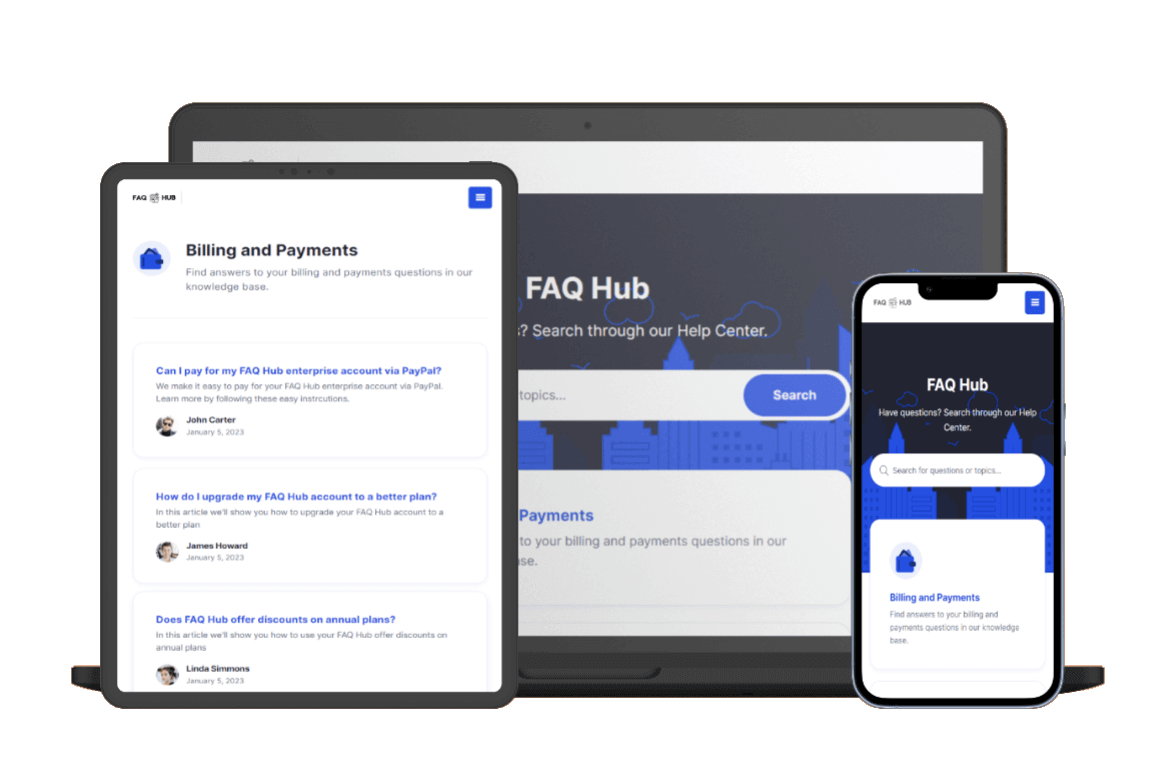
Empower your customers with 24/7/365 Self-Service - [FAQ Hub!](/)
### Getting Started with FAQ Hub
FAQ Hub is a powerful [Knowledge Base SaaS platform](https://faqhub.io/blog/build-your-custom-knowledge-base-a-comprehensive-guide) that makes creating, managing, and optimising a fully-featured and flexible knowledge base easy. With its user-friendly interface, extensive customisation options, and seamless integration with popular business tools, FAQ Hub is an excellent choice for businesses looking to build a custom knowledge base.
To get started with FAQ Hub:
1. [**Sign up**](https://faqhub.io) for the waitlist and explore the platform's features and capabilities.
2. Set up your knowledge base by selecting a template, customising the design, and configuring settings.
3. Create content using the platform's easy-to-use editor, incorporating text, images, videos, and other multimedia elements.
4. Organise your content into categories and subcategories, and optimise your knowledge base's navigation and search functionality.
5. Invite your team members to collaborate on content creation, review, and maintenance.
6. Monitor your knowledge base's performance using built-in analytics tools and make data-driven improvements.
## FAQs about our FAQ Hub Custom Knowledge Base
1. **How can I ensure my custom knowledge base remains up-to-date?**
Assign a dedicated team or individual responsible for regularly reviewing, updating, and maintaining the content to ensure it stays accurate, relevant, and fresh as a daisy.
2. **Can I customise the look and feel of my knowledge base?**
Absolutely! Many knowledge-base platforms offer a range of customisation options, allowing you to tweak the design, layout, and branding to match your organisation's identity.
3. **How do I promote using my custom knowledge base within my organisation?**
Get your team members on board by offering training sessions, sharing the benefits of using the CKB, and encouraging a culture of knowledge sharing and collaboration.
4. **Is restricting access to certain parts of the custom knowledge base possible?**
Yes, most knowledge-base platforms allow you to set user permissions and control access to specific content, ensuring sensitive information remains confidential and secure.
5. **Can I track the performance of my custom knowledge base?**
Definitely! Most platforms have built-in analytics and reporting features that help you monitor user behaviour, popular content, search trends, and more. These insights can be invaluable for improving and optimising your CKB.
## Conclusion
A custom knowledge base can be the silver bullet your organisation needs to streamline operations, boost customer satisfaction, and foster a culture of knowledge sharing. By carefully defining your goals, choosing the right platform, organising content, and maintaining up-to-date information, you can create a powerful CKB that stands the test of time. So, what are you waiting for? Embark on your custom knowledge base journey today and watch your business flourish!
## The Ultimate Guide to Helpdesk Support for Your Business
URL: https://www.faqhub.io/blog/the-ultimate-guide-to-helpdesk-support-for-your-business
Category: Guides
Published: 2023-05-15
Are you looking for a way to enhance your customer support? A helpdesk support system is an efficient way to address customer issues and offer a seamless experience. In this guide, we'll walk you through everything you need about helpdesk support for your business, including why it's essential, the benefits, the types of support available, and how to choose the right one for your business.
## Why is Helpdesk Support Important?
Excellent [customer support](https://www.faqhub.io/blog/how-to-improve-customer-retention-with-a-faq-portal-or-knowledge-management-software) is essential for businesses of all sizes. More is needed to sell a product or service - customers expect seamless and efficient support, especially when things go wrong. Helpdesk support provides a platform to address customer issues promptly and efficiently.
### Benefits of Helpdesk Support
Investing in a helpdesk support system for your business can provide numerous benefits, such as:
1. **Increased Customer Satisfaction:** A helpdesk support system can offer customers a quick and efficient solution to their issues, increasing satisfaction.
2. **Reduced Response Time:** With a helpdesk support system, businesses can respond to customer issues promptly, reducing the time it takes to resolve issues.
3. **Improved Communication**: A helpdesk support system allows for seamless communication between the customer and the support team, making it easier to resolve issues.
4. **Enhanced Productivity:** By centralising customer support, businesses can save time and increase productivity.
### Types of Helpdesk Support
There are two types of helpdesk support: in-house and outsourced. Each has its own advantages and disadvantages.
1. **In-House Helpdesk Support**
In-house helpdesk support involves building a team of support staff within your company. This can provide more control over the support process and ensure the support team is fully invested in your company's goals. However, it can be more expensive, require more resources, and may not be as efficient as outsourced helpdesk support.
2. **Outsourced Helpdesk Support**
Outsourced helpdesk support involves hiring a third-party company to handle your customer support. This can be a more cost-effective option, and the support team will have the expertise to handle various issues. However, you may need more control over the support process and may experience communication issues.
### How to Choose the Right Helpdesk Support for Your Business
Choosing the right helpdesk support system for your business can be challenging. Here are some factors to consider:
1. **Features:** Look for a helpdesk support system that offers the needed features, such as email integration, **live chat**, and a [**knowledge base**](https://www.faqhub.io/blog/faq-hub-create-your-own-no-code-knowledge-base-portal).
2. **Scalability:** Choose a system that can grow with your business, e.g. [FAQ Hub](https://www.faqhub.io/).
3. **Customisation:** Make sure the system can be customised to fit your business needs.
4. **Cost:** Consider the system's cost and ensure it fits within your budget.
5. **Support:** Choose a system with a support team that is responsive and helpful.
## FAQs
1. What is the difference between a helpdesk and a service desk?
A helpdesk is focused on resolving customer issues, while a service desk is focused on providing a broader range of IT services.
2. What are the benefits of using a knowledge base?
A knowledge base can provide customers with self-service options, reducing the need for support staff and saving time and resources.
3. How can I measure the success of my helpdesk support system?
You can measure the success of your helpdesk support system by tracking key performance indicators (KPIs) such as response time, first contact resolution rate, and customer satisfaction.
4. What is best to train my support team using a new helpdesk support system?
The best way to train your support team using a new helpdesk support system is to provide comprehensive training and resources, including user manuals, videos, and hands-on training sessions.
## Conclusion
Helpdesk support is essential for modern businesses that want to provide excellent customer support. With the right helpdesk support system, businesses can streamline their support process, reduce response times, and increase customer satisfaction. By considering factors such as cost, scalability, customisation, and support, businesses can choose the best helpdesk support system for their needs. Keep track of KPIs to measure the system's success and invest in comprehensive training to ensure the support team is proficient in using it.
With this guide, we hope to provide you with the information you need to make an informed decision about helpdesk support for your business. If you have any questions, please don't hesitate to contact us.
## Using a FAQ Portal to Improve E-Commerce Customer Service
URL: https://www.faqhub.io/blog/using-a-faq-portal-to-improve-e-commerce-customer-service
Category: Guides
Published: 2023-05-15

[FAQ Knowledge Base Software](https://www.faqhub.io/blog/creating-a-faq-portal-a-step-by-step-guide) - Improve Your Customer Service
Excellent customer service is critical in e-commerce for creating and maintaining a profitable business. A frequently asked questions (FAQ) site may be a valuable tool in this endeavour, assisting in improving customer satisfaction and reducing the burden for customer support agents.
## Benefits of Implementing a FAQ Portal

Reduce your [customer service](https://www.faqhub.io/blog/designing-a-faq-portal-that-delights-your-customers) workload
E-commerce businesses may profit from a well-designed FAQ portal in a variety of ways, including:
- **Streamlining customer support:** Customers may quickly and easily locate the information they need by offering answers to frequent inquiries in a centralised location, minimising the need for them to contact customer support for assistance.
- **Improving customer satisfaction:** Customers like being able to obtain the information they want quickly, and a FAQ portal may give a great customer experience.
- **Reducing customer service workload**: By resolving basic queries through the FAQ site, customer support agents may focus their attention on more complicated and time-consuming issues, enhancing efficiency and productivity.
- **Enhancing search engine optimization (SEO):** A FAQ portal may also help a company's search engine rankings because search engines like websites with extensive, relevant, and up-to-date material.
## Building an Effective FAQ Portal
To reap the most benefits from a FAQ portal, it should be well-designed, simple to use, and thorough. When creating your FAQ site, keep the following in mind:
- **Make it user-friendly**: Make sure the FAQ site is simple to use, with clear headers and sections and a search tool to assist consumers in easily locating what they need.
- **Provide detailed answers:** The answers supplied in the FAQ portal should be thorough, clear, and simple to comprehend. When possible, avoid utilising industry jargon and offer step-by-step directions.
- **Regularly update content:** The FAQ site should be updated on a regular basis to reflect changes to goods, services, and policies. Updating the material will aid in improving customer satisfaction and maintaining search engine rankings.
- **Utilize multimedia:** Consider using multimedia components, such as movies and photographs, to boost the aesthetic appeal of the FAQ site and enhance the client experience.
## Improving Customer Service through a FAQ Portal
E-commerce businesses may improve customer satisfaction, expedite customer assistance, and boost their search engine results by using a well-designed FAQ site. Businesses may enhance the customer experience, minimise customer service workload, and ultimately boost success by giving consumers the information they want in a single location.
## Conclusion
Finally, a [FAQ site](https://www.faqhub.io/) may be a useful tool for e-commerce businesses trying to improve customer service and boost their online visibility. It is highly worth considering for businesses of all sizes due to its multiple benefits.
## AI-Powered Knowledge Bases: Boost Efficiency, Improve Customer Support & Streamline Operations
URL: https://www.faqhub.io/blog/ai-powered-knowledge-bases-boost-efficiency-improve-customer-support-streamline-operations
Category: Updates
Published: 2023-03-31
## 1\. Introduction
Discover how AI-powered knowledge bases transform businesses' management of information, enhance customer support, and drive operational efficiency. Learn about key components, benefits, real-life applications, and leading providers, including FAQ Hub, a powerful no-code knowledge base solution.
### 1.1. Importance of AI-Powered Knowledge Bases
They offer an intelligent way to manage, store, and access information, helping companies make informed decisions and improve customer support.
## 2\. What is an AI-Powered Knowledge Base?
An AI-powered [knowledge base](/blog/build-your-custom-knowledge-base-a-comprehensive-guide) is an advanced system that combines artificial intelligence (AI) technologies with traditional knowledge management. It can understand, learn, and adapt to information, making it more effective than its traditional counterparts.
### 2.1. Traditional Knowledge Bases vs AI-Powered Knowledge Bases
Traditional knowledge bases are static information repositories, often structured hierarchically or relationally. They require manual input and updates, making them time-consuming and prone to errors. On the other hand, AI-powered knowledge bases use natural language processing, machine learning, and user feedback to create a dynamic, self-improving system that can understand and adapt to user needs.
## 3\. Key Components of AI-Powered Knowledge Bases
### 3.1. Natural Language Processing
Natural Language Processing (NLP) is essential to AI-powered knowledge bases. It enables the system to understand and analyse human language, allowing users to interact using natural speech or text.
### 3.2. Machine Learning Algorithms
AI-powered knowledge bases use machine learning algorithms to process, analyse, and learn from data. These algorithms enable the system to understand patterns and relationships, improving its ability to find relevant information and provide accurate answers.
### 3.3. User Interaction and Feedback
User interaction and feedback play a crucial role in refining the performance of an AI-powered knowledge base. By collecting data on user interactions and preferences, the system can learn and adapt to provide better results over time.
## 4\. Benefits of AI-Powered Knowledge Bases
### 4.1. Improved Efficiency and Productivity
AI-powered knowledge bases can quickly process and analyse vast amounts of information, reducing the time it takes to find relevant data. This improved efficiency leads to increased productivity for employees and better decision-making.
### 4.2. Enhanced Customer Support
AI-powered knowledge bases can significantly improve [customer support](/blog/the-ultimate-guide-to-helpdesk-support-for-your-business) by providing instant, accurate answers to customer queries. They can help reduce wait times, enhance first-contact resolution rates, and free up support agents to focus on more complex issues.
### 4.3. Continuous Improvement
AI-powered knowledge bases learn from user interactions and feedback, enabling them to improve their performance continuously. This means that the more they are used, the better they understand and provide relevant information.
## 5\. Real-Life Applications of AI-Powered Knowledge Bases
Learn [how](/blog/how-to-improve-customer-retention-with-a-faq-portal-or-knowledge-management-software) a comprehensive FAQ portal or knowledge management software can help improve customer retention.
FAQ Hub: [Join Our Waitlist](/#home-page-subscribe)
### 5.1. IT Support
AI-powered knowledge bases can streamline IT support by providing instant answers to common technical issues. This reduces the workload for IT support teams and helps employees resolve issues more quickly.
### 5.2. HealthCare
In the healthcare industry, AI-powered knowledge bases can provide medical professionals with quick access to relevant information, such as drug interactions, treatment protocols, and patient histories. This can improve patient care and reduce the risk of errors.
### 5.3. E-Commerce
E-commerce businesses can benefit from AI-powered knowledge bases by providing customers instant access to product information, shipping details, and other relevant data. This can help improve the shopping experience and boost customer satisfaction.
## 6\. Challenges and Limitations
While AI-powered knowledge bases offer numerous benefits, they have challenges and limitations. These include data privacy concerns, the risk of biased information, and the need for continuous monitoring and maintenance.
## 7\. The Future of AI-Powered Knowledge Bases
As AI technologies advance, AI-powered knowledge bases are expected to become even more intelligent, adaptive, and user-friendly. We may see increased integration with other AI applications, such as virtual assistants, and more industry-specific applications.
## 8\. AI-Powered Knowledge Base Providers
As the demand for AI-powered knowledge bases grows, several companies have emerged as providers of these systems. Notable providers include:
### 8.1. FAQ Hub
[FAQ Hub](/): Reduce Support Ticket and Improve Customer Satisfaction
FAQ Hub is a SaaS solution that allows you to create your own AI-powered knowledge base portal without coding in just a few minutes. This cutting-edge platform empowers your team by streamlining customer support, reducing support tickets, and enhancing operational efficiency with AI-driven content generation. Some of the core features of FAQ Hub include:
- Powerful search functionality
- Extremely customisable
- Intuitive navigation
- Robust security
- Real-time analytics
- Contact workflows
- AI content generation
- 24/7/365 availability
- Multi-language support
Using [FAQ Hub](/), you can efficiently manage your knowledge base and provide your customers and team members quick access to the information they need, improving their overall experience and satisfaction.
## 9\. Selecting the Right AI-Powered Knowledge Base Solution
When choosing an AI-powered knowledge base provider, it's essential to consider several factors, such as the provider's reputation, scalability, ease of use, and integration capabilities. By carefully evaluating your options and selecting the right solution for your business, you can leverage the power of AI to improve your knowledge management processes and drive better results.
## 10\. Conclusion
AI-powered knowledge bases are revolutionising the way businesses manage and access information. By leveraging natural language processing, machine learning algorithms, and user feedback, they offer significant benefits, such as improved efficiency, enhanced customer support, and continuous improvement. The potential for AI-powered knowledge bases to transform industries is immense as technology advances.
## FAQs

Frequently Asked Questions (FAQs): [Learn more](/blog)
### Q1: What is an AI-powered knowledge base?
**A1**: An AI-powered knowledge base is a system that combines artificial intelligence technologies with traditional knowledge management to create a dynamic, self-improving repository of information.
### Q2: What are the benefits of AI-powered knowledge bases?
**A2**: Benefits include improved efficiency and productivity, enhanced customer support, and continuous improvement based on user interactions and feedback.
### Q3: How do AI-powered knowledge bases differ from traditional knowledge bases?
**A3**: Traditional knowledge bases are static and require manual input and updates, while AI-powered knowledge bases use natural language processing, machine learning, and user feedback to understand and adapt to user needs.
### Q4: What are some real-life applications of AI-powered knowledge bases?
**A4**: Real-life applications include IT support, healthcare, education, and e-commerce.
### Q5: What are the challenges and limitations of AI-powered knowledge bases?
**A5**: Challenges and limitations include data privacy concerns, the risk of biased information, and the need for continuous monitoring and maintenance.
### Q6: What are some leading AI-powered knowledge base providers?
**A6**: Some leading providers include services such as FAQ Hub.
### Q7: How can I create an AI-powered knowledge base using FAQ Hub?
**A7**: With FAQ Hub, you can create a no-code knowledge base portal in minutes by signing up for the service and customising it according to your needs, leveraging its powerful features such as AI content generation and real-time analytics.
### Q8: What should I consider when selecting an AI-powered knowledge base solution?
**A8**: Consider factors such as the provider's reputation, scalability, ease of use, and integration capabilities when selecting the suitable AI-powered knowledge base solution for your business.
### Q9: How can an AI-powered knowledge base like FAQ Hub improve customer support?
**A9**: FAQ Hub streamlines customer support by providing users with quick access to the information they need, reducing support tickets, and enabling your team to focus on more complex issues.
### Q10: Can FAQ Hub support multiple languages?
**A10**: Yes, FAQ Hub offers multi-language support, allowing you to create a knowledge base that caters to a diverse user base.
## Creating a Comprehensive Knowledge Base: Best Practices and Tips
URL: https://www.faqhub.io/blog/creating-a-comprehensive-knowledge-base-best-practices-and-tips
Category: Guides
Published: 2023-03-12
At [FAQ Hub](/), we understand the importance of creating a [knowledge base](/blog/the-power-of-a-comprehensive-knowledge-management-system) that is both comprehensive and user-friendly. A knowledge base is a valuable resource for [customers](/blog/how-to-improve-customer-retention-with-a-faq-portal-or-knowledge-management-software) and employees, providing them with the information they need to solve problems and make informed decisions. In this article, we'll explore some best practices and tips for creating an informative, easy-to-use, and optimised knowledge base for search engines.
1. **Define your audience and goals**
Before you start creating your knowledge base, defining your target audience and goals is essential. Who will be using your knowledge base? What questions are they likely to have? What are the most common issues that your customers or employees face? Once you understand your audience, you can tailor your content to meet their needs and provide them with the information they need to succeed.
2. **Organise your content**
Organising your content is critical to creating a comprehensive knowledge base. Your content should be easy to navigate, with clear categories and subcategories that help users quickly find the information they need. Consider creating a table of contents or an index to help users navigate your knowledge base.
3. **Use clear and concise language**
Your knowledge base should use clear and concise language that is easy to understand. Avoid technical jargon or overly complex language that may confuse users. Use short sentences and simple words to convey your message.
4. **Create multimedia content**
Multimedia content, such as videos, diagrams, and images, can help illustrate complex concepts and make your knowledge base more engaging. Consider creating how-to videos or visual aids that help users understand your content better.
5. **Optimise your content for search engines**
Optimising your content for search engines is critical to ensuring your knowledge base is easy to find. Use relevant keywords in your headings and subheadings, and ensure your content is easily read and formatted correctly. Consider using metadata, such as title tags and descriptions, to help search engines understand what your content is about.
6. **Keep your content up to date**
Keeping your knowledge base up to date is critical to ensuring that your users have access to the most current information. Regularly review your content and update it to reflect product, service, or policy changes.
7. **Solicit feedback from your users**
Finally, soliciting user feedback is valuable for improving your knowledge base. Consider adding a feedback form or survey to your knowledge base to gather user feedback. Use this feedback to improve your content and make your knowledge base even more valuable to your audience.
## Conclusion
In conclusion, creating a comprehensive [knowledge base](/blog/how-to-improve-customer-retention-with-a-faq-portal-or-knowledge-management-software) is critical to any successful business. By following these best practices and tips, you can create an informative, easy-to-use, and optimised knowledge base for search engines. Remember to define your audience and goals, organise your content, use clear and concise language, create multimedia content, optimise your content for search engines, keep your content up to date, and solicit user feedback. With these tips in mind, you can create a knowledge base that outranks your competitors and provides value to your audience.
## How to Use a Knowledge Base for a Call Centre
URL: https://www.faqhub.io/blog/how-to-use-a-knowledge-base-for-a-call-centre
Category: Guides
Published: 2023-03-01
Call centres have become integral to [customer service](/blog/the-ultimate-guide-to-helpdesk-support-for-your-business) in today's business environment. With the advancement of technology, customers have become more demanding and expect fast and efficient service. Call centres need to be equipped with the right [tools and resources](/blog/how-to-improve-customer-retention-with-a-faq-portal-or-knowledge-management-software) to meet these demands to provide the best possible customer experience. One such tool that can help call centres is a knowledge base. This article will explore how to use a knowledge base for a call centre.
## What is a Knowledge Base?
A [knowledge base](/blog/streamline-your-support-process-with-a-cutting-edge-knowledge-management-solution) is a centralised repository of information containing articles, guides, manuals, and other types of documents that can be used to solve customer problems. It is an online library that can be accessed by agents and customers alike. The knowledge base is designed to help agents quickly find answers to customer queries and resolve issues without transferring the call to a specialist.
### Benefits of Using a Knowledge Base for a Call Centre
Using a knowledge base can provide several benefits to a call centre, such as:
1. **Faster Response Time:** A knowledge base provides agents quick access to information, allowing them to resolve customer queries faster.
2. **Consistency:** A knowledge base ensures that all agents use the same information to resolve customer queries, leading to consistent responses.
3. **Reduced Training Time:** A knowledge base can significantly reduce the time it takes to train new agents.
4. **Improved Customer Satisfaction:** Faster response times, consistent answers, and effective issue resolution improve customer satisfaction.
5. **Cost Savings:** A knowledge base can reduce call handling time and the need for specialist support, leading to cost savings for the call centre.
### How to Use a Knowledge Base for a Call Centre
To use a knowledge base effectively, call centres should follow these best practices:
1. **Create an Organized Structure:** The knowledge base should be structured logically, with categories and subcategories that are easy to navigate. This will help agents find the information they need quickly.
2. **Keep the Knowledge Base Up to Date:** The knowledge base should be reviewed regularly and updated with new information. This will ensure that agents have access to the latest information.
3. **Use Searchable Keywords:** The knowledge base should be searchable, and keywords should be used to make it easy for agents to find the information they need.
4. **Provide Access to Customers:** The knowledge base should be accessible to customers through a self-service portal or a link sent via email.
5. **Train Agents on Using the Knowledge Base:** Agents should be trained on how to use the knowledge base effectively, including how to search for information and how to use the information to resolve customer queries.
## FAQs
1. **What is the difference between a knowledge base and a FAQ?**
A knowledge base is a more comprehensive repository of information containing articles, guides, manuals, and other documents. A FAQ, on the other hand, is a list of frequently asked questions with brief answers.
2. **How can a knowledge base improve customer satisfaction?**
A knowledge base can improve customer satisfaction by providing faster response times, consistent answers, and effective issue resolution.
3. **How do you create a knowledge base?**
To create a knowledge base, you need to identify the topics you want to cover, create articles and other documents, organise the information logically, and make it searchable.
4. **Can a knowledge base be used for training purposes?**
Yes, a knowledge base can be used for training purposes. It can be used to provide new agents with the information they need to handle customer queries and can also be used to update existing agents with new information.
5. **What types of information should be included in a knowledge base for a call centre?**
A knowledge base for a call centre should include information related to products or services, common customer queries, troubleshooting steps, best practices for customer service, and any other relevant information that agents may need to handle customer queries effectively.
## Conclusion
A knowledge base platform like [FAQ Hub](/) is essential for call centres to provide quick and efficient [customer service](/blog/transform-your-customer-experience-with-the-best-customer-support-tools). By organising information logically, making it searchable, and keeping it up-to-date, call centres can provide their agents with the information they need to handle customer queries effectively. This, in turn, leads to faster response times, consistent answers, and improved customer satisfaction. Implementing a knowledge base can also lead to cost savings for the call centre by reducing call handling time and the need for specialist support. Following the best practices outlined in this article, call centres can use a knowledge base to provide the best possible customer experience.
## How to Improve Customer Retention with a FAQ Portal or Knowledge Management Software
URL: https://www.faqhub.io/blog/how-to-improve-customer-retention-with-a-faq-portal-or-knowledge-management-software
Category: Guides
Published: 2023-02-20
As a business owner, customer satisfaction is essential to the success of your enterprise. You must ensure your customers are happy with your products or services to retain them and build a loyal customer base. Customers expect quick and efficient solutions to their problems in today's digital age. That is where a FAQ portal or knowledge management software comes in. This article will explore how to improve customer retention with a FAQ portal or knowledge management software.

## What is a FAQ Portal?
A [FAQ portal](/blog/using-a-faq-portal-to-improve-e-commerce-customer-service) is a webpage that contains a list of frequently asked questions and their answers. A FAQ portal is designed to provide quick and efficient solutions to common customer inquiries. A well-designed FAQ portal can significantly reduce customer inquiries, freeing up your customer support team's time and resources. Additionally, a FAQ portal can improve customer satisfaction by providing customers with quick and accurate solutions to their problems.
## What is Knowledge Management Software?
[Knowledge management software](/blog/the-power-of-a-comprehensive-knowledge-management-system) is a tool that helps businesses manage and organise their knowledge base. The software provides a centralised platform to store and manage all business-related information, such as customer data, product information, and company policies. Knowledge management software can improve customer retention by providing quick and efficient access to the information needed to resolve customer issues. With knowledge management software, businesses can provide consistent and accurate information to their customers, improving customer satisfaction.
## Why is Customer Retention Important?
Customer retention is critical to the success of your business. It is more expensive to acquire a new customer than to retain an existing one. Additionally, [loyal customers](/blog/transform-your-customer-experience-with-the-best-customer-support-tools) are more likely to recommend your business to their friends and family, which can lead to new customer acquisitions. Customer retention is also essential for establishing a loyal customer base, which can drive long-term revenue growth.
## How to Improve Customer Retention with a FAQ Portal or Knowledge Management Software
1. **Identify Customer Pain Points**
The first step to improving customer retention with a FAQ portal or knowledge management software is identifying your customers' pain points. You need to understand the most common issues your customers face and the questions they ask. You can do this by analysing customer feedback, customer support inquiries, and customer reviews. Once you have identified your customers' pain points, you can list frequently asked questions and their answers.
2. **Create a Comprehensive FAQ Portal**
A well-designed FAQ portal should be easy to navigate, visually appealing, and comprehensive. The FAQ portal should contain a list of frequently asked questions and their answers. The questions should be organised by topic, making it easy for customers to find the necessary information. Additionally, the FAQ portal should be regularly updated to reflect new product features, changes in company policies, and other relevant information.
3. **Implement Knowledge Management Software**
Implementing knowledge management software can significantly improve customer retention. The software provides a centralised platform to store and manage all business-related information. With knowledge management software, businesses can provide quick and efficient access to the information needed to resolve customer issues. The software also allows businesses to provide consistent and accurate customer information, improving customer satisfaction.
4. **Promote the FAQ Portal and Knowledge Management Software**
Once you have created a comprehensive FAQ portal and implemented knowledge management software, it's essential to promote them. You can promote the FAQ portal by adding links to your website's homepage and product pages. Additionally, you can promote the knowledge management software by training your customer support team on how to use it effectively. By promoting the FAQ portal and knowledge management software, you can encourage your customers to use it for self-service 24/7.
5. **Analyse and Improve**
The final step to improving customer retention with a FAQ portal or knowledge management software is to analyse and improve. You need to regularly monitor the FAQ portal's effectiveness and knowledge management software's effectiveness. You can do this by analysing customer feedback and customer support inquiries. By analysing the data, you can identify areas for improvement and update the FAQ portal and knowledge management software accordingly.
## FAQs:
1. **What is the difference between a FAQ portal and knowledge management software?**
A FAQ portal is a webpage containing frequently asked questions and their answers. Knowledge management software is a tool that helps businesses manage and organise their knowledge base.
2. **How can a FAQ portal improve customer retention?**
A well-designed FAQ portal can significantly reduce customer inquiries, freeing up your customer support team's time and resources. Additionally, a FAQ portal can improve customer satisfaction by providing customers with quick and accurate solutions to their problems.
3. **How can knowledge management software improve customer retention?**
Knowledge management software can improve customer retention by providing quick and efficient access to the information needed to resolve customer issues. With knowledge management software, businesses can provide consistent and accurate information to their customers, improving customer satisfaction.
4. **How often should I update my FAQ portal and knowledge management software?**
You should update your FAQ portal and knowledge management software regularly to reflect new product features, changes in company policies, and other relevant information.
5. **How can I promote my FAQ portal and knowledge management software?**
You can promote your FAQ portal by adding links to your website's homepage and product pages. Additionally, you can promote the knowledge management software by training your customer support team on how to use it effectively.
## Introducing FAQ Hub: The All-in-One Customer Support Solution

FAQ Hub - [Join the waitlist](/)
As businesses grow, managing customer support can become increasingly complex. With multiple tools to handle live chat, a knowledge base, ticketing systems, and AI chatbots, it can be difficult to keep track of all customer inquiries and support requests. This is where FAQ Hub comes in.
[FAQ Hub](/) is a comprehensive customer support tool that integrates all of the features discussed in the previous sections into one easy-to-use system. With FAQ Hub, businesses can manage their customer support needs in one place, saving time and improving efficiency.
## Conclusion
In conclusion, customer retention is essential to the success of your business, and a FAQ portal or knowledge management software can significantly improve customer satisfaction and retention. By identifying your customers' pain points, creating a comprehensive FAQ portal, implementing knowledge management software, promoting the tools, and analysing and improving them regularly, you can improve customer retention and build a loyal customer base.
## The Power of Generative AI in Revolutionizing Customer Service and CX Management
URL: https://www.faqhub.io/blog/the-power-of-generative-ai-in-revolutionizing-customer-service-and-cx-management
Category: Resources
Published: 2023-02-18
At our company, we understand the importance of providing exceptional [customer service](/blog/streamline-your-support-process-with-a-cutting-edge-knowledge-management-solution) and enhancing the overall **customer experience** (CX) to stand out in today's competitive market. As technology advances, we continuously look for innovative ways to improve our customer service and CX management. One such technology that has the potential to revolutionise customer service and CX management is [Generative Artificial Intelligence](/blog/how-generative-ai-is-revolutionising-customer-support) (AI).
Generative AI is an emerging technology that can create new content from scratch. This means that it can help generate personalised responses to customer queries and feedback, making customer interactions more engaging and authentic. By incorporating Generative AI into our customer service and CX management processes, we can provide a more seamless and efficient experience.
## How Generative AI Works
Generative AI uses machine learning algorithms to analyse large amounts of data and create new content based on that analysis. It can generate text, images, and even videos with high accuracy and can adapt to different styles and tones of communication.
Generative AI can be trained for customer service and CX management using a large dataset of previous customer interactions, feedback, and queries. This training enables the Generative AI to understand and interpret customer sentiments and respond appropriately in real-time, providing personalised and engaging customer responses.
## Benefits of Generative AI in Customer Service and CX Management
The implementation of Generative AI in customer service and CX management offers numerous benefits, including:
1. **Improved Response Time:** With Generative AI, customers can receive real-time responses to their queries and feedback, reducing response time and enhancing the overall customer experience.
2. **Personalisation:** Generative AI can create personalised responses to customer queries, making interactions more engaging and meaningful. This can help build stronger customer relationships and loyalty.
3. **Cost-Effective:** Implementing Generative AI can help reduce the workload of human agents, freeing up time for more complex tasks. This can lead to significant cost savings for businesses.
4. **Efficient Data Analysis:** Generative AI can analyse large amounts of data and provide valuable insights into customer behaviour and preferences. This can help businesses make data-driven decisions and improve their CX management strategies.
## Use Cases for Generative AI in Customer Service and CX Management
Generative AI can be applied in various customer service and CX management use cases, including:
1. **Chatbots:** Generative AI can be integrated into chatbots, providing personalised and engaging responses to customers' queries and feedback. This can help reduce human agents' workload, saving business time and money.
2. **Emails:** Generative AI can generate personalised email responses to customers, improving response time and enhancing the overall customer experience.
3. **Social Media:** Generative AI can generate personalised responses to customer queries and feedback on social media platforms, enhancing engagement and improving customer satisfaction.
4. **FAQ Portals & Knowledge Bases:** [Knowledge bases](/) are critical tools for businesses that provide customer service. They enable customers to find answers to their queries and issues without human interaction. By integrating Generative AI into a knowledge base software, businesses can create more engaging and personalised responses to customer queries, leading to a better customer experience.
## Conclusion
Incorporating generative AI into customer service and CX management processes can revolutionise how businesses interact with their customers. Businesses can enhance the overall customer experience and build stronger customer relationships by providing personalised and engaging responses in real-time. With its ability to analyse large amounts of data and provide valuable insights, Generative AI is an essential tool for businesses looking to stay ahead of the curve in today's competitive market.
## Streamline Your Support Process with a Cutting-Edge Knowledge Management Solution
URL: https://www.faqhub.io/blog/streamline-your-support-process-with-a-cutting-edge-knowledge-management-solution
Category: Updates
Published: 2023-02-11
In today's fast-paced business world, providing efficient and effective customer support is essential for success. With a growing customer base, managing support requests and ensuring that customers receive the help they need promptly can be challenging. That's where a cutting-edge knowledge management solution comes in.
A knowledge management solution centralises all of your support information in one place, making it easier for your support team to access and use. Streamlining your support process can improve response times, increase customer satisfaction, and ultimately drive revenue for your business.
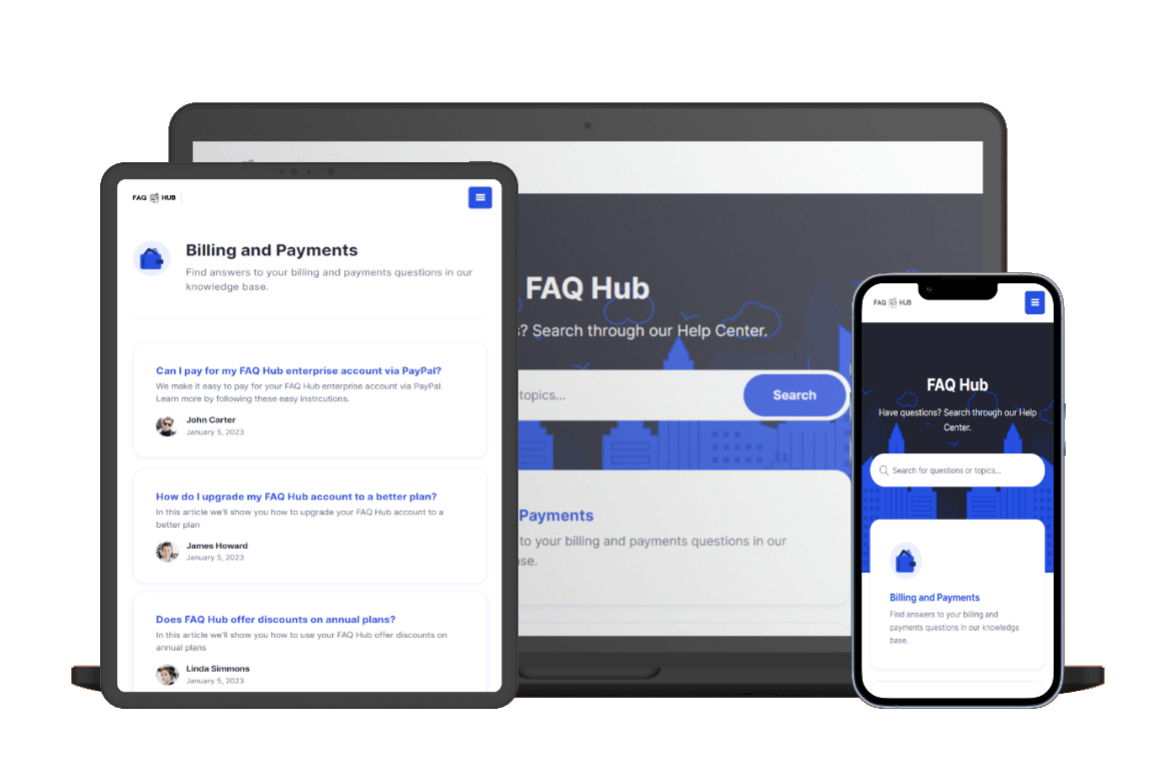
[FAQ Hub](/) - Knowledge Base Software
## What is a Knowledge Management Solution?
A knowledge management solution is a software platform that allows you to store, organise and access information related to your business. This information can include customer support requests, product information, and internal processes. With a centralised repository of information, your support team can quickly find the answers they need to solve customer problems without having to search through multiple sources or waste time on hold with other departments.
## The Benefits of a Cutting-Edge Knowledge Management Solution
A cutting-edge [knowledge management solution](/) offers numerous benefits to your support process, including:
- **Improved response times:** By centralising all of your support information, your support team can access the information they need quickly and efficiently, reducing response times and increasing customer satisfaction.
- **Increased efficiency:** With a centralised repository of information, your support team can avoid searching through multiple sources, reducing the time and effort required to solve customer problems.
- **Improved customer satisfaction:** With faster response times and more efficient problem resolution, your customers will be happier with your support process, increasing customer loyalty and driving revenue for your business.
- **Enhanced collaboration:** A knowledge management solution allows your support team to collaborate and share information, improving support quality and reducing the time required to solve customer problems.
## How to Choose a Cutting-Edge Knowledge Management Solution
When [choosing](/blog/designing-a-faq-portal-that-delights-your-customers) a knowledge management solution, it's important to consider the following factors:
- **Ease of use:** The solution should be easy for your support team to use and navigate, with a user-friendly interface and intuitive navigation.
- **Customisation options:** The solution should offer customisation options, allowing you to tailor the platform to meet your specific needs and requirements.
- **Integration with other systems:** The solution should integrate seamlessly with other systems and tools you use, such as your CRM and help desk software.
- **Reporting and analytics:** The solution should offer reporting and analytics capabilities, allowing you to track and measure the success of your support process.
- **Security and privacy:** The solution should offer robust security and privacy features, ensuring that your sensitive customer information is protected.
## Streamline Your Support Process with a Cutting-Edge Knowledge Management Solution Today
Streamlining your support process with a cutting-edge knowledge management solution can improve response times, increase customer satisfaction, and ultimately drive revenue for your business. With the right solution, you can ensure that your support team has the information they need at their fingertips, allowing them to provide fast and effective customer support.
Start streamlining your support process today by choosing a cutting-edge knowledge management solution that meets your needs and requirements. Your customers will thank you for it.
## The Future of Knowledge Management in Customer Support
As technology continues to evolve, the future of knowledge management in customer support looks bright. [Artificial intelligence](/blog/how-generative-ai-is-revolutionising-customer-support) AI and machine learning are already being used to automate many aspects of the support process, allowing support teams to focus on more complex and high-level tasks.
We expect to see more advanced technologies integrated into knowledge management solutions, including chatbots, voice assistants, and augmented reality. These technologies will further streamline the support process and make it even easier for customers to get the help they need when they need it.
## Conclusion
In conclusion, a cutting-edge knowledge management solution is critical for streamlining your support process and providing fast and effective support to your customers. With a centralised repository of information, your support team can access the information they need quickly and efficiently, improving response times and increasing customer satisfaction.
By choosing the right solution for your business, you can ensure that your support process is as efficient and effective as possible, allowing you to meet your customer's expectations and drive revenue for your company. So why wait? Start streamlining your support process today with a cutting-edge knowledge management solution.
## Transform Your Customer Experience with the Best Customer Support Tools
URL: https://www.faqhub.io/blog/transform-your-customer-experience-with-the-best-customer-support-tools
Category: Guides
Published: 2023-02-11
Customer support is a crucial aspect of any business, and companies must invest in the right tools to enhance their customer experience. The right tools can help businesses deliver excellent customer service, improve customer satisfaction, and increase customer loyalty. This article will discuss the best customer support tools to help you transform your customer experience.
[FAQ Hub](/) - The Ultimate Customer Support Tool
## Live Chat
Live chat is a real-time communication tool that allows businesses to interact with their customers via a website. This tool is especially useful for businesses that receive a high volume of customer inquiries and want to provide quick and efficient support. Live chat enables customers to get their questions answered quickly and easily without waiting for an email response or making a phone call. Moreover, live chat enables businesses to handle multiple chats simultaneously, making it a highly efficient tool for customer support.
## Knowledge Base
A [knowledge base](/blog/streamline-your-support-process-with-a-cutting-edge-knowledge-management-solution) is a centralised repository of information that customers can access to find answers to their questions. This tool is especially useful for businesses that receive a high volume of repetitive customer inquiries. By having a comprehensive knowledge base, businesses can reduce the number of inquiries they receive and improve the speed of their customer support. A good knowledge base should be easy to search, well-organized, and updated regularly to ensure that customers always have access to the information they need.
## Ticketing System
A ticketing system is a tool that allows businesses to manage customer inquiries and support requests. This tool enables customers to submit support requests, which are then assigned to the appropriate support agent. The ticketing system allows businesses to keep track of all customer inquiries and support requests, ensuring no request goes unanswered. Additionally, a ticketing system enables businesses to prioritise support requests based on urgency, ensuring that the most critical requests are addressed first.
## AI Chatbots
AI chatbots are computer programs that mimic human conversation and provide customer support. These chatbots are trained to answer common customer questions and can handle a large volume of inquiries simultaneously. AI chatbots can provide 24/7 support and are especially useful for businesses that receive a high volume of inquiries outside of regular business hours. Additionally, AI chatbots can provide a personalised customer experience, making them feel valued and appreciated.
## Introducing FAQ Hub: The All-in-One Customer Support Solution

FAQ Hub - [Join the waitlist](/)
As businesses grow, managing customer support can become increasingly complex. With multiple tools to handle live chat, a knowledge base, ticketing systems, and AI chatbots, it can be difficult to keep track of all customer inquiries and support requests. This is where FAQ Hub comes in.
FAQ Hub is a comprehensive customer support tool that integrates all of the features discussed in the previous sections into one easy-to-use system. With FAQ Hub, businesses can manage all of their customer support needs in one place, saving time and improving efficiency.
## Conclusion
In conclusion, investing in the right customer support tools is essential for businesses that want to enhance their customer experience. The tools discussed in this article can help businesses deliver excellent customer service, improve customer satisfaction, and increase customer loyalty. Whether a small business or a large corporation, these tools can help you transform your customer experience and take your business to the next level.
## How Generative AI is Revolutionising Customer Support
URL: https://www.faqhub.io/blog/how-generative-ai-is-revolutionising-customer-support
Category: Guides
Published: 2023-02-09
Customer support teams are the backbone of any successful business. Not only do customer support teams provide customers with answers to their queries and help solve their issues, but they also provide invaluable insights into customer sentiment for product and service improvement. In recent years, however, customer support teams have been overwhelmed by the sheer volume of customer inquiries. But thanks to generative AI, this is no longer a problem. Let’s take a look at how generative AI is revolutionising customer support.

FAQ Hub - [Learn More](/blog)
## What is Generative AI?
Generative AI refers to artificial intelligence (AI) technology that can generate new data based on existing information. It’s used in many applications, such as natural language processing (NLP), computer vision, robotics, and more. Regarding customer support, generative AI can generate valuable content for [knowledge base software](/blog/the-power-of-a-comprehensive-knowledge-management-system) or [FAQ portals](/blog/using-a-faq-portal-to-improve-e-commerce-customer-service) that store all the necessary information about your products and services in one place. This makes it easier for customers to find the answers they need without waiting for a response from a customer service representative.
Generative AI also allows for natural language processing (NLP), which means it can understand natural human language and respond accordingly. This opens the door for conversational interfaces such as chatbots and virtual agents that can answer customers' common questions without input from human representatives. This frees up time for customer service reps to focus on more complicated inquiries and provide customers with better support experiences.
Generative AI also enables predictive analytics, which allows you to anticipate what kind of questions customers will ask before they even ask them. With predictive analytics, you can adjust your knowledge base software or FAQ portal accordingly so that customers get the answers they need immediately without having to wait or contact a customer service rep directly. Predictive analytics is beneficial when it comes to anticipating seasonal trends or changes in customer demand so you can be prepared with relevant information whenever needed.
Furthermore, AI can now be used to automate customer service tasks, create more accurate and personalised responses, and even anticipate customer needs. Let's look at how AI is changing the face of customer support, from call centres to chatbots and knowledge-base software.
- **Call Center Automation:** AI has revolutionised the traditional call centre model by automating basic processes such as ticket routing, call classification, incident resolution, and more. AI-powered chatbots can instantly respond to customers’ inquiries with accurate information while providing faster responses than human agents. This increases customer satisfaction while freeing valuable human resources for more complex tasks.
- **Chatbots:** Chatbots are computer programs designed to simulate conversation with human users via text or voice commands. Using natural language processing (NLP) technology, chatbots can quickly understand user input and respond with personalised answers. This allows businesses to provide 24/7 customer support without hiring additional staff or increasing operating costs. It also helps improve customer satisfaction by allowing customers to quickly get the answers they need without having to wait on hold or navigate through a complicated phone system.
- **Knowledge Base Software:** Knowledge base software is an invaluable tool for businesses that want to provide quick and accurate answers to their customers’ questions. By leveraging AI-driven search algorithms, knowledge base software can quickly locate relevant information within a company's existing documentation or across the web to deliver the best possible response in real-time. This allows companies to provide comprehensive yet efficient customer support that meets their customers' needs quickly and accurately.
## How Generative AI Works
Generative AI is the process by which machines learn to generate answers based on past data. The system analyses customer questions and matches them with past responses to provide an answer quickly and accurately. As the machine learns more, it “generates” new answers as needed; this is why it’s called “generative” AI. The result is a knowledge base that gives customers the information they need in seconds.
## Benefits of Generative AI for Customer Service Teams
For customer service teams, generative AI offers many benefits. First, it makes it easier to respond to customer inquiries quickly and accurately. Because the system is constantly learning from past data, it can provide more accurate answers faster than ever. Additionally, because the system can generate new answers as needed, you don’t have to worry about manually updating your knowledge base whenever you get a new question from a customer. Finally, because the system requires minimal human intervention, it frees up your team’s time to focus on more complex tasks, such as developing creative solutions for difficult problems or improving existing processes.
## Do you have a customer service process?
[FAQ Hub](/) is the perfect way to improve your customer service process. We provide a self-service portal that gives your customers quick and accurate answers to their questions. This not only improves your operational efficiency but also reduces the number of support tickets you have to deal with daily.
Our platform is easy to use and can be set up in minutes. You don’t need any coding experience or technical knowledge – we take care of all that for you. And our 24/7/365 customer support is always available if you need help getting started.
## Conclusion
In conclusion, generative AI has revolutionised how we think about customer support by providing automated solutions for common questions and freeing up time for human representatives to handle more complex inquiries. Generative AI also enables predictive analytics that allow you to anticipate what kind of questions customers will ask before they even ask them, so you can be prepared with relevant information whenever needed. Ultimately, generative AI provides businesses with an efficient way to manage their customer support needs while providing better customer experiences.
## Master the Art of Knowledge Management with These Best Practices
URL: https://www.faqhub.io/blog/master-the-art-of-knowledge-management-with-these-best-practices
Category: Guides
Published: 2023-02-03

[Knowledge Management](/blog/creating-a-faq-portal-a-step-by-step-guide) Best Practices
Knowledge management is critical to the success of any business. It entails systematically gathering, organising, and disseminating information and knowledge inside a business. Companies that use effective knowledge management may utilise their collective intellect and expertise, enhance decision-making, and promote innovation. Here are some excellent practices for achieving mastery of the discipline of knowledge management:
## 1\. Establish a Clear Knowledge Management Strategy
The first step in building an effective knowledge management strategy that matches the company's overall aims and objectives is to develop a clear plan. This plan should explain the company's knowledge management goals, the procedures and systems that will be utilised to achieve these goals and the metrics used to assess performance. Employees, customers, and partners should all be identified as major stakeholders in the knowledge management process in the plan.
## 2\. Encourage Employee Collaboration and Sharing
Employee cooperation and sharing are crucial drivers of good knowledge management. Encouraging people to share their knowledge and skills may result in better-informed decision-making, higher innovation, and improved business success. Companies may encourage cooperation and sharing by using social media tools and collaboration platforms, promoting open communication and information sharing, and rewarding workers who actively participate in the knowledge management process.
## 3\. Foster a Culture of Continuous Learning
Continuous learning is essential for efficient knowledge management. Encouraging individuals to broaden their knowledge and abilities regularly can result in enhanced performance, more creativity, and better decision-making. Companies may build a culture of continuous learning by offering opportunities for training and development, fostering lifelong learning, and recognising and rewarding workers committed to personal and professional improvement.
## 4\. Implement Knowledge Management Systems and Tools

[FAQ Hub](/) - FAQ Portals & Knowledge Management
It is critical to implement appropriate [knowledge management systems](/) and technologies to manage and leverage the company's information and skills successfully. These tools should be simple, available to all employees, and seamlessly integrated with other systems and procedures. Document management systems, expert directories, and collaborative platforms are among the most successful knowledge management solutions.
## 5\. Continuously Evaluate and Improve
Finally, it is critical to review and improve the knowledge management process regularly. The company's knowledge management strategy and procedures may be kept current and effective by evaluating and modifying them regularly. This may be accomplished by conducting frequent staff surveys, focus groups, and performance evaluations.
Businesses may master the art of knowledge management and utilise their pooled intellect and experience to generate commercial success by following these best practices.
Finally, [knowledge management](/blog/designing-a-faq-portal-that-delights-your-customers) is a critical component of every organisation's success. Companies that adhere to these best practices may successfully manage and exploit their knowledge and skills to boost company performance and accomplish their objectives.
## The Power of a Comprehensive Knowledge Management System
URL: https://www.faqhub.io/blog/the-power-of-a-comprehensive-knowledge-management-system
Category: Updates
Published: 2023-02-03
## Understanding the Difference between FAQs and Knowledge Bases: Why you Should Switch
Effective knowledge management becomes increasingly vital as businesses develop and expand. A well-designed knowledge management system not only simplifies procedures but also helps businesses to provide better service to their customers and workers.
But what is knowledge management, and why is it so important? The systematic gathering, organisation, and delivery of information is known as knowledge management. It entails recording, storing, and sharing an organisation's collective knowledge and experience to increase efficiency and decision-making.
## The Limitations of a FAQ

[Simple FAQ Limitations](/blog/understanding-the-difference-between-faqs-and-knowledge-bases-why-you-should-switch)
Many websites have a frequently asked questions (FAQ) section. It addresses the most frequently asked questions by consumers and may be an excellent technique to deliver rapid answers to frequently asked topics. A FAQ, on the other hand, is not a replacement for a complete knowledge management system.
A FAQ can give basic answers to frequently asked issues, but it has some limitations. To begin with, a FAQ is restricted in scope and can only respond to the most commonly requested questions. Second, the responses are frequently general and may not completely address the subject. Third, a FAQ is not dynamic and does not allow for continuous information updates.
## The Benefits of a Knowledge Base

[Knowledge Base SaaS Software](/blog/understanding-the-difference-between-faqs-and-knowledge-bases-why-you-should-switch)
A [knowledge base](/blog/understanding-the-difference-between-faqs-and-knowledge-bases-why-you-should-switch), on the other hand, is a complete collection of organised and easily available information for employees and consumers. It includes processes, regulations, and best practices in addition to easy solutions to frequently asked issues.
A knowledge base has the following advantages:
- **Improved efficiency:** Employees may use a knowledge base to quickly get the information they need to accomplish their tasks more successfully, decreasing the time spent looking for information.
- **Increased customer satisfaction:** A knowledge base gives clients convenient access to information, allowing them to quickly and effectively obtain the answers they want.
- **Better decision-making:** A knowledge base is a central store of information, allowing workers to make educated decisions based on the organisation's combined knowledge and expertise.
- **Easier information sharing:** A knowledge base enables seamless information exchange across employees, departments and customers, boosting cooperation and communication.
## Implementing a Knowledge Management System
Implementing a knowledge management system is a difficult task, but with proper design and execution, the process can be easy and efficient.
Here are some measures to take while putting in place a knowledge management system:
1. **Define your goals:** Determine your goals for your knowledge management system and the information you want to gather and distribute.
2. **Assess your current processes:** Examine your present procedures to see what adjustments are required to enable a knowledge management system.
3. **Choose the right technology:** For knowledge management, there are several technologies available. Choose the one that best meets your demands and matches your budget.
4. **Involve your employees:** Encourage your staff to contribute to and utilise the knowledge base in their regular job.
5. **Continually review and update:** The value of a knowledge management system is determined by the information it includes. Review and update the content in your knowledge base regularly to ensure it remains current and correct.
## Introducing FAQ Hub - The All-In-One SaaS Solution

[FAQ Hub](https://www.faqhub.io/) - Easily create FAQs or knowledge bases
Are you searching for a more efficient way to handle your FAQs and knowledge base? Look no further than FAQ Hub, an all-in-one SaaS solution that streamlines the creation, organisation, and delivery of information to your consumers.
You can quickly build a centralised collection of information and support resources for your customers to access at any time with FAQ Hub. FAQ Hub has you covered whether you need to manage a basic group of FAQs or a sophisticated knowledge base portal.
Our platform is designed to help you develop and manage a comprehensive knowledge base that serves as a one-stop shop for your customers' inquiries and concerns. Our sophisticated search engine guarantees that your clients can quickly and easily discover the answers they seek, minimising the time and resources necessary to respond to support questions.
[FAQ Hub](https://www.faqhub.io/), in addition to its complete knowledge base capabilities, provides sophisticated FAQ management features that allow you to effortlessly organise, categorise, and publish your FAQs in a way that makes them easy for your consumers to locate and understand.
So, why delay? Sign up for [FAQ Hub](https://www.faqhub.io/#home-page-subscribe) now to start enhancing your customer experience, increasing efficiency, and increasing customer happiness.
## Conclusion
A comprehensive [knowledge management](/) system has various advantages, including higher efficiency, increased customer satisfaction, better decision-making, and easier information sharing. Organisations may better serve their workers and customers and enhance overall performance by deploying a knowledge management system.
## Understanding the Difference between FAQs and Knowledge Bases: Why you Should Switch
URL: https://www.faqhub.io/blog/understanding-the-difference-between-faqs-and-knowledge-bases-why-you-should-switch
Category: Resources
Published: 2023-02-03
Customers today have a plethora of options when it comes to selecting products and services. As a result, the customer experience is crucial in helping businesses differentiate themselves from their competition. Access to appropriate information and help when needed is an important component of the customer experience. Here's where FAQs and knowledge base portals come in handy.
While both FAQs and knowledge bases are intended to give answers to consumers' inquiries, they differ in their methodology and amount of depth. In this post, we'll look at the fundamental distinctions between the two and why you should consider moving away from FAQs and toward a knowledge base.
## What are FAQs, and how do they work?

[What are FAQs](/blog/creating-a-faq-portal-a-step-by-step-guide)?
FAQs, or Frequently Asked Questions, are a compilation of frequently asked questions and answers to which consumers may turn when they want information or assistance. The questions are usually created based on the most frequently asked questions by the company's customer care team.
FAQs are simple to develop and may be a quick and easy solution for businesses wishing to deliver essential information to their clients. They are, however, restricted in breadth and might take buyers time to look through.
## What is a knowledge base, and how does it differ from FAQs?

[What is a knowledge base?](/blog/master-the-art-of-knowledge-management-with-these-best-practices)
In contrast, a knowledge base is a comprehensive online library of information and support resources. It provides a central area for consumers to obtain answers to their issues, as well as a variety of other valuable materials such as tutorials, videos, and guides.
A knowledge base, in contrast to FAQs, is far more thorough and offers clients a greater degree of information. It's also more adaptable, allowing users to search for information based on specific keywords or categories, making it easier to locate what they're looking for.
## The Benefits of Switching from FAQs to a Knowledge Base
Switching from FAQs to a knowledge base has numerous significant advantages, including:
1. Improved Customer Experience
Customers may readily discover the information they need with a knowledge base rather than scrolling through an extensive list of FAQs. This not only saves customers time but also offers them a more enjoyable experience.
2. Increased Efficiency for Customer Service Teams
When consumers can find the required information, the number of support inquiries that customer care teams must handle decreases. This frees up significant time and resources, which can be applied to more difficult support challenges.
3. Better Organization and Accessibility of Information
A knowledge base serves as a repository for all customer-facing information and resources. This makes it easy for customer care teams to manage and update information, as well as provide customers with the most up-to-date information.
4. Increased Customer Satisfaction
Customers are more likely to be happy with the amount of service they receive when they can quickly obtain the information they want. This can enhance consumer loyalty and have a beneficial effect on your business.
## Introducing FAQ Hub - The All-In-One SaaS Solution

[FAQ Hub](/) - Easily create FAQs or knowledge bases
Are you searching for a more efficient way to handle your FAQs and knowledge base? Look no further than FAQ Hub, an all-in-one SaaS solution that streamlines the creation, organisation, and delivery of information to your consumers.
You can quickly build a centralised collection of information and support resources for your customers to access at any time with FAQ Hub. FAQ Hub has you covered whether you need to manage a basic group of FAQs or a sophisticated knowledge base portal.
Our platform is designed to help you develop and manage a comprehensive knowledge base that serves as a one-stop shop for your customers' inquiries and concerns. Our sophisticated search engine guarantees that your clients can quickly and easily discover the answers they seek, minimising the time and resources necessary to respond to support questions.
[FAQ Hub](/), in addition to its complete knowledge base capabilities, provides sophisticated FAQ management features that allow you to effortlessly organise, categorise, and publish your FAQs in a way that makes them easy for your consumers to locate and understand.
So, why delay? Sign up for [FAQ Hub](/#home-page-subscribe) now to start enhancing your customer experience, increasing efficiency, and increasing customer happiness.
## Conclusion
In today's competitive industry, offering an outstanding client experience is more vital than ever. Businesses may provide a more complete and efficient source of information and help to clients by transitioning from FAQs to a knowledge base. This may improve client happiness and loyalty while also benefiting your business.
## How to Create an FAQ Portal: Step-by-Step Guide
URL: https://www.faqhub.io/blog/creating-a-faq-portal-a-step-by-step-guide
Category: Guides
Published: 2023-01-29
A useful FAQ portal puts the most common customer questions in one searchable, easy-to-maintain place. To create one, collect questions from real conversations, group them by customer goal, write direct answers, and review search and support data after launch.
This guide covers the four stages: planning, building, maintaining and improving the portal.
## What is an FAQ portal?
An FAQ portal is a dedicated self-service site for frequently asked questions. Unlike a single FAQ block on a webpage, a portal can organise answers into categories, provide search and link related questions together.
If customers need detailed tutorials, troubleshooting flows or a large documentation library, read the [guide to creating a knowledge base](/blog/the-ultimate-guide-to-building-a-knowledge-base). An FAQ portal is a better fit when most answers are short and the question-and-answer format matches how customers ask for help.
## Step 1: Planning and Research
### Define the audience and outcome
Choose one primary audience and the questions the portal should help them resolve. “Help trial users understand billing and account setup” gives editors a clearer boundary than “improve customer satisfaction”.
Write down what success looks like. Useful measures include fewer repeated questions on a specific topic, more successful searches and fewer support requests immediately after an FAQ view.
### Collect questions in the customer's words
Review support tickets, chat transcripts, sales calls, onboarding notes and existing site searches. Record the exact question rather than translating it into an internal feature name.
Group duplicate questions, then rank them by frequency and customer impact. Start with questions that have stable, approved answers. The portal does not need to cover every edge case before launch.
### Decide what belongs in the portal
An FAQ answer should resolve one recognisable question without requiring a long tutorial. Move detailed procedures into separate how-to articles and link to them from the short answer. Keep account-specific cases in your support workflow rather than publishing a generic answer that cannot solve them.
## Step 2: Implementation
### Choose the format and platform
A small site may only need a well-structured FAQ page. A larger question set needs search, categories, related links and an editing workflow. If several people maintain the content, also check permissions, review states, version history and ownership controls.
Test the mobile reading experience and search quality with your own questions before choosing a platform. A long feature list matters less than whether customers can find the right answer.
### Design a shallow structure
Use category labels based on customer goals, such as “Getting started”, “Billing” and “Troubleshooting”. Keep the number of top-level choices manageable and avoid hiding common questions several levels deep.
Place search near the top, show related questions after each answer and provide a clear route to support when the portal cannot resolve the issue.
### Write direct questions and answers
Use a question as the heading and answer it in the first sentence. Add conditions, steps or links only when they help the reader act. If an answer changes by plan, role or region, state that condition before the instructions.
Avoid combining several topics under a question such as “How does my account work?” Split it into the smaller questions customers actually ask.
## Step 3: Maintenance
Assign an owner to every answer before publishing it. The owner should review the content when the product or policy changes and at a sensible interval for that topic.
Collect feedback with enough context to act on it. A negative rating is useful when the reader can explain whether the answer was unclear, incorrect, incomplete or difficult to find.
Watch for:
- searches that return no result;
- different searches for the same question;
- FAQ views followed by a support request;
- questions with repeated negative feedback; and
- answers that have not been reviewed by their owner.
## Step 4: Make the portal easy to discover
Use a clear page title and description that state who the portal helps. Give each question a descriptive heading, then link related answers where a reader naturally needs the next step.
Search engines do not need repeated keywords or hidden blocks of text. They need accessible pages with useful answers, stable URLs and links that explain how topics relate. Add images or video only when they clarify an answer, and include descriptive alt text for meaningful images.
Link the portal from your website navigation, product interface, onboarding messages and support replies. A well-written answer cannot help someone who never discovers it.
## FAQ portal launch checklist
Before launch, confirm that:
- the ten most common questions have approved answers;
- category names use customer language;
- search recognises common wording and product terms;
- every answer has an owner;
- links and contact routes work;
- the portal is usable on a phone and with a keyboard;
- analytics do not expose personal information; and
- customers can reach support when an answer does not solve their problem.
## FAQ portal or client portal?
An FAQ portal publishes shared answers. A client portal gives each customer secure access to account-specific documents, messages, requests or project information. If you need authentication and private collaboration, use the [client portal creation guide](/blog/the-ultimate-guide-to-creating-a-client-portal) to plan those requirements.
FAQ Hub is built for searchable support content, branded knowledge portals and in-app answers. See the [FAQ Hub features](/features/) or [try the product](https://admin.faqhub.io/signup?src=marketing-site) when you are ready to move from a question backlog to a working portal.
## Designing a FAQ Portal that Delights Your Customers
URL: https://www.faqhub.io/blog/designing-a-faq-portal-that-delights-your-customers
Category: Resources
Published: 2023-01-29
Creating a FAQ (Frequently Asked Questions) portal that delights your customers is essential for providing them with the information they need and improving their overall experience with your business. A [well-designed FAQ portal](/blog/maximizing-customer-service-and-efficiency-with-a-knowledge-base-software) can help reduce customer support inquiries, improve customer satisfaction, and increase conversions. In this article, we will discuss the critical elements of a successful FAQ portal and how to design one that meets your customers' needs.
[Creating a FAQ Portal: A Step-by-Step Guide](/blog/creating-a-faq-portal-a-step-by-step-guide)
## Identifying the Needs of Your Customers
The first step in designing a FAQ portal that delights your customers is identifying their needs. You can do this by analysing customer support inquiries, monitoring social media, and conducting surveys to gather feedback. This will give you an idea of the types of questions your customers are asking and the information they need to know.
## Organising the Information
Once you have identified your customers' needs, the next step is to organise the information in a way that is easy for them to find. This can be done by similar grouping questions together and using clear, concise language. It is also vital to use headings and subheadings to break up the information and make it easy to scan.
## Adding Rich Media
Adding rich media such as images, videos, and diagrams can improve the user experience and make it easier for customers to understand the information. For example, a diagram can help explain a complex process or concept, while a video can demonstrate how to use a product or service.
## Making it Searchable
Making the FAQ portal searchable is another important element of a successful design. You can do this by using a search bar or implementing a tagging system to make it easy for customers to find the information they need.
## Improving Navigation
Improving navigation is essential for making the FAQ portal easy to use. This can be done by using clear, intuitive labels and providing links to related information. A table of contents can also be helpful for customers who are looking for specific information.
> Say goodbye to long wait times and frustrated customers 👉🔗[https://t.co/q28NzF5HW8](https://t.co/q28NzF5HW8)[#buildinpublic](https://twitter.com/hashtag/buildinpublic?src=hash&ref_src=twsrc%5Etfw) [#customers](https://twitter.com/hashtag/customers?src=hash&ref_src=twsrc%5Etfw) [#CustomerService](https://twitter.com/hashtag/CustomerService?src=hash&ref_src=twsrc%5Etfw) [#business](https://twitter.com/hashtag/business?src=hash&ref_src=twsrc%5Etfw) [#saasstartup](https://twitter.com/hashtag/saasstartup?src=hash&ref_src=twsrc%5Etfw) [pic.twitter.com/gCgAZcJQeY](https://t.co/gCgAZcJQeY)
>
> — 𝘿𝙖𝙣𝙚 𝙃𝙤𝙡𝙡𝙚𝙣𝙗𝙖𝙘𝙝 🇿🇦🛩🇬🇧 (@dane\_hollenbach) [December 18, 2022](https://twitter.com/dane_hollenbach/status/1604457054395326466?ref_src=twsrc%5Etfw)
## Conclusion
[Designing a FAQ portal](/blog/unlock-the-power-of-faqs-the-ultimate-guide-to-faq-portals) that delights your customers is essential for providing them with the information they need and improving their overall experience with your business. By identifying your customers' needs, organising the information, adding rich media, making it searchable, and improving navigation, you can create a FAQ portal that meets your customers' needs and improves their experience with your business.
## FAQ Host: How to Choose the Right Hosting Option
URL: https://www.faqhub.io/blog/hosting-options-for-your-faq-knowledge-base-portal
Category: Guides
Published: 2023-01-29
An FAQ host is the system that stores, publishes and delivers your frequently asked questions. A basic host puts answers on a public page. A capable one also gives editors a controlled place to update content, helps customers find the right answer and connects unresolved questions to support.
For a SaaS product, the decision is larger than choosing a domain. You are deciding who will own search, content permissions, answer verification, in-product delivery, analytics and escalation when self-service fails.
## What is an FAQ host?
An FAQ host provides the infrastructure and software used to run an FAQ site or knowledge base. Depending on the product, that can include:
- a hosted portal on a vendor subdomain or your own help domain;
- categories, article pages and search;
- authoring, review and publishing controls;
- embedded help inside your product;
- AI answers grounded in approved content;
- citations that let a reader inspect the source; and
- a route to a person when the content cannot resolve the question.
Hosting and placement are separate choices. Your FAQ host may manage the service while customers reach it through `help.yourcompany.com`, an embedded panel, a chat widget or several of those surfaces at once.
## Why SaaS products need more than an FAQ page
A static FAQ page works when the question set is small and changes rarely. SaaS support usually grows past that point. Different roles need different instructions, product changes make old answers unsafe, and users ask for help while they are in the middle of a workflow.
That creates four practical requirements:
1. **Fast retrieval.** Customers need a direct route to an answer, not a long page to scan.
2. **Controlled updates.** Somebody must own each answer and decide what is safe to publish.
3. **In-product access.** Help should be available where a user encounters the problem.
4. **A clear fallback.** Missing evidence should lead to a human or ticket, not a confident guess.
An FAQ host is useful when it handles those operational details without forcing a small product team to maintain another application.
## Hosted FAQ service vs building in-house
The right choice depends on where your product needs control and where custom engineering would merely recreate standard support infrastructure.
| Decision area | Hosted FAQ service | Build in-house |
| --- | --- | --- |
| Initial setup | Configure an existing portal, content model and delivery surface | Design and implement the content model, editor, search and frontend |
| Ongoing maintenance | Vendor maintains the platform; your team maintains content and configuration | Your team owns security updates, uptime, search quality and editor tooling |
| Product fit | Best when standard portal, widget and workflow options cover the use case | Best when support must be deeply coupled to proprietary product behaviour |
| Verification | Evaluate review states, source links, permissions and AI grounding | Define and enforce the full verification model yourself |
| Portability | Check exports, APIs, custom domains and content ownership before buying | You control storage, but must build migration and export paths |
| Cost shape | Subscription cost with lower initial engineering work | Higher initial build cost plus continuing operational ownership |
Choose a hosted FAQ service when speed, reliable defaults and low maintenance matter more than owning every layer. Build when the support experience is a genuine product differentiator that cannot be delivered through an API, widget or configurable portal.
Do not compare subscription price with development cost once. Compare the full operating cost over two or three years: engineering, hosting, monitoring, security, search tuning, content administration and migration work.
## How to evaluate an FAQ host
### Speed of setup
Test setup with your own material. Import a small but messy sample, publish one category and place help inside a staging product. A polished demo does not reveal how much manual cleanup, mapping or frontend work your team will inherit.
### Citation and verification
If the service generates AI answers, ask to see the source behind each answer. Check what happens when the knowledge base does not contain enough evidence. The correct behaviour is to disclose the gap and offer another route, not fill the space with plausible text.
Editors also need draft and published states, permissions and a visible review boundary. AI-assisted rewriting should be a proposal that a person can inspect.
### In-app delivery
Decide where customers need help. A public portal supports browsing and search. An inline panel can sit beside a difficult workflow. A floating widget handles questions without sending the user to another tab. Keyboard search such as `Cmd+K` suits experienced users who want to move quickly.
A good FAQ host can serve several of these experiences from one published knowledge source. Otherwise, each new surface becomes another copy of the content to maintain.
### Human handoff
Inspect the transition, not just the live-chat button. The human responder should receive the active conversation and useful page or search context. The customer should know whether they are speaking to AI or a person, and a new session should not be presented as though it contains an old transcript.
### Ownership, security and exit
Confirm who owns the content, how it can be exported and what happens when you cancel. Review authentication, editor roles, tenant separation, backups, data retention and custom-domain controls. These questions are harder to answer after the knowledge base has become part of the support operation.
## Where should the FAQ experience live?
Your public URL affects discovery and branding, but it does not have to determine the underlying platform.
- **Vendor subdomain:** the quickest starting point, such as `your-product.app.faqhub.io`.
- **Custom help subdomain:** a branded destination such as `help.yourcompany.com` while the FAQ host runs the service.
- **Path on the main site:** useful when the knowledge base is part of the same web application and routing stack.
- **Embedded support:** an inline portal, widget or command menu inside the product.
- **Hybrid:** a full portal for browsing plus embedded help for high-friction tasks.
For most SaaS teams, hybrid delivery is the practical choice. The public portal gives every article a stable destination, while embedded support meets users at the point of difficulty.
## How to migrate messy documentation
Migration is a content decision before it is a hosting task. Moving every old file into a new system preserves the mess.
1. **Collect real questions.** Use support conversations, failed searches, onboarding calls and sales objections.
2. **Name an authoritative source.** Decide which pricing, permissions, policy and workflow documents win when sources disagree.
3. **Remove obvious duplicates and expired guidance.** Keep disputed material out of customer answers until an owner resolves it.
4. **Organise around user tasks.** Turn internal project names into titles customers would search for.
5. **Import a representative set.** Cover one complete journey and the most common or risky problems first.
6. **Review before publishing.** Check instructions, links, screenshots, permissions and source citations.
7. **Test customer wording.** Ask the questions users actually type, including incomplete and informal versions.
8. **Expand from evidence.** Add content when searches and support conversations reveal a gap.
The detailed [knowledge-base cleanup guide](/blog/how-to-clean-up-a-knowledge-base-before-launching-ai-support/) covers source ownership, contradiction handling and staged rollout.
## Metrics to track after launch
Track whether customers reach a usable answer, not merely whether the FAQ host receives traffic.
- **Search success:** the share of searches that lead to a useful article or answer.
- **No-result and low-confidence queries:** the language your content does not yet cover.
- **Article helpfulness with reasons:** what was missing or unclear, not just a thumbs-up count.
- **Escalation after self-service:** where a portal, widget or AI answer still leads to a person.
- **Resolution without repeat contact:** whether the same issue returns through another channel.
- **Content freshness:** overdue reviews and articles affected by product changes.
- **Task completion:** whether users complete the workflow they were trying to understand, where this can be measured responsibly.
Ticket volume alone is ambiguous. More customers can create more tickets even when self-service improves, while fewer tickets can mean that users gave up. Read support demand alongside customer growth, product completion and feedback.
## FAQ Hub as a hosted option
[FAQ Hub](/) is one example of a hosted FAQ service built for SaaS teams. It can turn supported source material into a starting knowledge portal, then deliver the same published content through a hosted site, inline portal, floating chat widget or `Cmd+K` search.
Its AI answers point back to published source material. When the available evidence is insufficient, the support flow can offer a ticket or human conversation with the active context attached. Teams still own source selection, review and publication; the host removes the need to build the surrounding CMS and delivery infrastructure.
That combination is the useful test for any FAQ host: can your team publish trusted answers quickly, put them where customers need them and learn from the questions the system could not resolve?
Continue with [How to Host FAQ Hub Support and Automate Your Knowledge Base](/blog/how-to-host-faq-hub-support-and-automate-your-knowledge-base/) for the product-specific delivery and content workflow.
## Integrating Your FAQ Portal with Other Platforms
URL: https://www.faqhub.io/blog/integrating-your-faq-portal-with-other-platforms
Category: Guides
Published: 2023-01-29
## Introduction
The user experience and overall productivity of your organisation may be significantly improved by integrating your [FAQ portal](/blog/creating-a-faq-portal-a-step-by-step-guide) with other platforms. You may offer a smooth experience for your consumers while optimising your internal procedures by linking your FAQ portal with other platforms. This post will examine the many approaches you may take to integrating your FAQ portal with other websites, as well as the advantages of each.
> Are you tired of struggling to provide effective customer support? Do you want to give your customers the ability to help themselves, without sacrificing availability or quality? 👇👇
> 🔗[https://t.co/wlWNmzyWUa](https://t.co/wlWNmzyWUa)[#SaaS](https://twitter.com/hashtag/SaaS?src=hash&ref_src=twsrc%5Etfw) [#CustomerService](https://twitter.com/hashtag/CustomerService?src=hash&ref_src=twsrc%5Etfw) [#business](https://twitter.com/hashtag/business?src=hash&ref_src=twsrc%5Etfw) [#startup](https://twitter.com/hashtag/startup?src=hash&ref_src=twsrc%5Etfw) [#indiedev](https://twitter.com/hashtag/indiedev?src=hash&ref_src=twsrc%5Etfw) [#Entrepreneur](https://twitter.com/hashtag/Entrepreneur?src=hash&ref_src=twsrc%5Etfw)
>
> — 𝘿𝙖𝙣𝙚 𝙃𝙤𝙡𝙡𝙚𝙣𝙗𝙖𝙘𝙝 🇿🇦🛩🇬🇧 (@dane\_hollenbach) [December 11, 2022](https://twitter.com/dane_hollenbach/status/1602042706720694274?ref_src=twsrc%5Etfw)
## Platform Integration Options
Your [FAQ portal](/blog/hosting-options-for-your-faq-knowledge-base-portal) may be integrated with various platforms, each offering a unique set of advantages. Among the most common choices are:
1. **CRM Systems:** You may better manage client interactions by integrating your FAQ site with your customer relationship management (CRM) platform. This enables you to deliver individualised support and monitor client interactions over time.
2. **Social Media Platforms:** You may reach a larger audience and provide customer service through these channels by integrating your FAQ portal with social media sites like Facebook and Twitter.
3. **E-commerce Platforms:** Adding an e-commerce platform like Shopify or Magento to your FAQ site can help you offer product-specific assistance and enhance the general user experience.
4. **Live Chat:** You may give clients real-time service and enhance their experience by integrating your FAQ site with live chat software.
## Benefits of Platform Integration
1. **Improved Customer Service:** You may provide your consumers with a service that is more thorough and individualised by linking your FAQ site with other platforms. You can lower support expenses and increase customer satisfaction by doing this.
2. **Increased Efficiency:** Managing client contacts and tracking support requests are two internal operations that may be streamlined by integrating your FAQ site with other platforms. Increased effectiveness and cost savings may result from this.
3. **Greater Reach:** By integrating your FAQ portal with social media and e-commerce platforms, you may increase your consumer base and reach a larger audience.
4. **Real-time Support:** You may give real-time support to clients by integrating your FAQ site with live chat software, which can enhance the general user experience.
## Conclusion
The user experience and overall productivity of your organisation may be significantly improved by integrating your [FAQ portal](/) with other platforms. You may decide which strategy is ideal for your company by carefully weighing the advantages of the various platform integration choices.
## How to choose the best knowledge base software?
URL: https://www.faqhub.io/blog/how-to-choose-the-best-knowledge-base-software
Category: Guides
Published: 2023-01-24
## Introduction to Knowledge Base Software
A knowledge base software is a powerful tool for businesses and organizations to easily manage and organize their information. With the help of a knowledge base software, companies can create a centralized location for all their knowledge, making it easily accessible for their customers and employees. This not only improves customer satisfaction and employee productivity, but also reduces the workload for support teams.

[https://faqhub.io](https://faqhub.io) - an essential tool for any business
## Benefits of a Knowledge Base Software
1. Improved customer satisfaction: With a knowledge base software, customers can easily find the information they need, without having to contact support. This not only saves them time, but also improves their overall experience with the company.
2. Increased productivity: A knowledge base software allows employees to easily find and access the information they need to do their job. This reduces the time they spend searching for information and allows them to focus on more important tasks.
3. Reduced workload for support teams: By providing customers with a self-service option, support teams can focus on more complex issues, rather than answering basic questions. This not only improves their productivity, but also improves the overall customer experience.
4. Better organization: A knowledge base software allows companies to easily organize and categorize their information, making it easy to find and access. This not only improves the customer experience, but also makes it easier for employees to find the information they need.
5. Easy updates: With a knowledge base software, updating information is simple and easy. This allows companies to quickly make changes and ensure that their customers have access to the most up-to-date information.
## Choosing the Right Knowledge Base Software
When choosing a knowledge base software, it is important to consider the following factors:
1. Ease of use: The software should be easy to use for both customers and employees. This will ensure that it is widely adopted and used effectively.
2. Customization options: The software should be customizable to fit the specific needs of the company. This will ensure that it effectively meets the company's needs.
3. Integration options: The software should integrate with other tools and systems that the company uses, such as CRM software or ticketing systems. This will improve overall efficiency and productivity.
4. Support and training: The software should come with support and training options to ensure that employees are able to effectively use the software.
5. Scalability: The software should be able to grow and adapt as the company's needs change.
## Conclusion
A [knowledge base software](https://faqhub.io) is an essential tool for any business or organization looking to improve their customer satisfaction, employee productivity, and support team efficiency. By providing a centralized location for all their knowledge, companies can easily make information accessible to their customers and employees, while also reducing the workload for support teams. When choosing a knowledge base software, it is important to consider factors such as ease of use, customization options, integration options, support and training, and scalability.
## Maximizing Customer Service and Efficiency with a Knowledge Base Software
URL: https://www.faqhub.io/blog/maximizing-customer-service-and-efficiency-with-a-knowledge-base-software
Category: Guides
Published: 2023-01-24
## The Importance of Knowledge Base Software for Businesses
In today's fast-paced business environment, providing excellent customer service is more important than ever. One of the key ways to achieve this is by implementing a knowledge base software. A knowledge base is a collection of information that is easily accessible to customers and employees. It can include FAQs, product documentation, and troubleshooting guides.
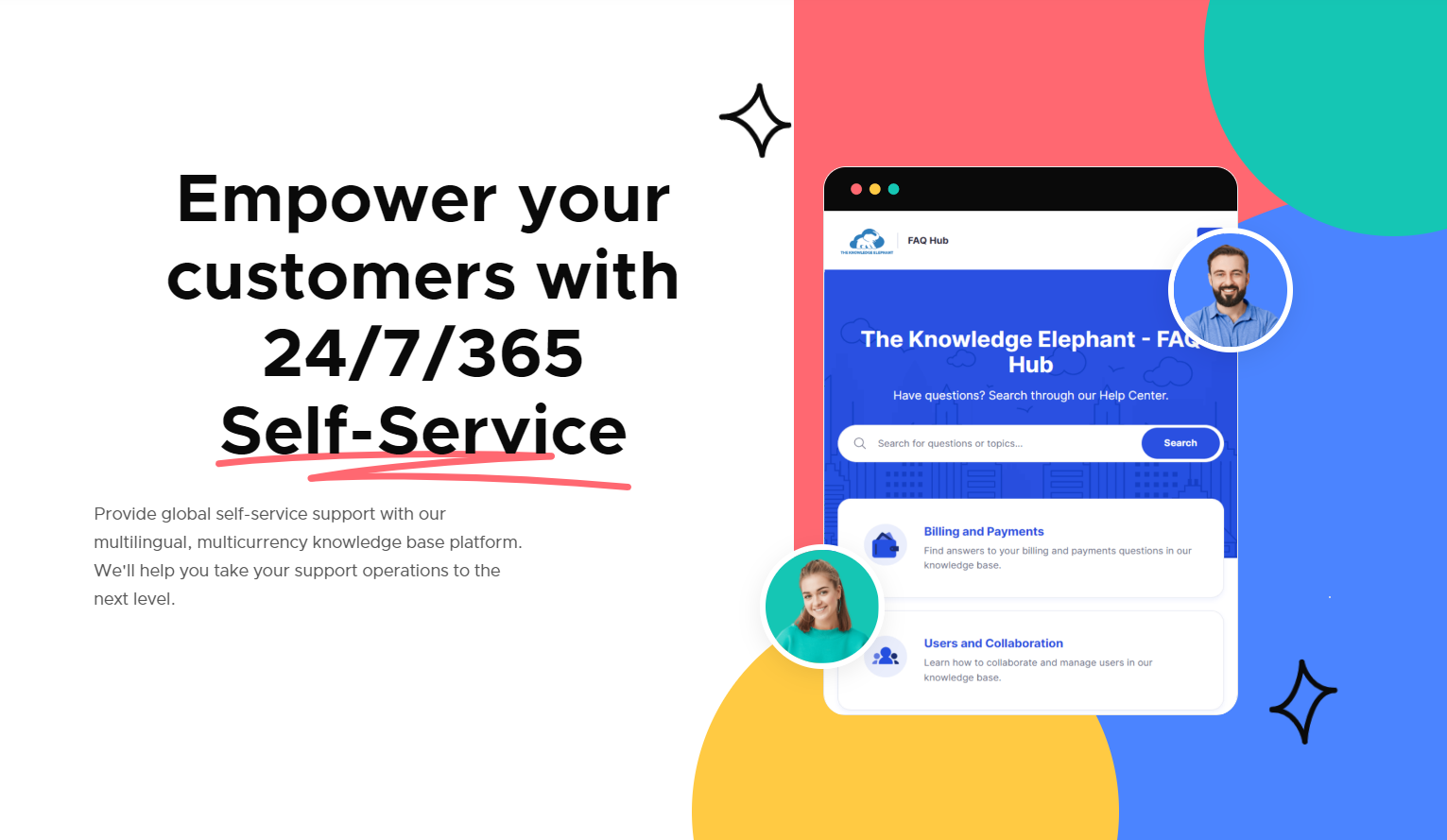
[https://faqhub.io](https://faqhub.io) - knowledge base software
## What is a Knowledge Base Software?
A knowledge base software is a tool that allows businesses to create, manage, and organize their knowledge base content. It can be integrated with a company's website, customer service platform, or intranet. This makes it easy for customers and employees to find the information they need quickly and efficiently.
## Benefits of a Knowledge Base Software
1. **Improved customer service**: A knowledge base software allows customers to find answers to their questions quickly, without having to wait for a response from customer service. This can lead to a better customer experience and increased customer satisfaction.
2. **Reduced support workload**: By providing a knowledge base, businesses can reduce the number of support requests they receive. This can lead to a reduction in support staff workload, allowing them to focus on more complex issues.
3. **Increased self-service**: A knowledge base software allows customers to find answers to their questions on their own, without having to contact support. This can lead to increased customer satisfaction and reduced support costs.
4. **Easier to organize and update**: A knowledge base software allows businesses to easily organize and update their knowledge base content. This can lead to a more efficient and effective use of resources.
5. **Better communication and collaboration**: A knowledge base software can be integrated with other business tools such as customer service platforms and intranets. This allows for better communication and collaboration within a business.
## Choosing the right Knowledge Base Software
When choosing a knowledge base software, it's important to consider the following factors:
1. **Ease of use**: The software should be easy to use for both customers and employees.
2. **Integration**: The software should be able to integrate with other business tools such as customer service platforms and intranets.
3. **Scalability**: The software should be able to scale as the business grows.
4. **Customization**: The software should be customizable to fit the specific needs of the business.
5. **Security**: The software should have strong security measures in place to protect sensitive information.
## Conclusion
A knowledge base software such as [FAQ Hub](https://faqhub.io) can greatly improve customer service, reduce support workload, and increase self-service. It can also be easily organized and updated, providing a more efficient and effective use of resources. It is important to choose a knowledge base software that is easy to use, integrates with other business tools, is scalable, customizable, and has a good security system.
In conclusion, investing in a knowledge base software can greatly benefit businesses by providing a powerful tool to manage and organize their knowledge base content, which in turn can lead to a better customer experience and increased customer satisfaction.
## Unlock the Power of FAQs: The Ultimate Guide to FAQ Portals
URL: https://www.faqhub.io/blog/unlock-the-power-of-faqs-the-ultimate-guide-to-faq-portals
Category: Resources
Published: 2023-01-24
Frequently Asked Questions (FAQs) portals are a powerful tool for businesses of all sizes. They allow customers to quickly and easily find the answers to their questions, reducing the need for customer support and increasing customer satisfaction. In this ultimate guide, we will explore the benefits of FAQ portals, the different types of FAQ portals available, and how to create a successful FAQ portal for your business.
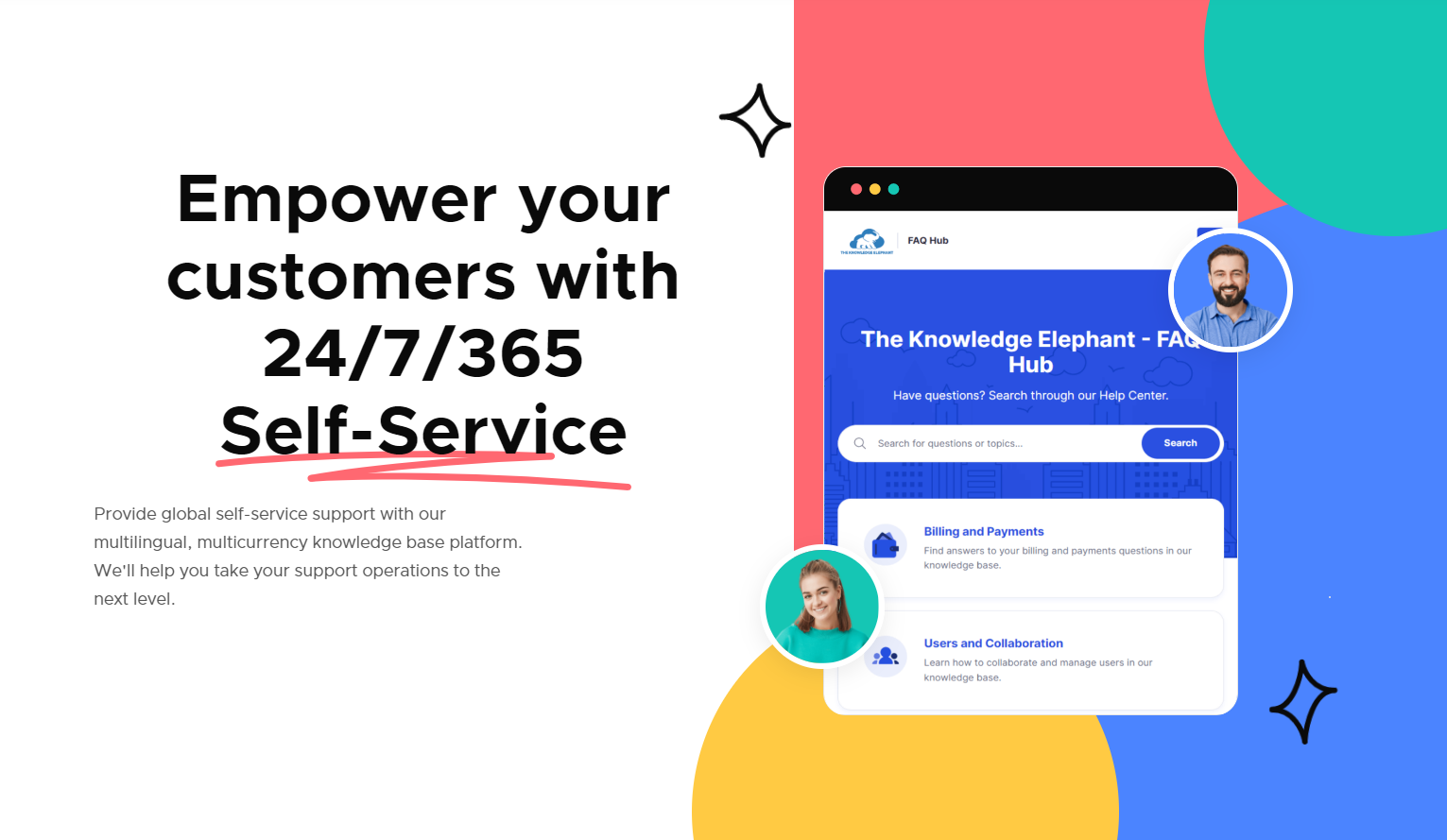
[FAQ portal](https://faqhub.io) - an FAQ portal is a must-have
## The Benefits of FAQ Portals
FAQ portals offer a number of benefits for businesses. These include:
- Reducing the need for customer support: Customers can find the answers to their questions quickly and easily, without the need to contact customer support. This can save businesses time and money, as well as increasing customer satisfaction.
- Improving customer satisfaction: Customers are more likely to be satisfied with their experience when they can find the answers to their questions quickly and easily. This can lead to increased customer loyalty and repeat business.
- Increasing website traffic: FAQ portals can attract new customers to your website, as they may be searching for answers to their questions. This can increase website traffic and lead to more sales.
- Enhancing brand reputation: Providing helpful, accurate information to customers can enhance your brand reputation and make your business stand out.
## Types of FAQ Portals
There are several types of FAQ portals available, each with their own benefits and drawbacks. These include:
- Text-based FAQs: The most basic and traditional type of FAQ portal, text-based FAQs consist of a list of questions and answers. They are easy to set up and update, but can be difficult for customers to navigate and may not be visually appealing.
- Accordion FAQs: An accordion FAQ portal allows customers to expand and collapse sections, making it easier to navigate and find the information they need. They are more visually appealing than text-based FAQs, but can be more time-consuming to set up and update.
- Searchable FAQs: A searchable FAQ portal allows customers to search for the information they need, making it quick and easy to find what they're looking for. They can be more time-consuming to set up and maintain, but are generally more effective at answering customers' questions.
- Video FAQs: Video FAQ portals offer a more engaging and interactive experience for customers. They can be more time-consuming and expensive to produce, but can be more effective at answering customers' questions and increasing engagement.
## Creating a Successful FAQ Portal
Creating a successful FAQ portal requires careful planning and attention to detail. Here are some key steps to follow:
1. Identify the questions your customers are asking: This can be done by reviewing customer support emails, social media comments, and other customer feedback.
2. Organize the information: Group similar questions together and create categories to make it easy for customers to find the information they need.
3. Write clear, concise answers: Provide accurate, helpful information in a clear and easy-to-understand format.
4. Keep it up to date: Regularly review and update the information on your FAQ portal to ensure it is accurate and relevant.
5. Promote your FAQ portal: Make sure your customers know that your FAQ portal is available and how to find it. This can be done through email campaigns, social media, and other marketing efforts.
6. Measure the success: Use analytics to track the number of views, clicks, and conversions on your FAQ portal, and use this information to improve the portal over time.
## Conclusion
[FAQ portals](https://faqhub.io) are a powerful tool for businesses of all sizes, providing a quick and easy way for customers to find the answers to their questions. By identifying the questions your customers are asking, organizing the information, writing clear and concise answers, and promoting your FAQ portal, you can create a successful FAQ portal that will increase customer satisfaction, reduce the need for customer support, and attract new customers to your website. Additionally, by regularly updating and measuring the success of your FAQ portal, you can continue to improve it over time, making it an even more valuable asset for your business.
To further enhance the user experience, it is recommended to include a diagram or a flowchart of the process of how to use the FAQ portal.
In conclusion, an FAQ portal is a must-have for any business looking to improve customer satisfaction, reduce customer support costs, and increase website traffic. By following the steps outlined in this guide, you can create a successful FAQ portal that will help your business to grow and thrive.
## 5 reasons why a self-service knowledge base is essential for your business
URL: https://www.faqhub.io/blog/5-reasons-why-a-self-service-knowledge-base-is-essential-for-your-business
Category: Resources
Published: 2023-01-21
Start using the knowledge base platform of the future
A self-service knowledge base like [FAQHub.io](https://www.faqhub.io/) can be an essential tool for any business, large or small. Here are five reasons why:
1. Improved customer satisfaction: A self-service knowledge base can help improve customer satisfaction by providing them with easy access to the information they need. This can reduce the need for customers to contact customer support, saving them time and frustration.
2. Increased efficiency: A self-service knowledge base can help improve the efficiency of your customer support team. Your team can focus on more complex and challenging issues by providing customers with easy access to answers to common questions.
3. Reduced costs: A self-service knowledge base can help reduce the costs associated with customer support. By providing customers with a way to find answers to their questions, you can reduce the number of incoming calls and emails, saving time and money.
4. Increased sales: A well-designed self-service knowledge base can help increase sales by providing customers with the information they need to make informed purchasing decisions. This can also help reduce the number of abandoned shopping carts and increase customer loyalty.
5. Improved employee productivity: A self-service knowledge base can also help improve the productivity of your employees. By providing them with easy access to the information they need, they can spend less time searching for answers and more time focusing on their work.
In conclusion, a self-service knowledge base like [FAQHub.io](https://www.faqhub.io/) can benefit your business. Improving customer satisfaction, increasing efficiency, reducing costs, increasing sales, and improving employee productivity, can help your business grow and thrive.
## Providing Exceptional Customer Support with FAQ Hub's B2B No-Code Platform
URL: https://www.faqhub.io/blog/b2b-no-code-faq-solution
Category: Updates
Published: 2023-01-21
## Providing Exceptional Customer Support with FAQ Hub's B2B No-Code Platform
Improve your customer support
Providing exceptional customer support is crucial for any business, but it can be especially challenging for B2B companies. With a vast array of products and services, it can be difficult to keep track of all the questions and concerns that customers might have. This is where FAQ Hub's B2B no-code platform comes in.
FAQ Hub is a powerful tool that enables businesses to easily create and manage a comprehensive FAQ section on their website. With its drag-and-drop interface and intuitive design, it's easy to create and organize FAQs, even for those with no coding experience.
One of the key features of FAQ Hub is its ability to integrate with other platforms. This means that businesses can connect their FAQ section to their CRM, support ticketing system, or other tools to ensure that customer inquiries are handled promptly and effectively.
Another great feature of FAQ Hub is its ability to personalize the customer experience. With the platform's advanced analytics, businesses can track which FAQs are the most popular and adjust their content accordingly. They can also create targeted FAQs for specific customer segments, such as new customers or enterprise clients.
In addition, FAQ Hub makes it easy for businesses to keep their FAQs up-to-date. With its automatic updates feature, businesses can ensure that their FAQs are always accurate and relevant, even as their products and services evolve.
Ultimately, FAQ Hub's B2B no-code platform is a powerful tool for providing exceptional customer support. It enables businesses to easily create and manage a comprehensive FAQ section on their website, integrate with other platforms, personalize the customer experience, and keep their FAQs up-to-date. With FAQ Hub, B2B companies can provide their customers with the information they need, when they need it, and ensure a positive customer experience.
## How to improve your customer support with a self-service knowledge base?
URL: https://www.faqhub.io/blog/how-to-improve-your-customer-support-with-a-self-service-knowledge-base
Category: Guides
Published: 2023-01-21
Join the waiting list today @ FAQHub.io
Implementing a [self-service knowledge base](https://www.faqhub.io/) can be a powerful way to improve your customer support. Here are some tips to help you get started:
1. Identify common questions and issues: The first step to creating a self-service knowledge base is identifying your customers’ common questions and issues. This can help you create relevant and valuable content for your audience.
2. Organize your content: Once you have identified the common questions and issues, it’s essential to organize your content in an easy way for customers to navigate. This could include creating categories, subcategories, and tags to help customers find the information they need quickly and easily.
3. Use search functionality: A self-service knowledge base should include search functionality to help customers find answers to their specific questions. This could include a search bar, autocomplete suggestions, and related articles to help customers find the information they need.
4. Provide clear and concise answers: When creating content for your self-service knowledge base, it’s essential to provide clear and concise answers to customer questions. Avoid using technical jargon or complex language and focus on providing simple and easy-to-understand answers.
5. Regularly update and maintain your content: A self-service knowledge base is only effective if it contains up-to-date and accurate information. It’s essential to update and maintain your content regularly and to remove any outdated or irrelevant information.
Say goodbye to long wait times and frustrated customers
By following these tips, you can improve your customer support with a self-service knowledge base such as [FAQHub.io](https://www.faqhub.io/). By providing customers with easy access to the information they need, you can reduce their need to contact customer support and improve their overall experience with your business.
## Maximizing Customer Satisfaction with FAQ Hub's B2B No-Code Platform
URL: https://www.faqhub.io/blog/maximizing-customer-satisfaction-with-faq-hubs-b2b-no-code-platform
Category: Guides
Published: 2023-01-21
As a business, providing excellent customer support is crucial to maintaining a positive reputation and retaining customers. However, managing customer inquiries and providing accurate, timely responses can be a time-consuming and tedious task. This is where FAQ Hub comes in.
FAQ Hub is a B2B no-code SaaS platform that allows businesses to streamline their operations and enhance customer support by easily creating and managing frequently asked questions (FAQs). With FAQ Hub, businesses can easily build and customize a knowledge base to provide accurate and efficient responses to customer inquiries.
The platform's user-friendly interface allows businesses to create and organize FAQs, assign categories, and include multimedia, such as images and videos, to make information more engaging and accessible. Additionally, businesses can also provide multilingual support, which is especially important for businesses with international customers.
One of the key features of FAQ Hub is its ability to integrate with other business tools, such as chatbots, live chat, and customer relationship management (CRM) systems. This allows businesses to provide a seamless customer support experience, as customer inquiries can be easily routed to the appropriate department or agent.
Another great feature of FAQ Hub is that it allows businesses to track and analyze customer interactions with the knowledge base, which helps identify frequently asked questions, areas of improvement, and areas of success. This allows businesses to continuously improve their customer support and make data-driven decisions.
Overall, FAQ Hub is a powerful tool that can help businesses streamline their operations and enhance customer support. With its user-friendly interface, customizable knowledge base, and integration capabilities, businesses can easily provide efficient and accurate responses to customer inquiries, ultimately improving customer satisfaction and retention.
## Maximizing efficiency and customer satisfaction with our SaaS knowledge base service
URL: https://www.faqhub.io/blog/maximizing-efficiency-and-customer-satisfaction-with-our-saas-knowledge-base-service
Category: Guides
Published: 2023-01-21
Introducing [FAQ Hub](https://www.faqhub.io/), a SaaS knowledge base service, the perfect solution for businesses looking to improve the customer experience and save time and resources.
Our knowledge base service allows customers to find the answers to their questions quickly and easily without waiting for a response from customer service. This improves the customer experience and can save your business money in the long run.

A no-code knowledge base SaaS portal.
Some key benefits of our knowledge base service include:
- Reduced demand on your customer service team. With a knowledge base, customers can find the answers to their questions, reducing the number of inquiries your customer service team has to handle.
- Improved efficiency. Customers are more likely to resolve their issues quickly when they find the answers to their questions. Your customer service team can focus on more complex issues that require their expertise.
- Reduced need for customer service training. With a knowledge base, customers can find the answers to their questions without needing to be trained by your customer service team. This can save your business time and resources.
Our knowledge base service also comes with a range of features, including:
- Customizable templates to match your brand.
- Easy-to-use No-Code editing tools to keep your knowledge base up to date.
- Search functionality to help customers find the answers they need quickly and easily.
- Integration with popular customer service platforms.
- Support your brands, languages, and country variations with a single subscription.
Don’t miss out on the benefits of a knowledge base for your business. Visit [FAQHub](https://www.faqhub.io/) to learn more and sign up for our waitlist.
## Streamline Your Business Operations and Enhance Customer Support with FAQ Hub's B2B No-Code Platform
URL: https://www.faqhub.io/blog/streamline-our-business-operations-and-enhance-customer-support
Category: Updates
Published: 2023-01-21
As a business, providing excellent customer support is crucial to maintaining a positive reputation and retaining customers. However, managing customer inquiries and providing accurate, timely responses can be a time-consuming and tedious task. This is where FAQ Hub comes in.
FAQ Hub is a B2B no-code SaaS platform that allows businesses to streamline their operations and enhance customer support by easily creating and managing frequently asked questions (FAQs). With FAQ Hub, businesses can easily build and customize a knowledge base to provide accurate and efficient responses to customer inquiries.
The platform's user-friendly interface allows businesses to create and organize FAQs, assign categories, and include multimedia, such as images and videos, to make information more engaging and accessible. Additionally, businesses can also provide multilingual support, which is especially important for businesses with international customers.
One of the key features of FAQ Hub is its ability to integrate with other business tools, such as chatbots, live chat, and customer relationship management (CRM) systems. This allows businesses to provide a seamless customer support experience, as customer inquiries can be easily routed to the appropriate department or agent.
Another great feature of FAQ Hub is that it allows businesses to track and analyze customer interactions with the knowledge base, which helps identify frequently asked questions, areas of improvement, and areas of success. This allows businesses to continuously improve their customer support and make data-driven decisions.
Overall, FAQ Hub is a powerful tool that can help businesses streamline their operations and enhance customer support. With its user-friendly interface, customizable knowledge base, and integration capabilities, businesses can easily provide efficient and accurate responses to customer inquiries, ultimately improving customer satisfaction and retention.